EnhanceCraft vs VanceAI: One Browser Workflow vs Separate Tools (2026)
EnhanceCraft vs VanceAI: upscaling, face restoration, background removal, inpainting, batch processing, and pricing compared. Which wins in 2026?
Munib Ali Laghari
Founder & Lead Developer
Quick answer
Is EnhanceCraft a good VanceAI alternative?
Yes. EnhanceCraft is a browser-based VanceAI alternative offering AI upscaling, denoising, and face restoration alongside background removal, object removal, and packaged e-commerce workflows like a product pipeline and ghost mannequin effect. It includes 25 free watermark-free credits to start, then 10 every month, and pay-as-you-go credits that don’t expire.
Prefer the quick side-by-side? See the at-a-glance feature table and verdict.
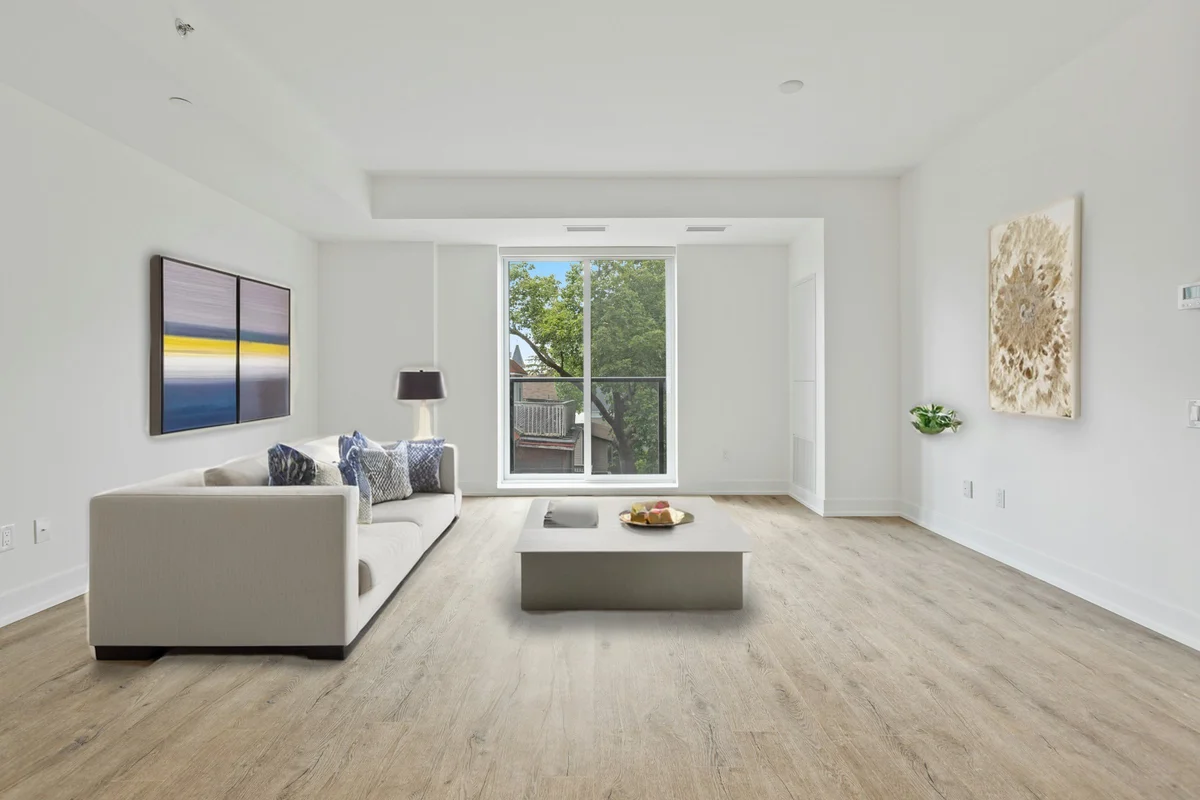
EnhanceCraft as a VanceAI alternative →Before

After

More examples like this: browse before & after results across every tool.
If you're shopping for an AI image enhancer and have narrowed it down to EnhanceCraft and VanceAI, you're comparing two of the most feature-rich platforms in the market. Both offer upscaling, face restoration, and background removal — but they differ significantly in their approach to pricing, credit management, and what comes included by default.
This comparison is based on a thorough review of both platforms. We cover every major feature, break down pricing honestly, and give a clear recommendation based on your specific use case.
Bottom line: VanceAI is a strong choice if you need video enhancement or a desktop application. EnhanceCraft wins if you need a complete single-platform workflow — including AI inpainting — with flexible pricing and no credits expiring on you.
Feature Comparison at a Glance
| Feature | EnhanceCraft | VanceAI |
|---|---|---|
| Image Upscaling | ✅ 2x / 4x / 8x | ✅ 2x / 4x / 8x |
| Face Restoration | ✅ | ✅ |
| Background Removal | ✅ | ✅ |
| Background Replacement | ✅ | ✅ |
| Object Removal (Inpainting) | ✅ | ❌ |
| Text Removal | ✅ | ❌ |
| AI Denoising | ✅ | ✅ |
| AI Deblurring | ✅ | ✅ |
| Old Photo Restoration | ✅ | ✅ |
| Anime Upscaling | ✅ | ✅ |
| Batch Processing | ✅ | ✅ |
| API Access | ✅ | ✅ |
| Ghost Mannequin & Product Pipeline | ✅ | ❌ |
| Reflection & Shadow Generator | ✅ | ❌ |
| Real-Estate Workflow (virtual staging, sky replacement, day-to-dusk, window pull) | ✅ | ❌ |
| Desktop App | ❌ | ✅ |
| Video Enhancement | ❌ | ✅ |
| Credit Rollover | ⚠️ Up to 3x monthly (subscription) | ⚠️ Up to 5x (subscription) |
| Pay-as-You-Go Option | ✅ | ✅ |
| Free Editing Tools (no credit cost) | ✅ | ❌ |
What Is VanceAI?
VanceAI is an established AI image processing platform with over 20 tools spanning upscaling, face restoration, background removal, denoising, old photo restoration, and video enhancement — making it one of the most feature-rich specialist tools in the market, with a well-known brand and thousands of user reviews. It offers a web interface and a downloadable desktop application. With thousands of reviews and a well-known brand, VanceAI is a credible option for photographers, marketers, and e-commerce teams.
What Is EnhanceCraft?
EnhanceCraft is an AI image toolkit with complete photo workflows for e-commerce sellers, real estate agents, and photographers — built to handle the whole image job in a single platform. It covers upscaling (2x, 4x, and 8x), face restoration, background removal and replacement, AI inpainting for object and text removal, denoising, deblurring, anime upscaling, old photo restoration, smart crop, and format conversion. On top of the core tools it adds ready-made e-commerce workflows — a one-click product photo pipeline, the ghost mannequin effect for apparel, product shadows and reflections, relighting, and color grading — plus a real-estate toolkit covering an edit pack, window pull, perspective correction, and dehazing. Everything runs through a clean web interface with batch processing and API access built in. Batch processing 50 images with AI takes under 10 minutes versus 8–15 hours manually, making platform completeness a direct productivity advantage.
Upscaling
Both EnhanceCraft and VanceAI support 2x, 4x, and 8x upscaling, so neither tool holds a scale advantage over the other at the standard tiers. VanceAI also markets specialist modes for photos, anime, and text. Both platforms handle the common upscaling use cases — product photos, print preparation, compressed image recovery — at equivalent maximum resolution.
The difference here is context: on EnhanceCraft, an upscaled image stays in the same workflow where you can immediately chain face restoration, background removal, or object removal. On VanceAI, the same sequence requires navigating across separate tools within the platform.
Winner: Tie — Both support 8x upscaling. EnhanceCraft wins on integrated workflow.
Face Restoration
Both platforms offer AI face restoration that repairs blur, damage, and poor quality in portrait photos and old scanned images. Both handle the classic use cases: rescuing vacation photos, restoring scanned family photos from decades past, and sharpening portrait shots.
Winner: Tie — Both tools perform well on standard face restoration tasks.
Background Removal
Both EnhanceCraft and VanceAI offer one-click background removal that handles complex subjects including hair and fine edges. Both support background replacement with custom images.
Winner: Tie — Both tools handle background removal well for standard use cases.
Object Removal and AI Inpainting: EnhanceCraft Only
This is a major differentiator. EnhanceCraft includes AI inpainting — the ability to remove objects, watermarks, text, and other unwanted elements from images by intelligently filling the removed area with matching background content. Manual background removal in Photoshop takes 20–60 minutes per complex image; AI inpainting completes the same task in seconds.
VanceAI does not offer AI inpainting. If you need to remove a photobomber from a shot, clean up a watermark, erase an element from a product photo, or strip text from an image, you'll need a completely separate tool on VanceAI's platform. On EnhanceCraft, object removal and text removal are native tools in the same workflow.
For e-commerce sellers and content creators, this is a workflow-critical feature. EnhanceCraft handles it without leaving the platform.
Winner: EnhanceCraft — AI inpainting and text removal are not available in VanceAI.
Free Editing Tools
EnhanceCraft includes crop, resize, compress, and format conversion as zero-credit tools — meaning they don't consume any credits. You can use these editing utilities freely as part of any workflow without affecting your credit balance.
VanceAI charges credits for all operations, including basic edits.
Winner: EnhanceCraft — Zero-credit editing tools extend the effective value of every credit bundle.
Vertical Workflows: E-commerce, Real Estate, and Photography
For online sellers, EnhanceCraft goes beyond single-step tools and bundles the full job into one click. The product photo pipeline removes the background, upscales 4x, enhances, and exports in Amazon or Shopify format in a single run; the ghost mannequin tool produces the invisible-mannequin look for apparel; and shadow and reflection generation grounds floating cut-outs so they look studio-shot. For real estate agents, EnhanceCraft covers the complete listing workflow — virtual staging that furnishes empty rooms (with a "Virtually Staged" compliance label), sky replacement, day-to-dusk twilight conversion, window pull to recover blown-out window views, perspective correction for leaning walls, and a one-click edit pack. And for photographers, the same batch system chains denoising, deblurring, upscaling, and face restoration across a whole gallery for print-ready client deliveries.
VanceAI offers a broad menu of individual image and video tools, but does not package these e-commerce and real-estate jobs into one-click workflows. On EnhanceCraft they share a single credit balance and run in batch.
Winner: EnhanceCraft — Packaged vertical workflows are a distinct EnhanceCraft strength.
Pricing Comparison
VanceAI uses a credit system with both pay-as-you-go credit packs and monthly subscriptions. It allows credit rollover on subscriptions — unused credits carry forward up to a cap of 5× your monthly budget. The free plan includes 3 credits per month.
EnhanceCraft gives new users 25 free credits to start, then 10 every month — enough to try the tools before committing to a plan. It also offers pay-as-you-go credits, and monthly or annual subscriptions with the annual plan saving 22%. Subscription credits (Starter/Pro) roll over up to 2x your monthly allocation — so if you're on the 300-credit/month Starter plan, you can carry forward up to 300 unused credits (600 total max). PAYG credits never expire. Additionally, zero-credit editing tools (crop, resize, compress, convert) mean your credits go further for actual AI processing.
See EnhanceCraft pricing for current rates.
Winner: VanceAI on subscription rollover (5x cap vs EnhanceCraft's 3x). Winner: EnhanceCraft on zero-credit editing tools and PAYG credits that never expire.
Desktop App
VanceAI offers a downloadable desktop application with monthly, annual, and one-time (lifetime) purchase options. This is valuable for users who prefer processing images locally or work in environments with limited internet connectivity.
EnhanceCraft is web-based and does not have a desktop application.
Winner: VanceAI — Desktop app is a clear win for users who prefer local processing.
Video Enhancement
VanceAI supports video upscaling, denoising, and stabilization. EnhanceCraft focuses exclusively on images and does not offer video enhancement.
Winner: VanceAI — Video enhancement is not available in EnhanceCraft.
VanceAI: Pros and Cons
Pros: - 20+ specialized tools covering a wide range of image and video use cases - Desktop app for local processing (available as a separate purchase) - Video enhancement including upscaling, denoising, and stabilization - Well-established brand with extensive user reviews - Transparent pay-as-you-go pricing
Cons: - No AI inpainting — object removal and text removal require a separate tool - Every operation consumes credits, including basic edits — no zero-credit tools
EnhanceCraft: Pros and Cons
Pros: - 8x upscaling — the highest scale factor among mainstream web tools - AI inpainting for object and text removal, included natively - PAYG credits never expire — bought credits stay in your account indefinitely - Zero-credit editing tools — crop, resize, compress, and convert are always free - Complete pipeline — upscale, restore faces, remove background, and remove objects without leaving the platform - Packaged e-commerce and real-estate workflows — product pipeline, ghost mannequin, shadow/reflection, window pull, and perspective correction bundled as one-click jobs - Flexible pricing — 25 free credits to start, then 10 every month, PAYG, and subscription with annual discount
Cons: - No desktop application - No video enhancement
Who Should Use VanceAI?
- ●Users who need video enhancement alongside image processing
- ●Users who strongly prefer a desktop application for offline or local processing
- ●Teams already integrated into the VanceAI ecosystem with consistent monthly credit usage
Who Should Use EnhanceCraft?
- ●E-commerce sellers who need to remove objects, watermarks, or text from product images natively
- ●Users who buy PAYG credits and want them to never expire regardless of usage pattern
- ●Teams who want a single-platform workflow covering upscaling, face restoration, background removal, and object removal
- ●Developers who want API access without a high monthly subscription commitment
Frequently Asked Questions
Is VanceAI free? VanceAI offers a free plan with 3 image credits per month. Results on the free plan include a watermark. A paid plan is required to remove watermarks and access additional credits.
Is EnhanceCraft a VanceAI alternative? Yes. EnhanceCraft covers all of VanceAI's core features — upscaling, face restoration, background removal, batch processing, and API access — and adds AI inpainting, 8x upscaling, credit rollover, and zero-credit editing tools on a flexible pricing model that includes a pay-as-you-go option.
Does VanceAI do object removal? VanceAI does not offer AI inpainting or object removal. For removing unwanted elements from images, EnhanceCraft's object removal tool intelligently fills the area using surrounding image context.
Which is better for e-commerce product photos? For e-commerce workflows requiring background removal, object cleanup, and upscaling in sequence, EnhanceCraft's full-pipeline approach and zero-credit editing tools make it the stronger fit. It also packages the whole job into one-click workflows — a product photo pipeline (background removal + 4x upscale + export to Amazon or Shopify format), a ghost mannequin effect for apparel, and a shadow/reflection generator — that VanceAI does not bundle. VanceAI handles background removal well but requires separate steps for object removal and these packaged workflows.
Which is better for real estate photos? EnhanceCraft bundles a complete real-estate workflow — virtual staging with a "Virtually Staged" compliance label, sky replacement, day-to-dusk conversion, window pull, perspective correction, and a one-click edit pack — and every tool runs in batch across a whole property shoot. VanceAI offers general enhancement tools but does not bundle a real-estate workflow.
Verdict
Both tools are capable, and the right pick depends on one question: do you need video. VanceAI is the better choice if video enhancement or a desktop application is non-negotiable for your workflow.
For image work, EnhanceCraft is the better choice for most users. It offers 8x upscaling, built-in AI inpainting that VanceAI lacks entirely, PAYG credits that never expire, and zero-credit editing tools — and it goes further with packaged e-commerce workflows (product pipeline, ghost mannequin, shadow/reflection) and a real-estate toolkit (window pull, perspective correction, dehazing) that turn multi-step jobs into one click. All of it runs on a pricing model that includes a pay-as-you-go option, so you never pay for a full month when you only need a handful of enhancements. The deeper difference is positioning: VanceAI sells individual operations; EnhanceCraft ships the finished job — marketplace-ready product listings for sellers, MLS-ready shoots with virtual staging, sky replacement, and day-to-dusk for agents, and print-ready galleries for photographers — batched in one browser tab. Unless video is a hard requirement, EnhanceCraft covers more of the real workflow for less.
Ready to see the difference for yourself? Start with free AI image upscaling, AI face restoration, or AI background removal — 25 free credits, no credit card required.
Found this helpful?
Share it with your network
Ready to try it yourself?
25 free credits to start, then 10 every month. No credit card. Process your first image in under 15 seconds.
Try EnhanceCraft freeMunib Ali Laghari
Founder & Lead Developer · EnhanceCraft
Munib Ali Laghari is the founder and lead developer of EnhanceCraft, an AI image toolkit. He writes about AI upscaling, photo restoration, and background removal. Connect on LinkedIn