
AI Product Photo Workflows for E-Commerce Sellers
From raw supplier photo to marketplace-ready listing in one run. The Product Pipeline removes the background, upscales, enhances, centers, and formats for Amazon or Shopify in a single preset; Ghost Mannequin handles apparel; studio shadows ground the cut-outs — and everything batches across a whole catalog. It pays off: 61% of shoppers rely on high-quality images or videos when making purchase decisions (Salsify, 2026), and 56% explore product images before reading any text (Baymard Institute).
Quick answer
How do you edit product photos for e-commerce with AI?
The fastest way is a packaged workflow rather than one tool at a time: EnhanceCraft's Product Pipeline removes the background, upscales 4x, enhances, centers the product, and formats the output for Amazon or Shopify in a single run. Ghost mannequin handles apparel, studio shadows ground the cut-outs, and batch processing plus a REST API scale it across a whole catalog — producing images that meet Amazon, Shopify, Etsy, and eBay requirements.
< 10s
Per product image
25
Free credits to start
1-Click
Amazon & Shopify presets
Tools Built for Product Photography
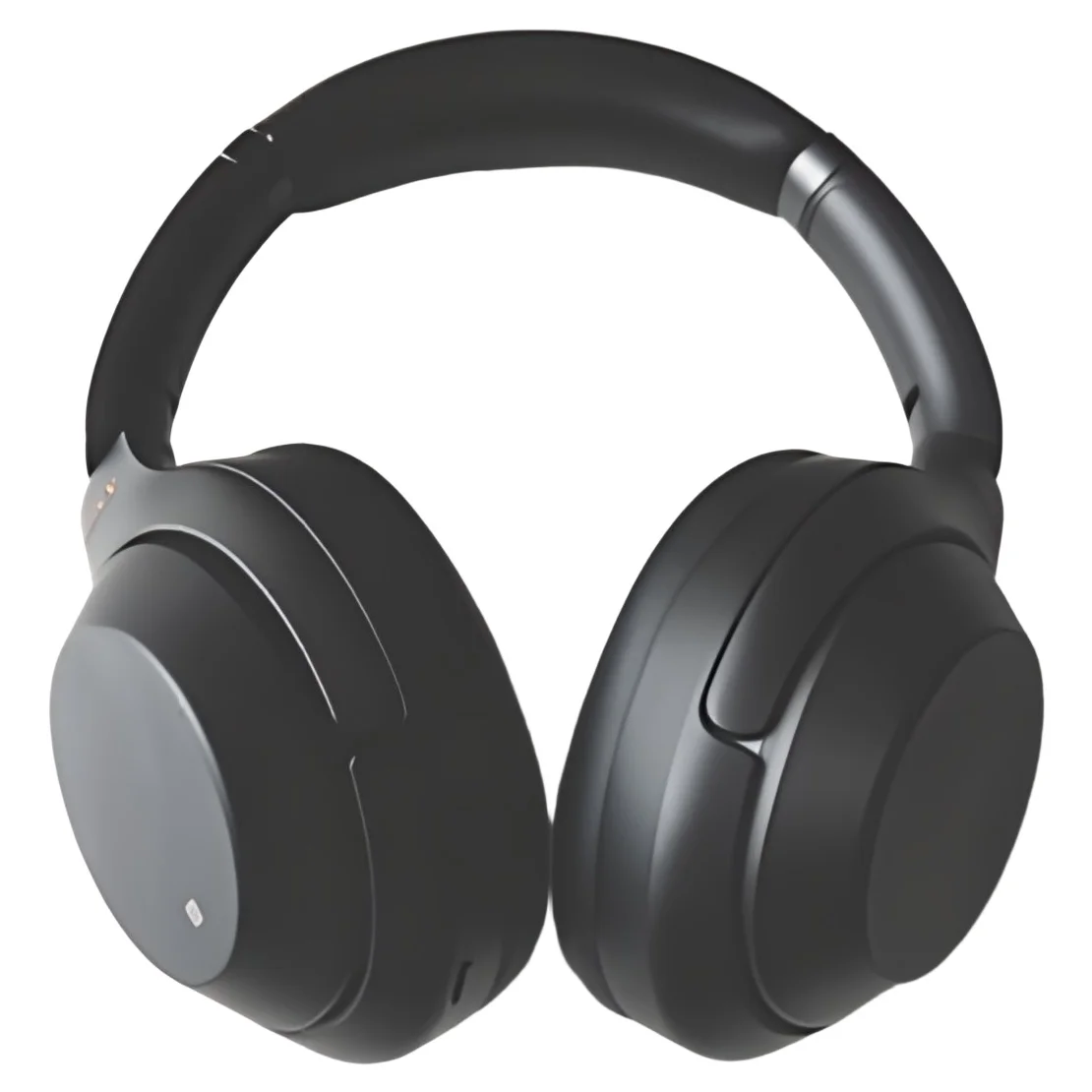
Product Pipeline
The whole job in one run — background removed, upscaled 4x, enhanced, centered, and exported in Amazon or Shopify format. Turn a raw supplier photo into a marketplace-ready listing image in a single preset.
Try free →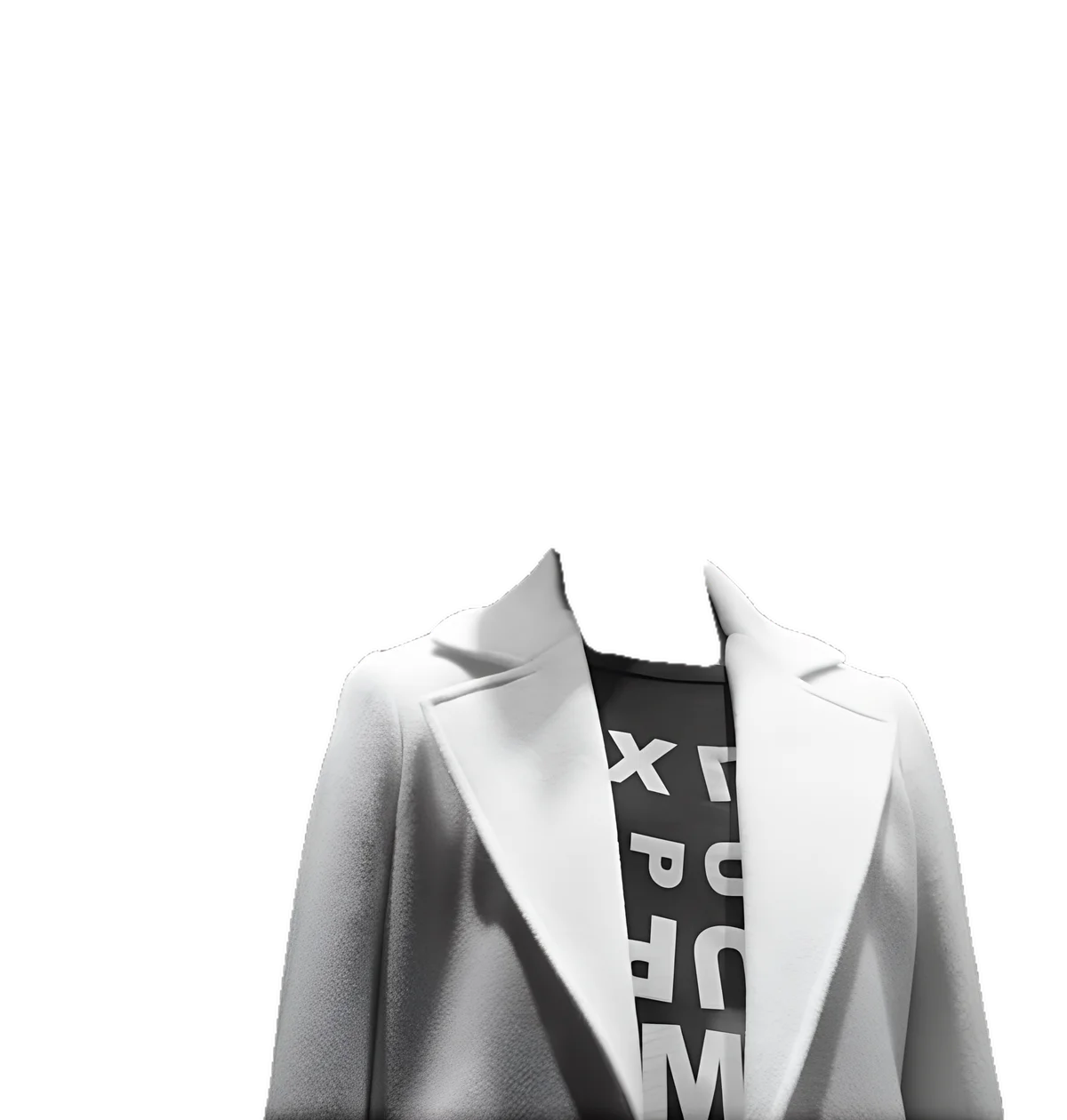
Ghost Mannequin
Turn mannequin and hanger shots into clean invisible-mannequin catalog images — interior fill, background removal, shadow, and 4x upscale in one job. The standard look for apparel listings, without the studio.
Try free →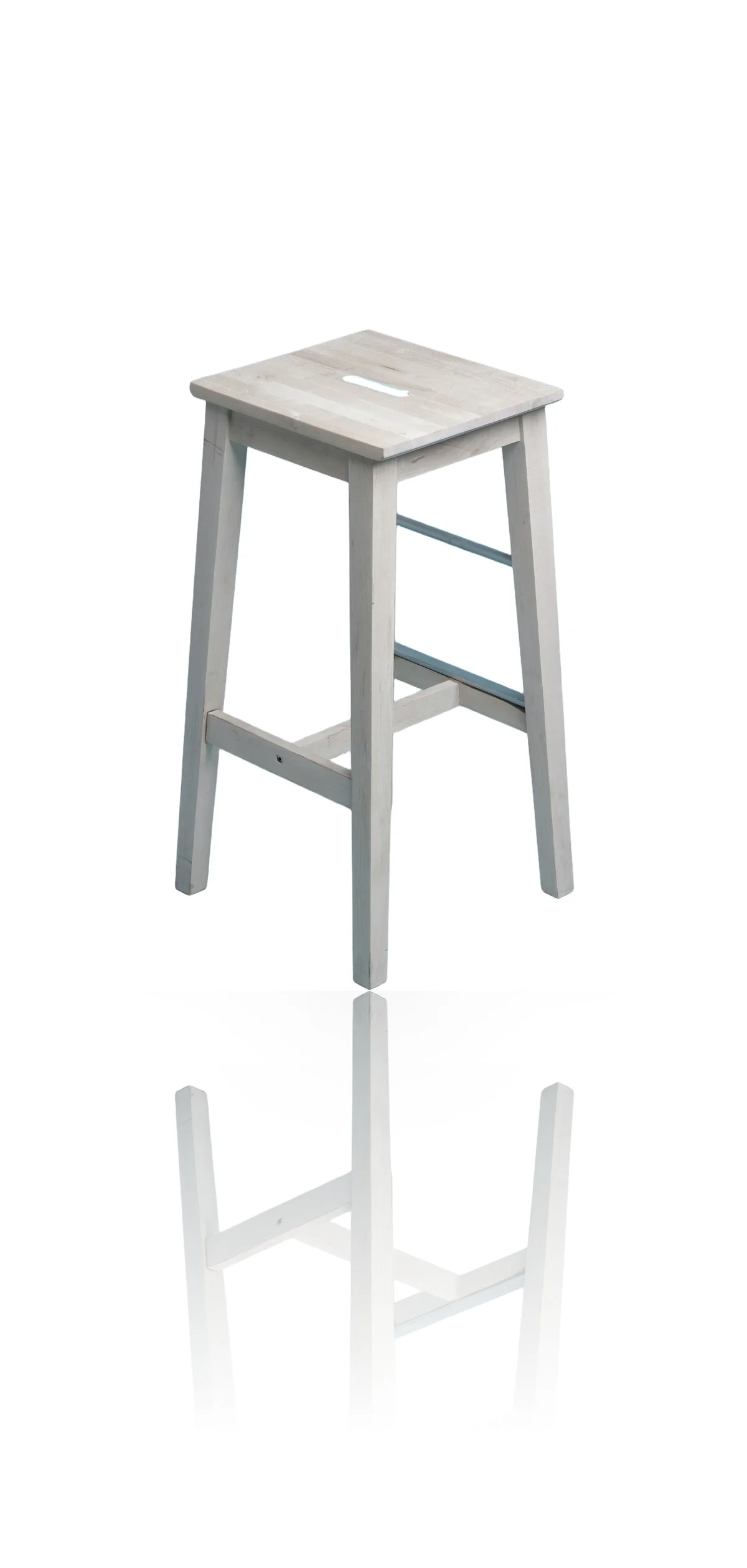
Reflection & Shadow
Add a physically accurate contact shadow and surface reflection to product cut-outs, so isolated products look studio-shot instead of floating on the page.
Try free →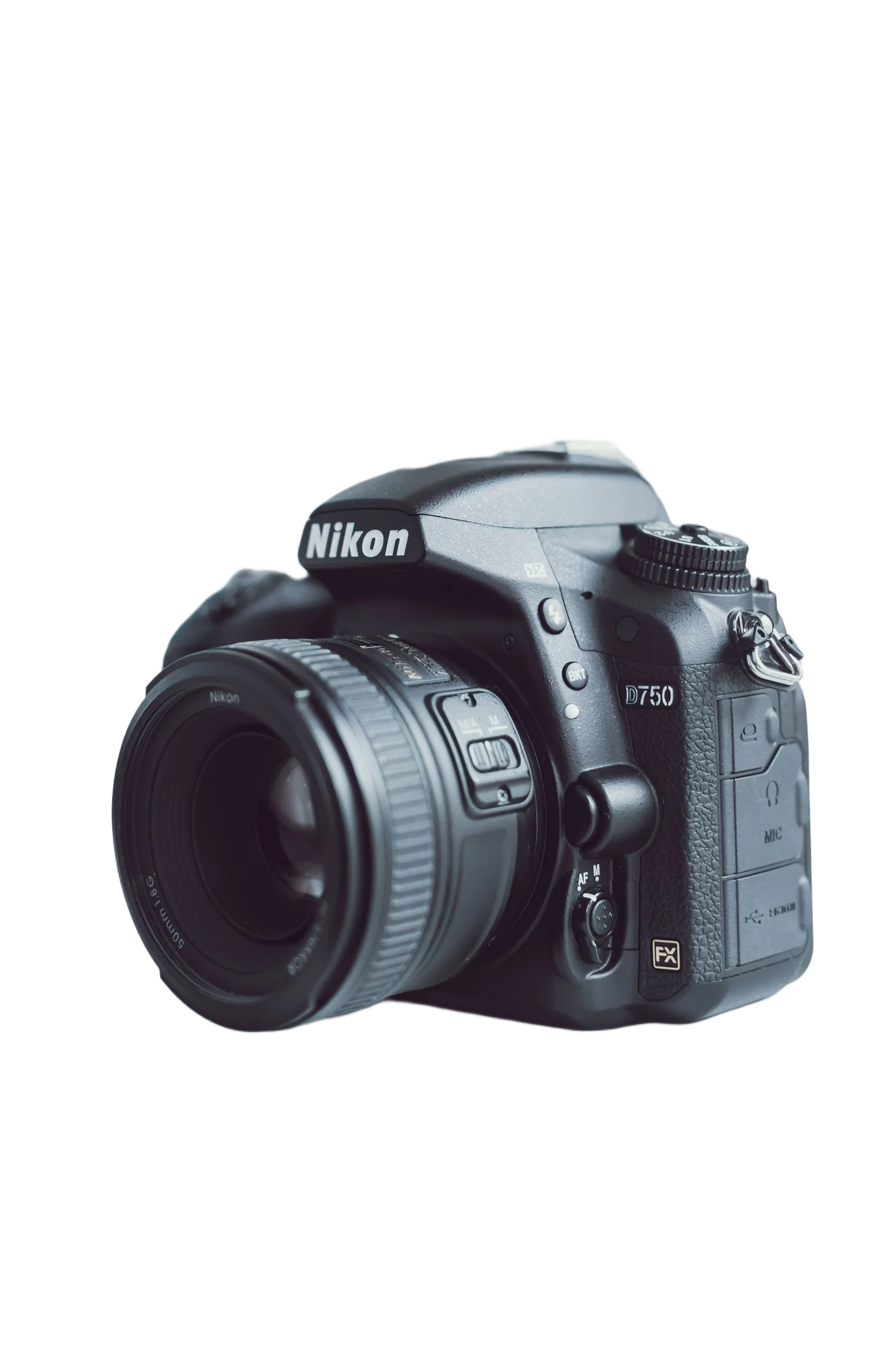
Background Removal
One-click AI removes backgrounds from product photos. Clean transparent PNG or custom white/gradient background, ready for any marketplace.
Try free →
Background Replacement
Swap cluttered backgrounds for clean white, brand colors, or AI-generated scenes across your whole catalog — no reshoot when your background needs change.
Try free →
Image Upscaling
Upscale product images 2x, 4x, or 8x for print catalogs, Amazon listings, and zoom-enabled product galleries. No blurring.
Try free →See every product photo before & after example — marketplace pipeline, ghost mannequin, and studio shadows.
Remove Backgrounds by Marketplace
Every marketplace has its own image rules. These guides cover the exact background and resolution each one expects, so your listings pass their checks the first time.
The Complete Product Photo Workflow
- 1Upload product photos — Supplier shots, phone photos, or studio frames — JPEG, PNG, WebP, TIFF up to 50 MB. Batch a whole catalog.
- 2Run the Product Pipeline — One preset removes the background, upscales 4x, enhances, centers the product, and formats the output for Amazon or Shopify.
- 3Apparel? Use Ghost Mannequin — Mannequin and hanger shots become invisible-mannequin catalog images — interior fill, cut-out, shadow, and upscale in one job.
- 4Ground the cut-out — Add a contact shadow and surface reflection so isolated products look studio-shot, not floating.
- 5Fine-tune where needed — Remove watermarks, price tags, or stray props with AI inpainting; relight or color-grade for a consistent catalog look.
- 6Export and repeat in batch — PNG, WebP, or JPEG — WebP recommended for fastest page load. Run the same preset across every SKU.
Who Uses EnhanceCraft for E-Commerce
Amazon & Marketplace Sellers
Run supplier photos through the Amazon pipeline preset — white background, upscaled, centered, correctly formatted for main-image requirements. Remove watermarks from sample images.
Shopify Store Owners
Convert product images to WebP for faster page load. Maintain consistent white-background product grids. Batch process entire catalog uploads.
Dropshippers
Remove supplier watermarks, reprocess images with clean backgrounds, and upscale compressed images to sellable quality — without a professional photographer.
Product Photography Studios
Automate background removal post-shoot. Batch process sessions. Deliver consistent, clean outputs to e-commerce clients at scale.
Frequently Asked Questions
What does the Product Pipeline preset do?
The Product Pipeline runs the complete listing-image job in one pass: it removes the background, upscales 4x, enhances detail, centers the product, and exports in Amazon or Shopify format. Instead of chaining four tools manually, you pick the marketplace preset and get a listing-ready image from a raw supplier or phone photo — and you can run the same preset across a whole catalog in batch.
Can I process product photos in bulk?
Yes. Batch processing is available on paid plans and lets you process multiple product images simultaneously. The API also supports programmatic bulk processing for high-volume e-commerce catalogs.
What background formats does the background remover output?
The background remover outputs a transparent PNG by default. You can also set a solid background color (white is standard for most marketplaces), a gradient, or an AI-generated background scene.
Does EnhanceCraft meet Amazon, Shopify, and marketplace image requirements?
Yes. The Product Pipeline ships with Amazon and Shopify presets that output correctly formatted, clean white-background images, and the background remover produces transparent PNGs suitable for eBay, Etsy, and most major marketplaces. Image upscaling produces files that meet resolution requirements for zoom functionality and print catalogs.
Is there an API for integrating with our e-commerce platform?
Yes. EnhanceCraft provides a REST API covering background removal, upscaling, object removal, and format conversion. Developers can integrate it directly into product management systems, Shopify stores, or custom e-commerce workflows.
Start Processing Product Photos Free
25 free credits to start, then 10 every month. No credit card. Process your first product image in under 10 seconds.