Professional Background Removal: Techniques and Best Practices
Master the art of background removal for e-commerce, marketing, and design. Learn how our AI technology delivers pixel-perfect cutouts without manual masking.
Munib Ali Laghari
Founder & Lead Developer
Quick answer
What is the easiest way to remove an image background?
The fastest way is AI background removal: upload a photo and the model detects the subject and erases everything behind it, returning a transparent PNG in seconds. It handles complex edges like hair and fur with no manual selection — far quicker than masking by hand in a photo editor.
Before

After
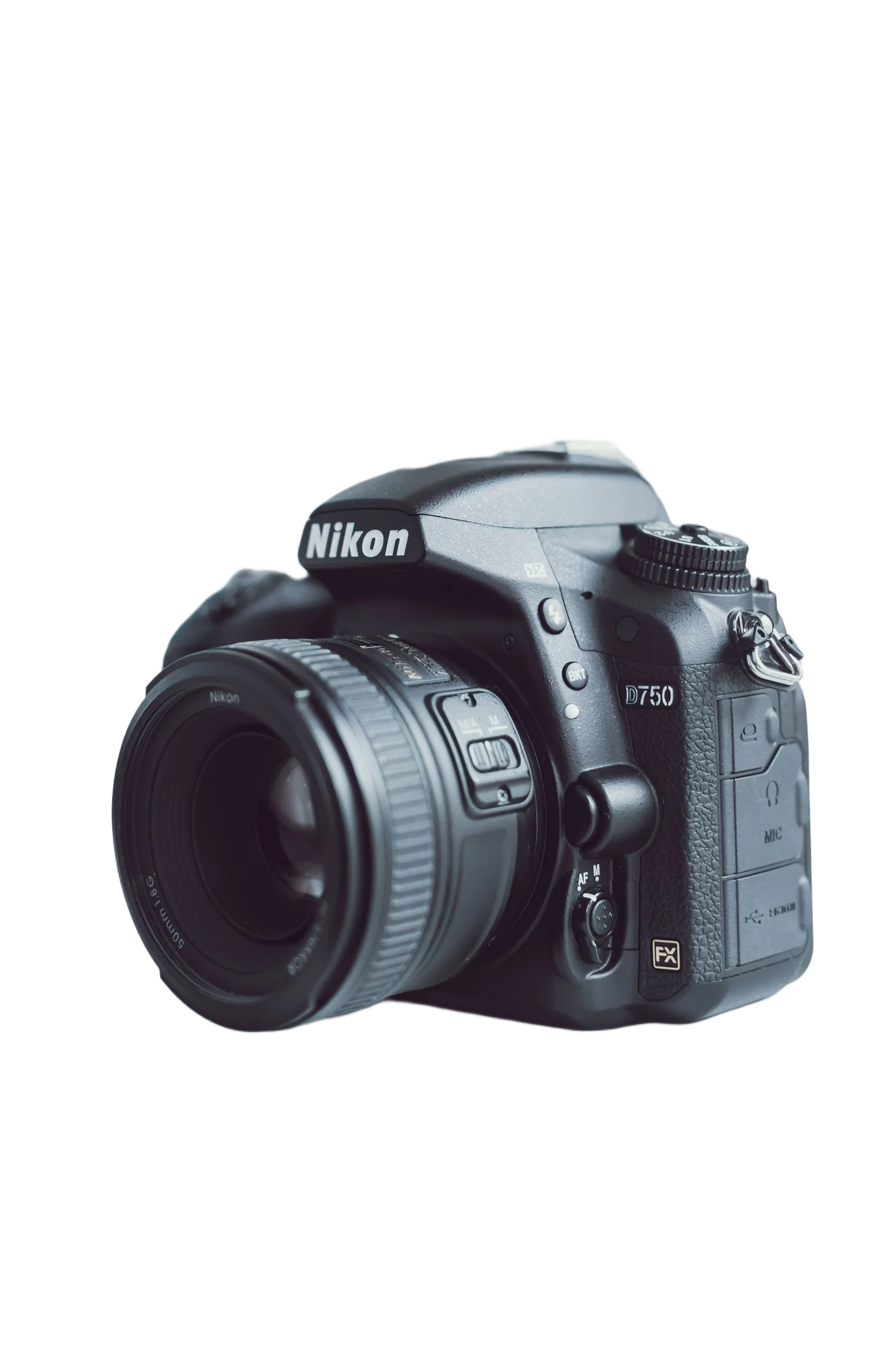
More examples like this: browse before & after results across every tool.
Picture this: You've photographed a beautiful product, but the background is cluttered with distracting elements. Or you've taken the perfect portrait, but the messy room behind your subject ruins the shot. In both cases, you need the subject isolated cleanly on a transparent background — and you need it fast.
Traditional background removal meant painstaking hours in photo editing software, carefully tracing around every edge, zooming in to get each hair strand perfect. One product photo could take 15–20 minutes. A catalog of 100 products? That's a full week of tedious work.
AI background removal changes everything. What used to take hours now takes seconds, and the quality is often better than manual work. For e-commerce businesses alone, this shift has saved millions of hours of editing time and unlocked catalog sizes that would have been economically impossible with manual editing.
Why Clean Backgrounds Matter So Much
Clean backgrounds are not optional for professional image use — they are the baseline requirement for e-commerce, marketing, and portrait photography. Amazon requires pure white (#FFFFFF) backgrounds for primary product images, and 75% of online shoppers rely on product photos when deciding to buy (Etsy seller research), meaning background quality directly influences purchase decisions.
The difference between amateur and professional images often comes down to one thing: the background. A clean, distraction-free background puts all focus on your subject, whether that's a product, a person, or an object.
For e-commerce businesses, this is especially critical. Customers shopping online need to see your products clearly, without distractions. A consistent white or transparent background across your entire catalog creates a professional, trustworthy appearance. Studies show that clean product photos can increase conversion rates by 20–30%. When you're selling hundreds or thousands of products, that difference in conversion rate represents a substantial revenue impact.
Amazon explicitly requires pure white backgrounds (RGB 255, 255, 255) for main product images in most categories. Shopify merchants who use clean, consistent product backgrounds report significantly better store metrics. eBay research has found that listings with professional backgrounds outperform those with cluttered ones. Platform requirements and conversion data both point in the same direction: clean backgrounds are not optional for competitive e-commerce.
Marketing teams face the same challenge. You need images that work across different platforms and contexts — social media posts, website banners, print materials, presentations, email campaigns. A subject on a transparent background gives you infinite flexibility. Drop it onto any background, composite it into any scene, resize it for any platform. One properly cut-out image becomes a versatile asset you can use everywhere without committing to a specific context at shoot time.
For social media, where you're competing for attention in a crowded feed, a crisp subject on a clean or creative background outperforms cluttered alternatives. Your profile picture, your product posts, your advertising creatives — all benefit from professional background removal.
How AI Makes Background Removal Effortless
AI background removal delivers pixel-perfect cutouts in seconds — without the masking, selection refinement, and edge cleanup that manual Photoshop editing requires. Manual background removal in Photoshop takes 20–60 minutes per complex image for experienced editors; AI completes the same task in under 5 seconds with consistent quality across every image in a batch.
Our background removal AI uses a state-of-the-art semantic segmentation model trained on millions of image pairs, learning to distinguish subjects from backgrounds with remarkable precision. The technology delivers pixel-perfect edges without the telltale halos or rough cutouts that characterize earlier automated tools.
The most impressive capability is how it handles challenging details. Hair and fur — historically the nightmare of background removal — are handled beautifully. The AI identifies individual strands and preserves them against the new transparent background, maintaining the natural appearance that makes portraits look real rather than cut-out. Semi-transparent materials like chiffon fabric or glass present another common challenge that manual editors find time-consuming; the AI handles these by identifying varying levels of opacity and applying them correctly in the output.
Complex edge cases — intricate jewelry, bicycle wheels, lace patterns, overlapping elements — are processed accurately because the model understands scene semantics, not just local edge contrast. It knows the difference between a dark subject against a dark background (a genuine challenge for simple edge-detection algorithms) and a subject that blends gradually with its surroundings.
Most importantly, the results are consistent. Whether you're processing one image or one thousand, you get reliable, professional quality without the result quality depending on editor skill or attention level.
Setting Up for Perfect Results
Background removal quality is largely determined before you upload — lighting, background contrast, and image resolution all affect edge accuracy. E-commerce sellers who standardize to white backgrounds report faster listing approval on Amazon and eBay, making the investment in proper photography setup directly worthwhile.
Background removal quality starts before you click upload. The best results come from images that give the AI clear information to work with.
Lighting is the most important factor. Even, diffused lighting works best — think softbox lights or natural light through a window on an overcast day. Harsh directional lighting creates hard shadows that fall into the background and can confuse the AI about where the subject ends. When strong shadows fall outside the subject's footprint, they either get incorrectly included in the cutout or leave dark artifacts at the edge.
Background contrast matters enormously. If you're photographing a white product, don't use a white background — the AI needs clear visual distinction between subject and background to draw an accurate edge. High contrast between subject and background produces cleaner cutouts. A light gray paper background works perfectly for light-colored products; dark backgrounds work well for light subjects. For studio photography, a $30 colored paper backdrop makes the difference between clean cutouts and frustrated editing.
Resolution directly affects edge quality. The AI makes better edge decisions when it has more pixels to analyze. If you're working with images below 1000px on their shortest side, consider upscaling them first. The additional resolution gives the AI more information at the edge boundary and produces significantly cleaner results, especially on fine details like hair.
Avoid shooting with motion blur in the subject. Blurred edges — from subject movement or shallow depth-of-field with a busy bokeh that merges with the subject — give the AI ambiguous information. A sharp subject with a clearly distinct background always produces better results.
Real-World Applications
Product pages with multiple high-quality images see up to 58% higher conversion than single-image pages (Shopify merchant data). Consistent, professional backgrounds across an entire catalog are the foundation that makes high-quality multi-image product presentation possible at scale.
E-commerce at Scale
Online retailers need consistent, professional product images across their entire catalog. A fashion retailer with 5,000 SKUs could not afford to manually edit each product photo — at 15 minutes per image with a skilled editor, that's 1,250 hours of editing time just to launch a catalog. With AI batch processing, the same catalog is processed overnight. The consistent white backgrounds create the professional appearance that converts browsers into buyers, and the entire operation costs a fraction of the manual editing alternative.
One EnhanceCraft user who runs a dropshipping store processed 800 supplier images in an afternoon — all of which came with cluttered warehouse backgrounds. Clean white backgrounds across the catalog transformed the store's appearance from "supplier's product listing" to "professional brand." The store's conversion rate increased by 23% in the following month.
Portrait Photography and Headshots
Professional photographers use background removal to create versatile portrait assets. Shoot once, use everywhere. Remove the background from a corporate headshot and it works on the company website, in presentations, on business cards, in marketing materials, and in team pages — all without needing to shoot the same person in multiple settings. Photographers who offer "background included" headshot packages — where the client receives a transparent PNG alongside standard deliverables — can charge more while spending seconds rather than hours on the additional deliverable.
Real Estate Photography
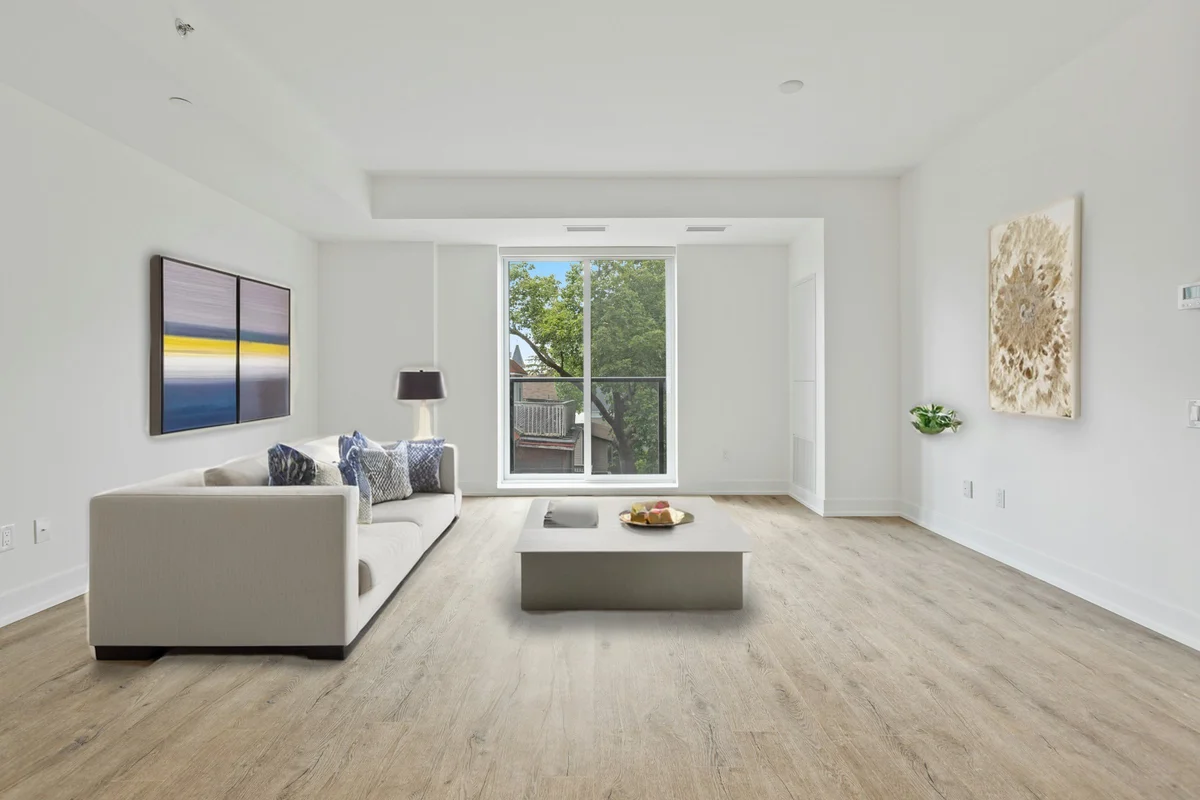
Real estate photos benefit from clean, consistent presentation. Sky replacement — replacing a grey overcast sky with a blue sky and clouds — requires clean subject masking. Furniture staging in vacant rooms requires precise masking of the furniture being composited in. Real estate photographers use background removal as the foundation for these composite workflows. Property shoots also need geometry and atmosphere fixes that go beyond masking — perspective correction for leaning walls, window pull to recover blown-out window views, and dehazing for exteriors — all bundled in the real-estate edit pack.
Social Media Content Creation
Content creators need images that work across platforms with different aspect ratios and visual contexts. An image shot once for Instagram becomes a YouTube thumbnail, a Twitter card, a Facebook post, and a website banner — each needing the subject composited against a different background. The transparent PNG from a single background removal becomes the master asset for an entire content workflow.
Marketing and Advertising
Marketing teams create seasonal campaigns, product launches, and promotional materials that need the same product or person against different contexts. One properly cut-out subject becomes the hero for a summer campaign, a holiday campaign, and a clearance sale — each with appropriate backgrounds, without scheduling additional shoots.
Advanced Techniques for Power Users
Once you've removed a background, the creative possibilities multiply. Replace it with a solid color that matches your brand, add a gradient for visual interest, composite multiple subjects together, or use custom photography as a backdrop. The transparent background is your blank canvas for any creative direction.
Workflow chaining produces the best results. Upscale your image first if it's on the smaller side — the AI gets more detail to work with and produces cleaner edges. After background removal, use inpainting to clean up any minor artifacts or unwanted elements that ended up in the cutout. Then ground the cut-out: the shadow and reflection generator adds a physically accurate contact shadow so the subject sits on a surface instead of floating, and relighting matches the subject's light to a new background scene.
Packaged e-commerce workflows chain these steps for you. The product photo pipeline removes the background, upscales 4x, enhances, and exports in Amazon or Shopify format in one click, and the ghost mannequin tool extends background removal to apparel — it removes the mannequin, fills the garment interior, strips the background, and upscales in a single job.
Batch processing is the power-user feature for high-volume workflows. Upload all your images at once and let the AI process them automatically. Consistent quality across hundreds of images with no operator fatigue — the 500th image looks exactly as clean as the first.
Background replacement after removal transforms what was a simple cutout into a complete creative asset. A product photographed in a studio can be placed on a pristine white background for Amazon, a lifestyle background for Instagram, and a gradient background for a display ad — all from the same transparent PNG. Try our background replacer for this workflow.
Technical Tips for Best Output
Format: always PNG for transparency. JPEGs don't support transparent pixels — they represent transparency as white, which defeats the purpose. WebP supports transparency and offers better compression than PNG for web use, making it the best choice when file size matters and you're delivering for web display. For print or archival purposes, use PNG.
Resolution for the final use case. Save your transparent PNG at the resolution required for the highest-quality use case you anticipate. You can always scale down, but scaling up after removal adds blur. If you need a subject for both web and print, keep the high-resolution version and export smaller versions for web from it.
Edge refinement for critical uses. For images where edges are critical — product photography for a major retail launch, portraits for billboard advertising — review the edge at 100% zoom after processing. The AI handles most cases perfectly, but complex edge situations occasionally benefit from minor manual cleanup at the pixel level.
Lighting consistency when compositing. When placing your subject on a new background, match the lighting direction and color temperature of the new environment. A subject photographed with light coming from the left will look disconnected against a background with light coming from the right. Add subtle shadows in the correct direction for the new background's light source to sell the composite.
Why AI Background Removal Has Replaced Manual Editing
Five years ago, professional background removal required either skilled Photoshop expertise or expensive outsourcing to image editing services. The quality floor for acceptable e-commerce photography was high in terms of both skill and time investment.
AI has fundamentally changed this. A founder running a small e-commerce business can now process their own product photos professionally without Photoshop skills or an editing budget. A photographer can include professional cutouts in their service offering without adding hours of editing time. A marketing team can iterate on campaign concepts by compositing subjects against different backgrounds in minutes rather than days.
The democratization of professional background removal is one of the clearest examples of AI making a previously specialist skill accessible to everyone.
Ready to transform your workflow? Try it free — no sign-up required for your first two images, and 25 free credits to start, then 10 every month with a free account.
Found this helpful?
Share it with your network
Ready to try it yourself?
25 free credits to start, then 10 every month. No credit card. Process your first image in under 15 seconds.
Try Background Remover freeMunib Ali Laghari
Founder & Lead Developer · EnhanceCraft
Munib Ali Laghari is the founder and lead developer of EnhanceCraft, an AI image toolkit. He writes about AI upscaling, photo restoration, and background removal. Connect on LinkedIn