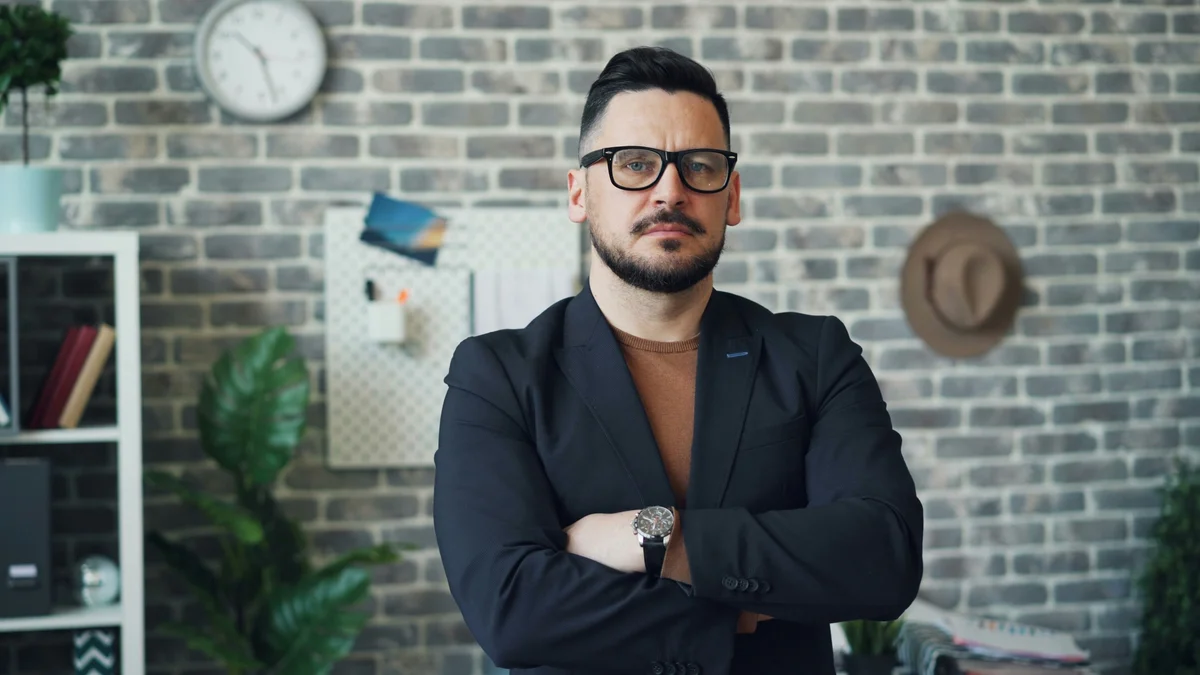
Blur the background of any photo online using AI to create a professional depth-of-field effect. The AI identifies the subject, separates it from the background, and applies adjustable Gaussian blur — giving you the DSLR portrait look from any smartphone photo or flat studio shot.
Quick answer
AI background blur detects the subject, separates it from the background, and applies an adjustable blur behind it to create a DSLR-style depth-of-field effect. EnhanceCraft does this automatically on any smartphone or flat studio photo, letting you control the blur strength from a subtle softening to heavy bokeh.
Adjustable
Variable blur radius control
AI subject
Auto-detects foreground subject
Free
No credit card required
Before
After

Want more proof? See before & after results for every tool.
Add professional bokeh to smartphone portraits or flatten backgrounds on shots taken without a wide-aperture lens. Simulate the DSLR portrait look on any image.
Profile pictures and headshots with clean, blurred backgrounds perform better. Create polished portraits from casual snapshots for LinkedIn, Instagram, and Twitter.
Make product photography look more professional by softening distracting backgrounds while keeping the product sharp and in focus.
YouTube and streaming platform thumbnails with clearly separated subjects attract more clicks. Add background blur to thumbnail images to create the separation that makes subjects pop.
The AI uses semantic segmentation to identify the subject and separate it from the background before applying the blur.
Yes. Process 2 photos per day free without an account. Create a free account for 25 credits.
Yes. The blur radius slider lets you choose from a subtle depth-of-field look to a heavy bokeh effect.
The same subject mask used to separate the foreground drives exactly where the blur starts, pixel by pixel — so hair strands and edges stay sharp instead of picking up the soft halo that a phone's automatic portrait mode sometimes leaves around hair or glasses.
