The Complete Guide to AI Image Upscaling in 2026
Learn how AI image upscaling works, when to use it, and how it compares to traditional methods. See why AI produces sharper results than simple interpolation.
Munib Ali Laghari
Founder & Lead Developer
Quick answer
How do you upscale an image without losing quality?
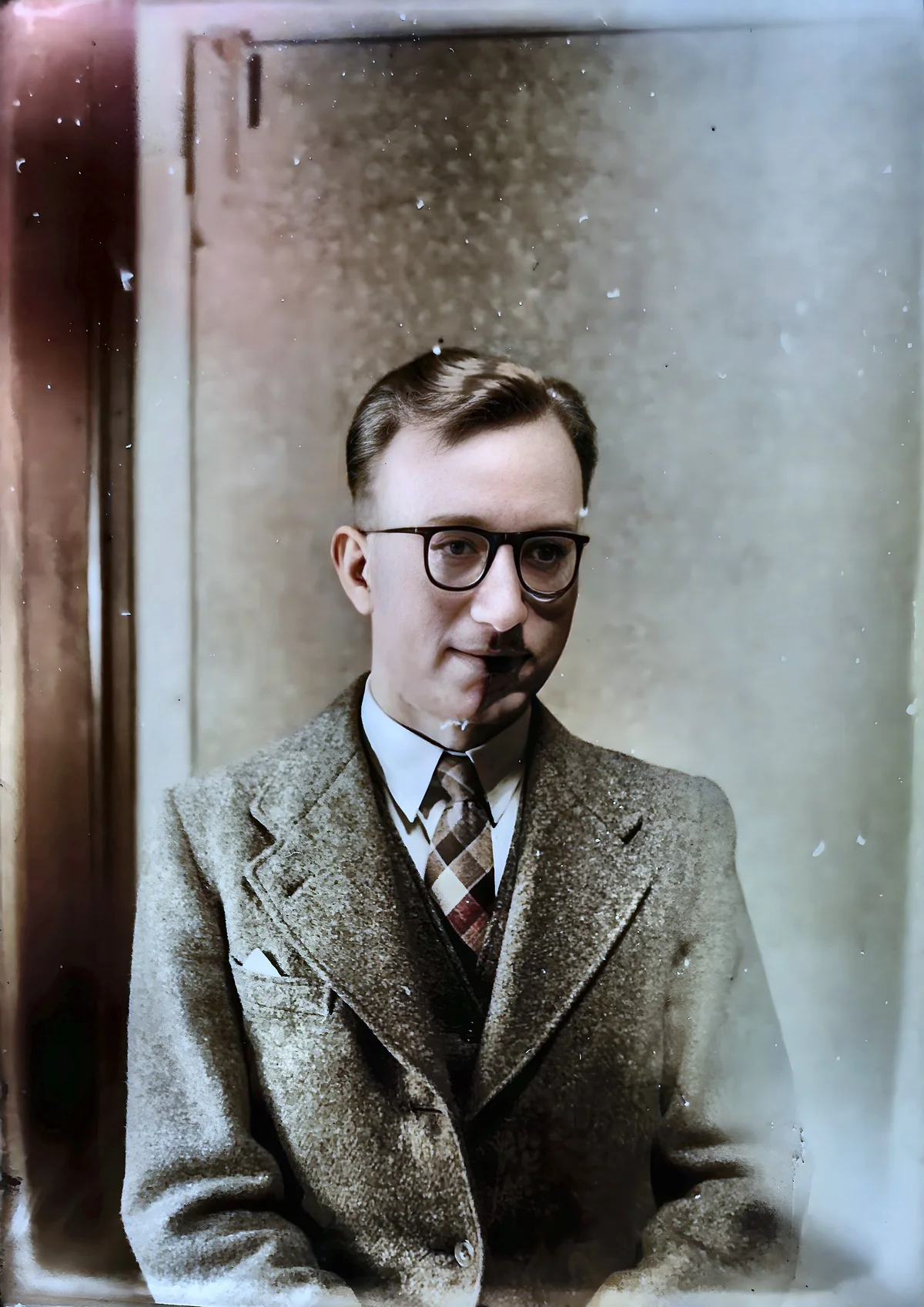
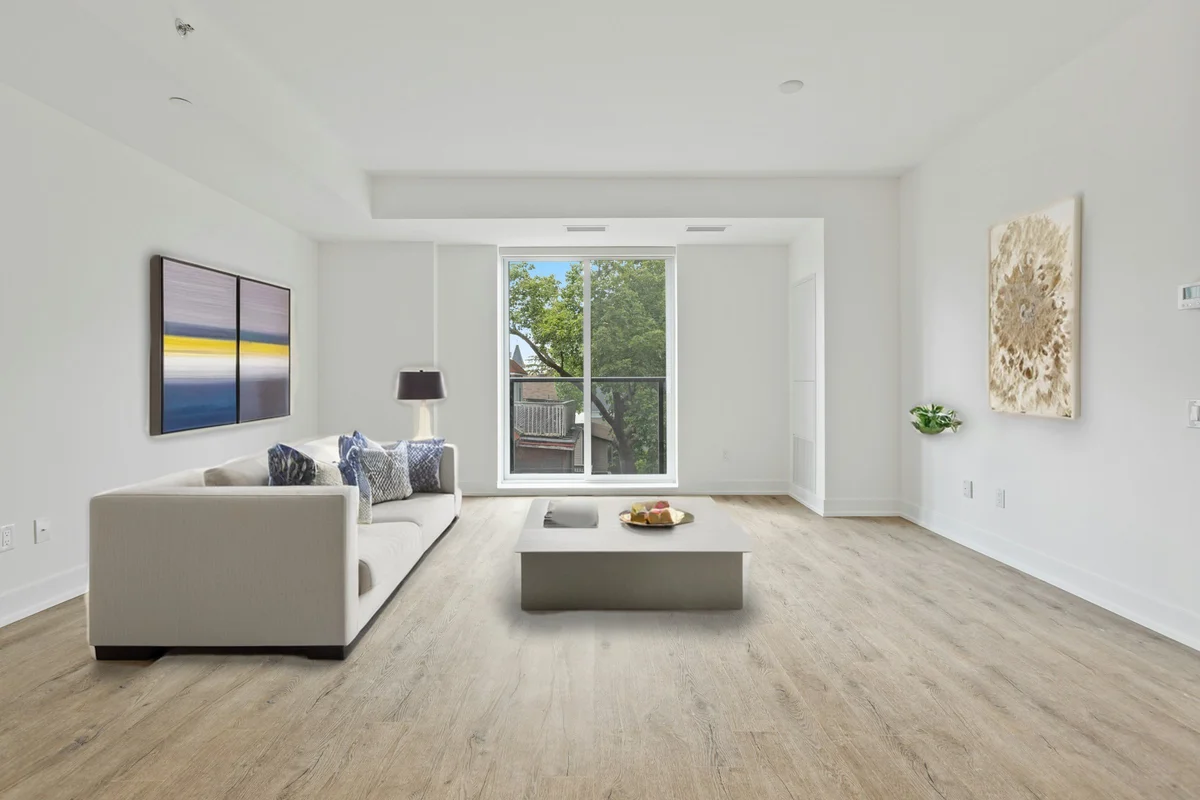
AI upscaling increases resolution by reconstructing realistic detail instead of stretching pixels, so enlarged images stay sharp rather than turning blurry. EnhanceCraft enlarges photos 2x, 4x, or 8x in seconds, adding genuine texture and clean edges that traditional bicubic resizing cannot.
Before

After
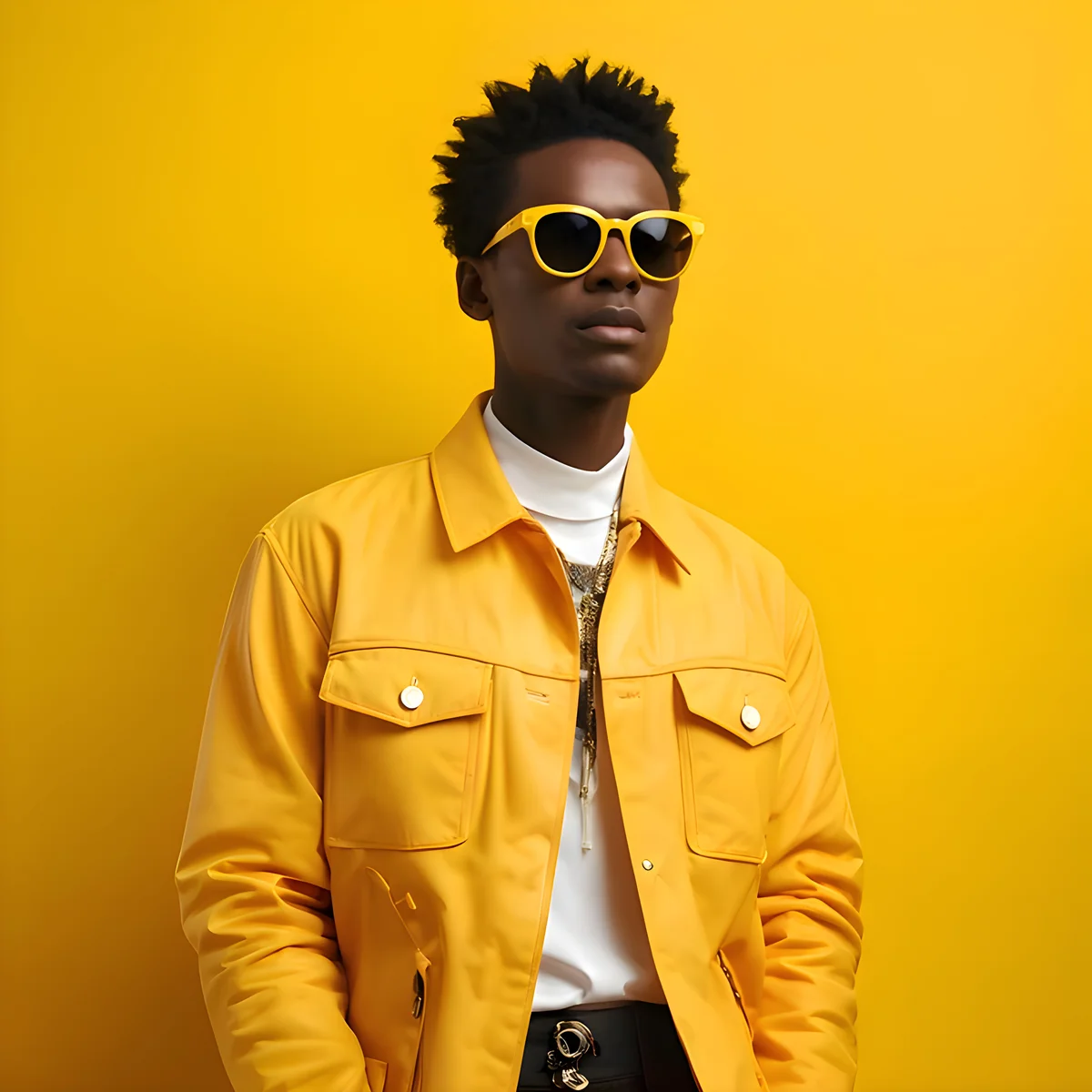
More examples like this: browse before & after results across every tool.
You've just found the perfect photo—but there's one problem. It's tiny. Maybe it's a cherished childhood photo scanned years ago with outdated equipment. Or a product image taken with an old phone camera that now looks pixelated when displayed at any decent size. Or perhaps it's a low-resolution download that you need to blow up for a presentation or print.
Traditional upscaling would give you a blurry, pixelated mess. You'd see jaggy edges, blocky artifacts, and the unmistakable signs that this image was stretched beyond its limits. But that was before AI changed everything.
From Blurry to Beautiful: The AI Revolution
AI upscaling replaces decades-old bicubic interpolation with trained neural networks that understand what real high-resolution images look like — recovering sharp edges, natural textures, and fine detail that guesswork algorithms can only blur. AI upscaling can increase effective resolution by 4x while maintaining perceived sharpness, something mathematically impossible with traditional methods.
Image upscaling has come a long way from the simple bicubic interpolation that powered image editors for decades. Those old methods could only guess what should fill the gaps when you made an image larger—and their guesses were usually wrong. The result? Soft, blurry images that looked stretched and unnatural.
AI-powered upscaling is fundamentally different. Instead of blindly interpolating between existing pixels, AI models have been trained on millions of high-quality images. They've learned what real details actually look like. When you upscale an image with AI, the system doesn't just stretch it—it intelligently reconstructs detail based on deep understanding of patterns, textures, and structures.
The results can be stunning. Fine textures that were lost to compression or low resolution reappear with surprising accuracy. Edges become sharp and clean instead of jagged or blurry. Compression artifacts—those ugly blocks and halos from over-compressed JPEGs—simply disappear. Most remarkably, the AI can add realistic detail that wasn't visible in the original image, essentially predicting what should be there based on context.
How Much Bigger Can You Go?
Choosing the right scale factor depends on your destination use — a 2x upscale is sufficient for most web and social media uses, while 4x or 8x is needed for large-format print production where 300 DPI standards apply. AI upscaling at 4x typically completes in 10–15 seconds per image at full resolution, making even large batches practical.
One of the first questions people ask is: how much can you upscale? Our platform offers three options, each suited to different needs.
2x upscaling is the conservative option. It's perfect when you already have a decent quality image that just needs to be a bit larger. Maybe you shot at medium resolution to save storage space, but now you need the full-sized version. Or perhaps you have a good photo that just needs to meet a higher resolution requirement. Because you're only doubling the dimensions, the AI has plenty of original detail to work with, resulting in exceptional quality with virtually no risk of artifacts.
4x upscaling is the sweet spot for most situations. This is where AI truly shows its power. You're quadrupling the dimensions—turning a 1000-pixel image into a 4000-pixel one. That's sixteen times the total pixels. Yet with proper AI upscaling, the quality remains excellent. This is ideal for bringing old digital photos up to modern standards, preparing images for large displays or prints, or rescuing otherwise great photos that were captured at low resolution.
8x upscaling pushes into extreme territory. You're multiplying the dimensions by eight, resulting in sixty-four times the pixel count. This is particularly valuable for recovering detail from very old scans, preparing images for billboard-sized prints, or when you absolutely need maximum size from a small source. The results can still be impressive, though at this extreme level, the quality depends heavily on your source material. For the exact pixel dimensions, print sizes, and file weight each factor produces, see our full 2x vs 4x vs 8x breakdown.
Real Success Stories
75% of online shoppers rely on product photos when deciding to buy (Etsy seller research), which means the quality gap between a pixelated thumbnail and a crisp high-resolution image directly translates to conversion rate differences — making upscaling a genuine revenue lever for e-commerce businesses.
A wedding photographer contacted us in a panic. Her backup camera had been set to medium resolution by mistake, and she'd shot an entire ceremony at half her normal size. The client wanted large prints for their home—16x24 inches minimum. With traditional upscaling, those prints would have looked soft and disappointing. Using our 4x AI upscaling, she delivered sharp, beautiful prints that the couple loved. They never knew there was any issue with the original files.
An e-commerce business had thousands of older product photos shot with phones from 2015. The images were fine for small thumbnails, but when customers clicked to zoom, the quality was embarrassing. Rather than rephotograph their entire catalog—an impossible expense—they ran everything through our upscaling. The enhanced images looked crisp and professional at any zoom level, and customer complaints about image quality dropped to zero.
A graphic designer needed to use a low-res logo in a print campaign. The client's only version was a tiny web graphic, barely 300 pixels wide. AI upscaling brought it up to print resolution without the blurriness that would have ruined the project.
Getting the Best Results: Strategic Upscaling
Strategic upscaling means choosing the scale factor based on actual need rather than maximum output — batch processing 50 images with AI takes under 10 minutes, so there's no efficiency cost to being precise about scale, and avoiding unnecessary 8x upscales keeps file sizes manageable.
The secret to exceptional upscaling results starts before you click upload. While AI is powerful, it works best when you give it the best possible starting point. If you have access to multiple versions of an image, always start with the highest quality one. A RAW file from a camera will upscale better than a JPEG. An uncompressed TIFF will beat a heavily compressed web image. Even finding a slightly larger version of the same photo can make a meaningful difference in the final quality.
Choosing the right scale factor is equally important. It's tempting to always go for maximum upscaling, but that's not always the smartest choice. Consider what you actually need. If you're preparing images for a website that will display them at 1920 pixels wide, and your original is 1000 pixels, you only need 2x upscaling. Going to 4x or 8x just creates unnecessarily large files without visible benefit.
Think about your source quality too. A crystal-clear photo that was simply saved at a smaller size will upscale beautifully at any level. But a grainy, compressed, or noisy image might show better results with more conservative upscaling. Sometimes 2x upscaling with good quality beats 8x upscaling that amplifies existing problems.
For the best possible results, consider combining upscaling with our other enhancement tools. If you're working with portraits, run face restoration after upscaling to ensure facial features look their absolute best. After upscaling, you might want to convert to a modern format like WebP, which offers better compression than JPEG—keeping your file sizes reasonable despite the higher resolution. And if your image has compression artifacts or other flaws, address those first before upscaling, or the AI will faithfully reproduce and even enhance those defects.
Where AI Upscaling Shines
Photography and Personal Memories
Old family photos hold irreplaceable memories, but they're often trapped in low resolution. Perhaps they were scanned years ago at 72 DPI when storage was expensive, or they were taken with early digital cameras that captured less than 2 megapixels. AI upscaling breathes new life into these treasures, making them suitable for large prints, photo books, or digital displays that would have shown every flaw of the low-res originals.
E-commerce and Product Photography
In online retail, image quality directly impacts sales. Shoppers want to zoom in and see detail. They want crisp, clear views of what they're buying. But photography thousands of products at maximum resolution isn't always feasible. AI upscaling lets you rescue older product photos, enhance mobile phone shots to professional quality, and ensure every image in your catalog looks sharp and trustworthy. For sellers, EnhanceCraft builds this 4x upscale step directly into packaged workflows — the product photo pipeline and the ghost mannequin tool both upscale automatically while removing the background and exporting marketplace-ready files.
Print Production and Large Format
Digital images designed for screens often fall short when it's time to print. A photo that looks great on a website turns soft and pixelated on a poster or canvas print. AI upscaling bridges this gap, taking screen-resolution images and bringing them up to the 300 DPI standard that professional printing demands. Suddenly that digital image becomes viable for trade show banners, retail displays, or gallery-quality prints.
Marketing and Social Media
Your profile picture, your cover photos, your promotional graphics—they all represent your brand. Low-resolution, blurry images send the wrong message. AI upscaling ensures every visual asset looks crisp and professional, whether it's displayed on a phone screen or a desktop monitor.
Anime, Manga, and Illustrations
Line art plays by different rules than photographs. General upscalers, trained on photos, soften the crisp outlines and add texture to the flat color regions that define illustrated work—so anime and manga need a model built for them. See the dedicated guide on how to upscale anime and manga to keep sharp lines, cel-shading, and screentones intact at 4x.
The Technology Behind the Magic
AI upscaling works through learned prediction rather than mathematical interpolation — the model has analyzed millions of image pairs during training, learning how edges, textures, and facial features behave at high resolution, then applies that knowledge to reconstruct authentic detail rather than averaging existing pixels.
What makes AI upscaling so effective compared to traditional methods? It comes down to learning and prediction. Traditional algorithms like bicubic or Lanczos interpolation work mathematically, making educated guesses about what should exist between known pixels. They're fast and predictable, but they're also naive—they have no real understanding of images.
AI models, by contrast, have analyzed millions of images during training. They've learned what edges look like, how textures behave, what faces should contain, how patterns repeat and vary. When faced with a low-resolution image, the AI doesn't just stretch it—it recognizes what type of content it's looking at and reconstructs detail based on that learned knowledge.
This is why AI can add sharp edges where traditional upscaling creates blur. It's why textures look natural instead of smeared. It's why faces regain structure and detail. The AI isn't inventing random detail—it's making intelligent predictions based on vast training data about what real high-resolution images look like.
Ready to Transform Your Images?
Whether you're rescuing precious memories, preparing images for professional use, or simply need higher resolution for any purpose, AI upscaling delivers results that would have seemed impossible just a few years ago.
Upload your image, choose your scaling factor, and watch as AI transforms low-resolution into high-quality. No complex software to learn. No manual retouching required. Just powerful AI that makes your images bigger and better.
Try it now and see the difference AI upscaling makes.
Found this helpful?
Share it with your network
Ready to try it yourself?
25 free credits to start, then 10 every month. No credit card. Process your first image in under 15 seconds.
Try Image Upscaler freeMunib Ali Laghari
Founder & Lead Developer · EnhanceCraft
Munib Ali Laghari is the founder and lead developer of EnhanceCraft, an AI image toolkit. He writes about AI upscaling, photo restoration, and background removal. Connect on LinkedIn