AI Image Deblurring: Fix Motion Blur and Restore Sharp Details in 2026
Remove motion blur, focus blur, and camera shake from photos with AI. See how intelligent deblurring restores sharp detail to blurry images.
Munib Ali Laghari
Founder & Lead Developer
Quick answer
Can AI sharpen a blurry photo?
Yes. AI deblurring analyzes a photo’s blur pattern and reverses it, reconstructing genuine edge and texture detail rather than just amplifying contrast like a sharpen filter. It works best on mild to moderate motion blur and focus misses in portraits, product shots, and phone photos.
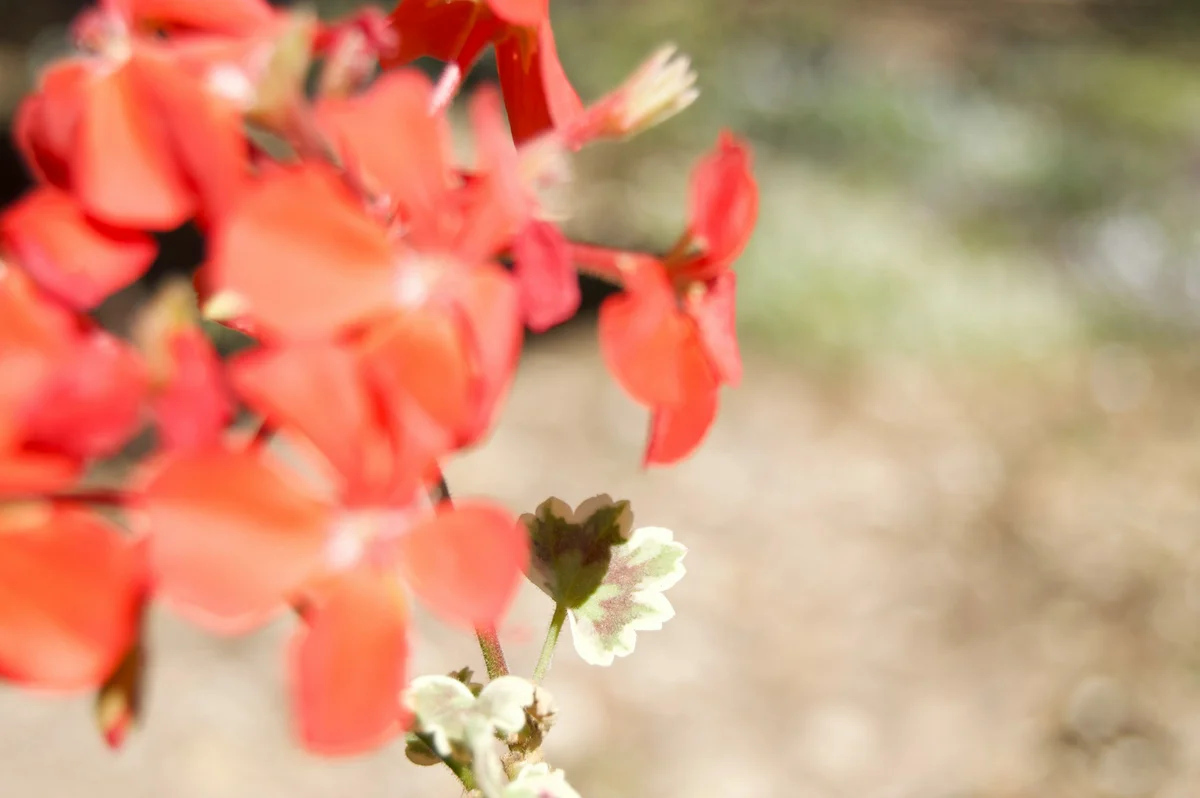
Before
After
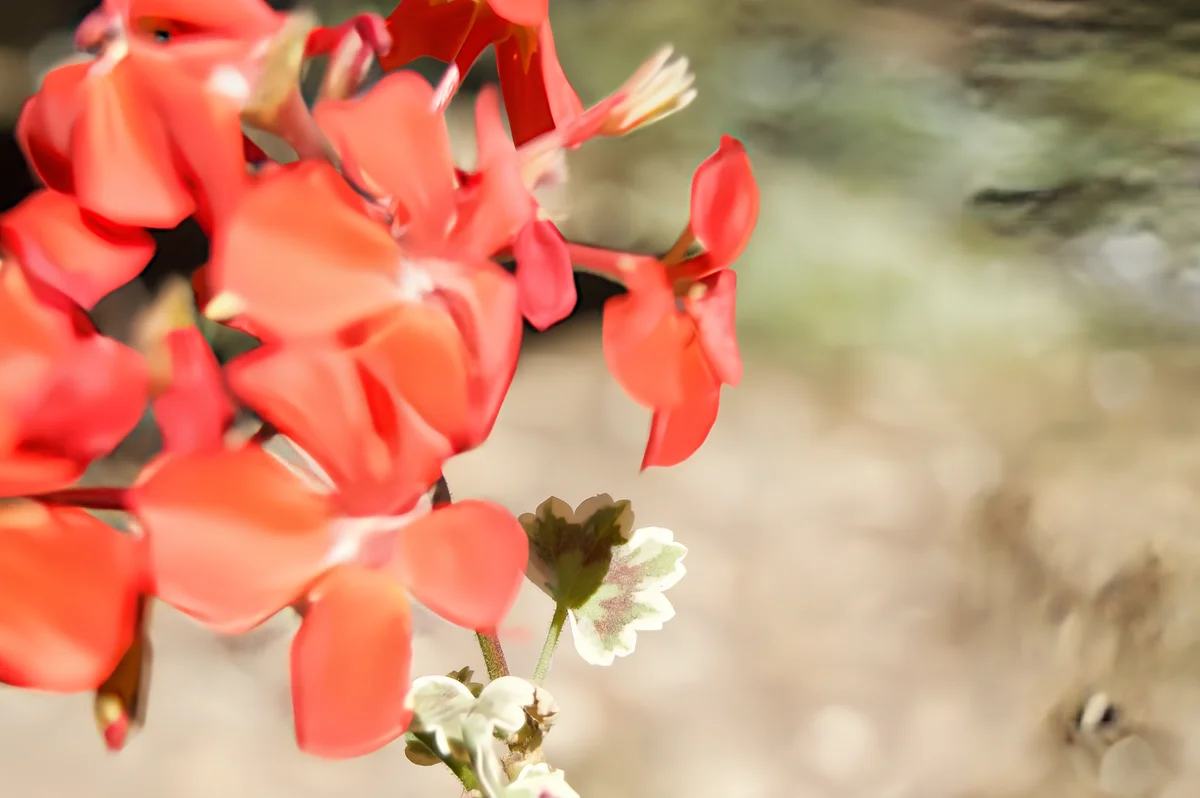
More examples like this: browse before & after results across every tool.
The moment was perfect. Your child's first steps, caught forever—except the camera focused on the background instead of the moving toddler. Or you captured that incredible action shot during the game, but hand tremor from your telephoto lens left everything with motion blur. Maybe you thought you had the perfect portrait, only to zoom in and discover the autofocus missed by just enough to make faces soft and undefined.
Traditional sharpening can't fix these problems. Basic sharpen filters only emphasize edges that exist—they can't create detail that blur destroyed. You end up with images that look crunchy and over-processed rather than naturally sharp. Heavy sharpening creates halos around edges and amplifies noise. Manual deconvolution in professional software requires expertise most people don't have and results that are hit-or-miss at best.
AI deblurring using advanced algorithms changes everything. Instead of fake sharpening, it actually reconstructs the sharp image that existed before blur occurred—analyzing blur patterns and reversing them to restore genuine detail.
The Blur Problem: Lost Detail and Missed Moments
Blur destroys images in fundamentally different ways depending on its source — motion blur from moving subjects, focus blur from missed autofocus, and camera shake from handheld telephoto work each require different correction approaches. Camera shake becomes significant at shutter speeds slower than 1/(focal length): at 200mm, anything slower than 1/200s risks blur, which is a constant challenge for wildlife and sports photographers.
Blur comes in several frustrating forms, each one robbing your photos of the sharpness they need. Understanding what type of blur you're dealing with helps you appreciate how AI can fix it.
Motion blur happens when either your camera or your subject moves during exposure. Fast-moving subjects—sports, kids, pets, vehicles—turn into smeared streaks if your shutter speed isn't fast enough. Even static scenes can blur if you move the camera during the shot. The blur direction follows the motion path, creating directional streaking that's obvious and distracting.
Focus blur occurs when autofocus misses or you misjudge manual focus. The entire image or key elements end up soft and undefined. Faces lack the crisp detail that makes features recognizable. Text becomes difficult to read. Fine details simply don't exist because they were never in focus. Shallow depth-of-field shots might have beautiful bokeh in the background but accidentally soft subjects.
Camera shake is the photographer's nemesis, especially with long telephoto lenses or low shutter speeds. That slight hand tremor or moment of unsteadiness creates a complex blur pattern across the entire image. Unlike simple motion blur with one direction, camera shake involves multiple slight movements creating a tangled blur signature. Images from handheld telephoto shooting often suffer from this insidious type of blur.
Mixed blur types compound the problem. A moving subject photographed with a handheld camera involves both motion blur and camera shake. Low-light scenes might have focus issues from autofocus hunting plus motion blur from slow shutter speeds. The complexity makes traditional deblurring nearly impossible.
The result is photographs that captured the moment but not the quality. Your child's expression is lost in the blur. The game-winning play is a smeared mess. The important details in your product photo are soft and undefined. What should be sharp, crisp, and clear is instead fuzzy, vague, and disappointing.
How AI Reverses Blur
AI deblurring reverses blur by analyzing the entire image to identify the blur pattern — motion direction, shake signature, or focus falloff — and then intelligently reconstructing the sharp image that existed before degradation. Unlike traditional sharpening that only amplifies edges already present, AI predicts what detail should be there based on learned understanding of real images.
Traditional sharpening is naive—it just emphasizes edges without understanding why they're soft. Our AI deblurring technology is fundamentally different. It uses specialized neural networks designed specifically for blind image deblurring, meaning it can fix blur without knowing the exact blur parameters or kernel.
The AI works by analyzing the blurred image to understand the blur pattern. Unlike traditional deconvolution which requires you to specify the blur type and direction, our AI figures this out automatically. It examines the entire image, identifying blur characteristics and spatial patterns that indicate how the sharp image was degraded.
Then comes the reconstruction phase. The AI doesn't just sharpen edges—it actually predicts what the sharp image looked like before blur occurred. This involves intelligent detail generation based on surrounding context. The network has been trained on millions of sharp/blurred image pairs, learning how blur affects different types of content. It applies this knowledge to reconstruct authentic detail.
The strength setting (0.5x to 1.5x) controls how aggressively the AI removes blur. Lower settings apply conservative deblurring, ideal when blur is mild or when you want to preserve a natural look without risking artifacts. Medium settings (around 1.0x) work perfectly for typical blur scenarios. Higher settings tackle severe blur but require more processing and careful evaluation to avoid over-sharpening.
What makes this remarkable is how it handles challenging scenarios. Non-uniform blur where different parts of the image have different blur levels gets appropriate treatment for each region. Edges become sharp without halos. Textures are restored without looking synthetic. Noise isn't amplified the way traditional sharpening would amplify it.
Real Transformations: From Blur to Sharp
53% of professional photographers report losing billable work due to technically flawed images (PPA survey 2023) — and blur is one of the most common culprits, affecting sports, portrait, and product photography alike.
A sports photographer had a crisis. During a critical championship game, his autofocus repeatedly locked on the wrong player, leaving his best action shots with soft, out-of-focus subjects. Deadline was hours away, and reshooting was impossible. The images were usable for layout but lacked the razor-sharp quality clients expected. AI deblurring at maximum strength restored focus to the athletes' faces and bodies, bringing back the detail that autofocus had cost him. Jersey numbers became readable, facial expressions clear, and the photo editor never knew there was any issue with the originals.
A parent had captured their child's first bicycle ride—a priceless moment—but excitement and rushing meant many shots had motion blur or camera shake. Traditional editing left the photos looking artificial and over-sharpened. AI deblurring analyzed each image, identifying the specific blur pattern, and restored natural sharpness. The child's happy expression became clear, the bicycle details sharp, and what seemed like throw-away shots became frameable memories.
A product photographer shooting handheld with natural window light faced consistent focus issues with a temperamental autofocus system. Critical product detail would end up just slightly soft—not drastically blurred, but not tack-sharp either. For e-commerce, that slight softness meant products looked less premium. Running the product shots through AI deblurring at conservative settings restored the micro-detail needed for online sales. Product textures became crisp, materials looked more luxurious, and conversion rates improved.
A security analyst needed to extract usable images from surveillance footage. The video compression and low frame rate meant any extracted stills had motion blur and focus issues. Faces were barely identifiable, details unclear. AI deblurring transformed the unusable stills into images where faces became recognizable and details readable. What started as investigation dead-ends became viable evidence.
Getting Perfect Results with AI Deblurring
Getting perfect results means starting conservatively and increasing strength only if blur persists — the goal is maximum blur removal with minimum artificial appearance, since over-sharpening is as obvious as the original blur. Most AI deblurring completes in 10–15 seconds per image at full resolution, making iteration fast.
The adjustable strength slider is your primary control, and using it correctly makes the difference between natural deblurring and over-processed results.
Subtle deblurring (0.5x-0.7x) is perfect for images with minor softness. Maybe the focus was slightly off, or there's a hint of camera shake. This conservative approach gently restores sharpness while keeping the image looking completely natural. There's minimal risk of artifacts or over-processing. Your starting point for images that are decent but could be sharper.
Normal deblurring (0.8x-1.2x) handles typical blur scenarios effectively. Moderate motion blur, focus that clearly missed, handheld camera shake—all get corrected while maintaining natural appearance. This range works for most problem images. The "1.0x" sweet spot provides balanced blur removal that's aggressive enough to make a real difference without pushing into risky over-processing territory.
Strong deblurring (1.3x-1.5x) tackles severe blur problems. Significant motion blur, major focus misses, or substantial camera shake that would normally render images unusable. Maximum processing applies aggressive deblurring and detail reconstruction. The results can be dramatic, salvaging photos that seemed hopeless. However, watch for artifacts—very strong deblurring can occasionally introduce slight halos or unnatural sharpness on images that don't have sufficient underlying detail.
Start conservatively. Apply deblurring at 1.0x and evaluate the result. If blur persists, incrementally increase strength. If the image starts looking over-processed or you notice artifacts, reduce strength. The goal is maximum blur removal with minimum artificial appearance.
Where AI Deblurring Works Best
Action and Sports Photography
Fast-moving subjects are blur's favorite target. When shutter speed wasn't quite fast enough or autofocus tracked poorly, deblurring can rescue the shot. Freeze motion that was captured but blurred. Sharpen faces and jersey numbers. Make action sequences clear and dramatic rather than fuzzy and disappointing.
Portrait Photography
When autofocus misses on a portrait—especially shallow depth-of-field shots where the focus plane is critical—AI deblurring can recover the situation. Restore sharpness to eyes, the focal point of any portrait. Recover facial detail and expression. Save shots where everything was perfect except focus.
Handheld Telephoto and Low-Light Photography
Long lenses amplify hand shake, and low light requires slow shutter speeds. Both create blur challenges. Deblurring compensates for the slight shake that's inevitable with handheld telephoto work. Sharp up images from situations where a tripod wasn't available or practical.
Smartphone Photography
Phone cameras are impressive but their small sensors and digital stabilization aren't perfect. Motion blur from moving subjects, slight softness from digital processing, focus hunting in challenging light—all are fixable. Transform phone photos into images with DSLR-like sharpness.
Document and Screen Captures
Screenshots of videos, presentations, or documents often have compression blur or motion artifacts. Deblurring makes text crisp and readable, diagrams clear, and low-quality captures usable for professional purposes.
Understanding Limitations
AI deblurring is powerful but not magic. Extremely severe blur where detail is completely destroyed can't be fully reconstructed. The AI works best when underlying detail exists but is blurred—it enhances and sharpens what's there rather than inventing entirely new content.
Complex blur scenarios with multiple simultaneous blur types may see less complete correction. The algorithm does its best but mixing motion blur, focus blur, and camera shake all in one image is challenging even for advanced AI.
Images that are already sharp won't benefit from deblurring and shouldn't be processed. Applying deblurring to sharp images can actually introduce artifacts or unnatural-looking sharpness. If an image is already crisp, leave it alone.
Very noisy blurred images present a challenge. Noise competes with blur correction, potentially getting amplified during the deblurring process. For best results, denoise first, then deblur.
Combining Deblurring with Other Tools
Workflow order matters when using multiple enhancement tools together. The sequence can significantly impact final quality.
Denoise before deblurring for noisy images. Removing noise first gives the deblurring algorithm cleaner data to work with. Attempting to deblur noisy images often amplifies the noise, creating a sharp but grainy result.
Deblur before upscaling for best results. Sharpen the image at its original resolution, then enlarge it. Upscaling a blurry image creates a larger blurry image. Deblurring first, then upscaling, gives you large and sharp—exactly what you want.
Deblur before face restoration on portraits. Fix overall image blur first, then apply specialized face enhancement. Face restoration algorithms work better when starting from sharp images rather than blurry ones.
For severely degraded images with multiple problems, layer your tools strategically: denoise to clean, deblur to sharpen, upscale to enlarge, and face restoration for portraits. Each step builds on the previous improvement.
The Psychology of Sharpness
Blur isn't just a technical problem — it affects how viewers perceive and value images. In e-commerce, sharpness directly affects trust: poor image quality is cited by 22% of consumers as a reason to distrust an online store (Salsify 2023 Consumer Research), and a slightly soft product photo makes the product itself seem lower quality. Sharp photos look more professional, more intentional, more valuable. Blurry images scream "mistake" or "amateur," regardless of the artistic merit or compositional excellence.
In commercial photography, sharpness directly impacts perceived product quality. A slightly soft product photo makes the product itself seem lower quality. Sharpening the image improves perception of the product. For portraits, sharp eyes create connection and emotional impact. Soft eyes look lifeless by comparison.
AI deblurring rescues images that would otherwise be deleted or relegated to "unusable" status. That means keeping more shots from important moments, having more options during editing, and delivering higher quality to clients or for personal use.
Ready to Sharpen Your Images?
Upload any blurry photo—motion blur, focus blur, camera shake—and watch our AI analyze and restore sharp details. The technology understands blur patterns and intelligently reconstructs the sharp image that existed before blur occurred.
No more throwing away blurred shots from important moments. No more settling for soft images because that's all you captured. No more obvious over-sharpening that looks worse than the original blur. Just natural, sharp images recovered from blur.
Try our AI deblurring tool now and bring your blurry photos back to life.
Found this helpful?
Share it with your network
Ready to try it yourself?
25 free credits to start, then 10 every month. No credit card. Process your first image in under 15 seconds.
Try Deblur freeMunib Ali Laghari
Founder & Lead Developer · EnhanceCraft
Munib Ali Laghari is the founder and lead developer of EnhanceCraft, an AI image toolkit. He writes about AI upscaling, photo restoration, and background removal. Connect on LinkedIn