AI Smart Crop: Perfect Auto-Framing for Every Platform in 2026
Auto-crop images to any aspect ratio while keeping subjects perfectly framed. See how AI subject detection creates platform-optimized images instantly.
Munib Ali Laghari
Founder & Lead Developer
Quick answer
How does AI smart crop work?
AI smart crop detects the main subject in an image and calculates the best crop for a target aspect ratio while keeping that subject in frame. It reframes one photo for square, widescreen, and portrait formats automatically, without cutting off heads or products. EnhanceCraft supports six common ratios.
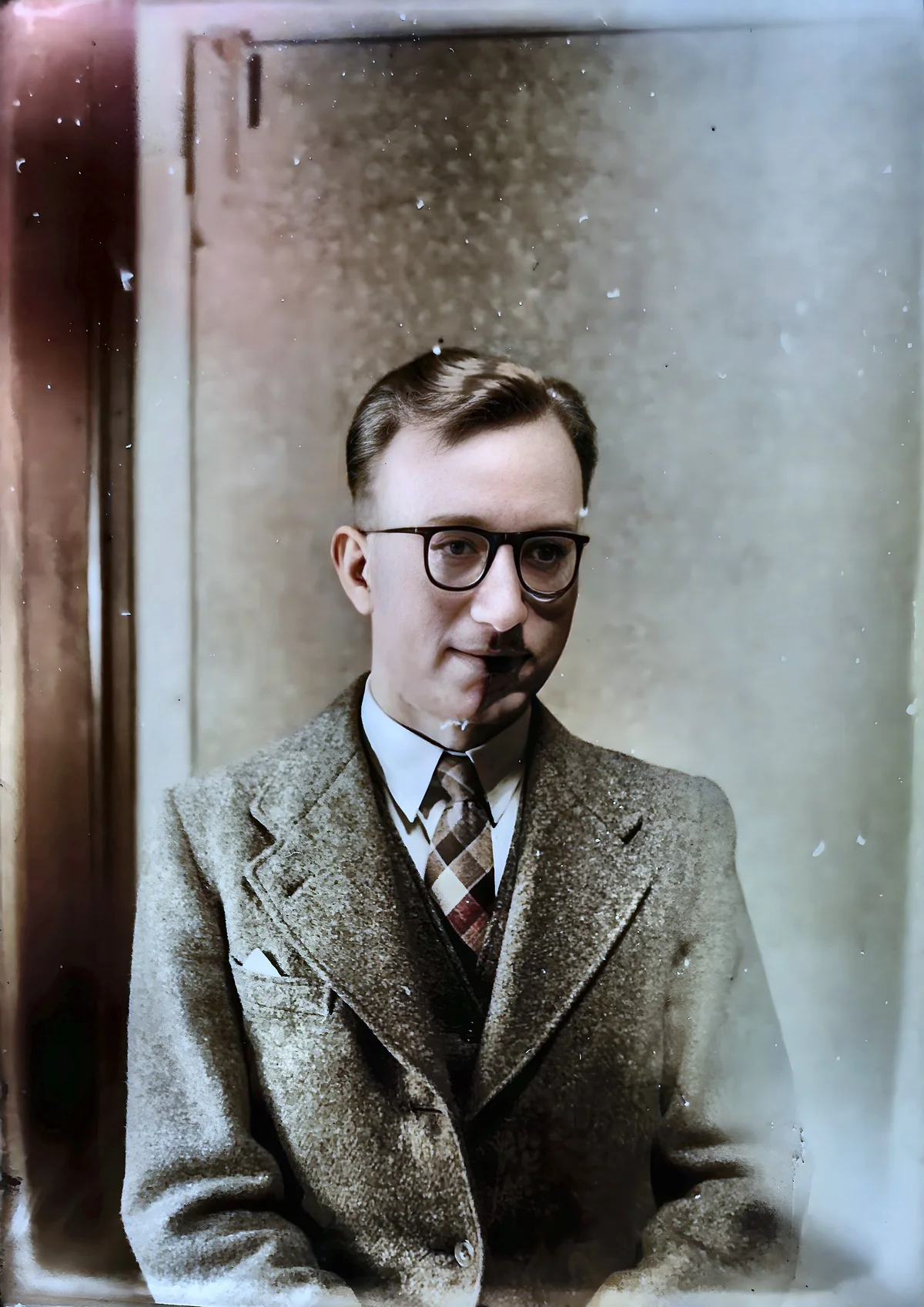
Before

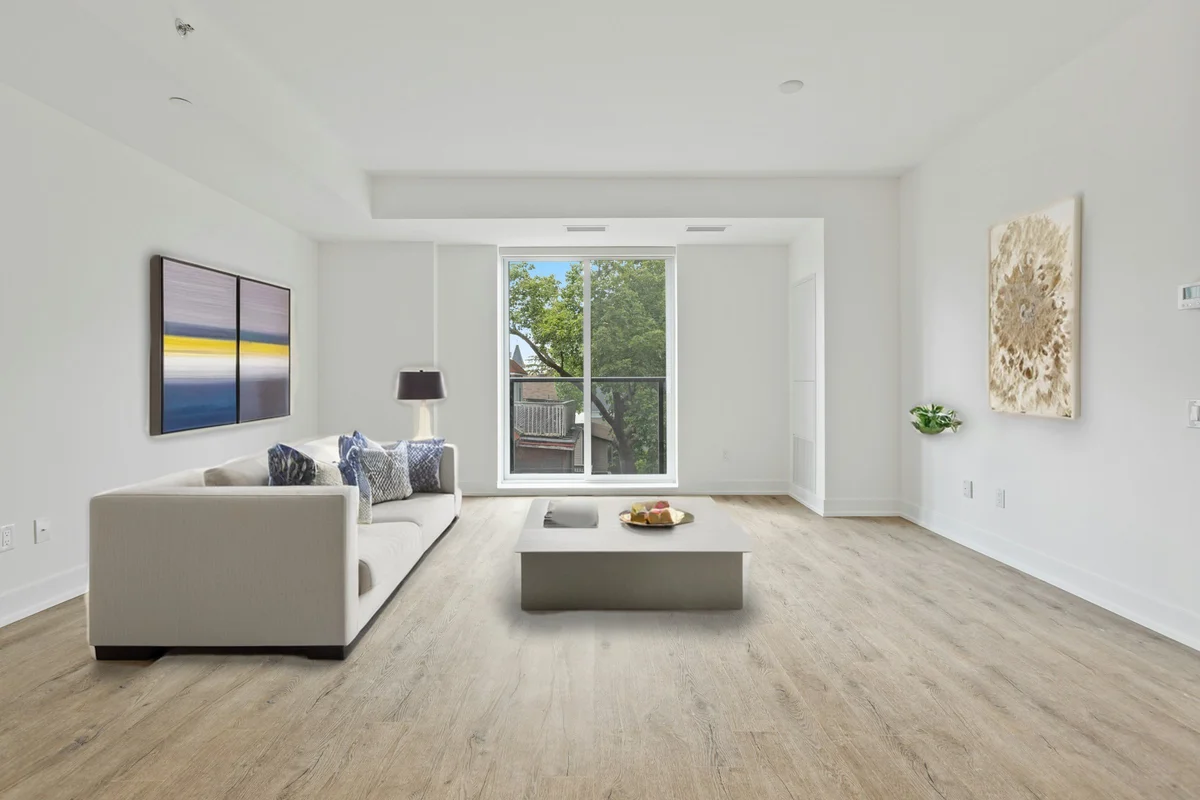
After

More examples like this: browse before & after results across every tool.
You've captured the perfect photo—great composition, excellent lighting, your subject looking fantastic. Now you need to share it across platforms: Instagram (1:1 square), YouTube (16:9 widescreen), Instagram Stories (9:16 vertical), LinkedIn (4:3), and your website header (custom dimensions). Each platform demands different aspect ratios, and manually cropping the same image six different ways is tedious and frustrating.
When you crop manually, you face impossible choices. Zoom in enough for the square Instagram crop and you cut off important parts for the widescreen YouTube thumbnail. Frame perfectly for Stories and your subject ends up off-center for standard posts. Try to compromise and every version looks slightly wrong—too much empty space here, subject awkwardly positioned there, important elements cropped out everywhere.
AI smart crop solves this elegantly. Advanced subject detection identifies your focal point, then automatically frames it perfectly for any aspect ratio you choose. One photo becomes perfectly cropped for every platform, each version properly composed with subjects optimally positioned.
The Multi-Platform Cropping Problem
Managing aspect ratios across platforms means the same image must satisfy Instagram (1:1 square), YouTube (16:9 widescreen), Instagram Stories (9:16 vertical), LinkedIn (4:3), and website banners — all with different compositional requirements for where subjects should sit. For teams processing hundreds of images, this creates hours of manual work per shoot.
Social media and digital platforms have fragmented aspect ratio requirements into a confusing maze. Instagram wants 1:1 squares for posts but 9:16 verticals for Stories and Reels. YouTube demands 16:9 for videos but recommends 1:1 for community posts. LinkedIn works best with 4:3. Pinterest loves 2:3 verticals. Twitter/X handles various ratios but displays previews unpredictably. Your website header might need 21:9 ultra-wide.
Manual cropping means making the same compositional decisions over and over. You zoom, pan, evaluate, readjust. For each new aspect ratio, you start from scratch. Is the subject centered? Is there appropriate headroom? Are important elements within the safe zone? Does the rule of thirds still apply? Every crop is a mini photo composition project.
The results are inconsistent. Your Instagram square might look great while your YouTube thumbnail awkwardly cuts off the top of your subject's head. The Stories vertical might have the person perfectly placed while the standard 4:3 version has them squeezed to one side with too much empty space. Maintaining quality across all these variations is nearly impossible manually, especially when you're dealing with dozens or hundreds of images.
Product photographers face the same nightmare. E-commerce platforms have different image requirements—Amazon wants square, your website needs widescreen, catalog printing requires 4:3, social media needs all of the above. Photographing products once but using them everywhere means constant manual cropping, hoping your original composition works for every eventual use case.
Content creators burn hours on this tedious work. A YouTube creator needs to crop the perfect moment from video for a 16:9 thumbnail, then recrop for 1:1 community posts, then again for 9:16 Shorts. A social media manager with one hero photo needs versions for Instagram, Twitter, LinkedIn, Pinterest, and Facebook—each platform with subtly different ideal ratios. The cropping work never ends.
How AI Detects and Frames Perfectly
AI smart crop identifies the primary subject using semantic understanding — not simple center-weighting — then applies compositional rules like the rule of thirds to frame it optimally for any target aspect ratio. The result is properly composed crops for every platform from a single source image, without the manual judgment calls that manual cropping requires for each version.
AI smart crop uses computer vision to understand what matters in your image, then applies compositional intelligence to frame it optimally for any target ratio.
Subject detection is the foundation. The AI identifies people, faces, products, animals, vehicles, or other primary subjects in your photo. This isn't simple center-weighting or face detection—it's semantic understanding of what the image is about. A portrait identifies the person's face and body. A product shot identifies the product even against complex backgrounds. A landscape identifies key features like mountains or buildings. The AI understands your photo's story.
Compositional intelligence applies photographic rules to framing. The rule of thirds is respected—subjects end up on power points rather than dead center when appropriate. Headroom and breathing room are considered based on subject type and orientation. Negative space is preserved where it matters. Horizon lines stay level and properly positioned. The AI doesn't just center your subject—it composes the crop artistically.
Aspect ratio adaptation intelligently handles different target shapes. Converting from landscape to portrait requires different compositional choices than landscape to square. The AI adjusts framing strategies based on the target ratio. Vertical crops might center subjects more aggressively while horizontal crops can use rule-of-thirds positioning. Ultra-wide crops emphasize environmental context while tight crops eliminate it.
Padding control (0-30%) gives you fine-tuning power. Zero padding creates tight crops where the subject fills the frame—perfect for product photography or close portraits. Moderate padding (10-15%) provides balanced breathing room—the default for most uses. High padding (25-30%) creates spacious crops with generous negative space—ideal when context matters or for minimalist aesthetics. You adjust padding globally while the AI handles positioning.
The preview feature shows exactly what you'll get before processing. You can see the proposed crop rectangle overlaid on your original image, verify that important elements are included, and adjust padding if needed. No surprises, no disappointments after processing.
Real Transformations: From Chaos to Consistency
Batch processing 50 images with AI takes under 10 minutes versus 8–15 hours manually — a ratio that transforms what's economically viable for content teams. For brands publishing across five or more platforms simultaneously, AI smart crop is the difference between a sustainable workflow and unsustainable manual overhead.
A social media manager for a fashion brand dealt with hundreds of photos monthly that needed to work across Instagram, Pinterest, Facebook, LinkedIn, and the website. Each photo required manual cropping to five or six aspect ratios, with careful attention to keep models properly framed in each version. The process consumed full days every month. AI smart crop transformed the workflow. Batch processing created perfect crops for all platforms simultaneously. Models were beautifully framed in every version. What took days now took hours, and the quality was more consistent than manual work ever achieved.
An e-commerce team photographed products in high-resolution 3:2 ratio (DSLR native). Their Amazon listings needed 1:1, their website needed 16:9, their catalog needed 4:3, and social media needed various ratios. Each product required manual cropping to five formats, and mistakes were common—products too small in some crops, awkwardly positioned in others. AI smart crop automated the entire process. Products were perfectly centered with appropriate padding across all formats. The photography team focused on shooting rather than endless manual cropping.
A real estate photographer shot properties in 3:2 ratio but needed to deliver multiple formats: 16:9 for YouTube virtual tours, 4:3 for MLS listings, 1:1 for Instagram, and 9:16 for Stories. Each property had 30-50 photos, and creating format variations manually was tedious and error-prone. Smart crop handled it automatically. Rooms stayed properly framed, architectural features were preserved, and each format looked professionally composed. Client deliverables improved while editing time decreased dramatically.
A content creator running multiple YouTube channels needed thumbnails from video screenshots. The 16:9 screenshots needed cropping to 16:9 thumbnails (zoomed appropriately), 1:1 for community posts, and 9:16 for Shorts. Doing this manually for every video was consuming hours per week. AI smart crop automated the workflow. Faces stayed perfectly framed across all three formats, and creating multi-format thumbnail sets became instant rather than tedious.
Choosing Your Aspect Ratio
AI smart crop supports six common aspect ratios, each optimized for different uses. Understanding when to use each ratio helps you create the perfect version for every platform.
1:1 Square is Instagram's native format and works across most social platforms. Perfect for product photography where the item should dominate the frame. Profile pictures and avatars are always square. Grid-style portfolio presentations benefit from uniform square images. When you need images that work universally across social media, square is the safe choice.
4:3 Standard is the classic photo format used by most digital cameras and traditional printing. MLS real estate listings prefer 4:3. Many websites and content management systems default to 4:3. Presentation slides often work best with 4:3. This ratio provides a good balance between landscape width and vertical space.
16:9 Widescreen is YouTube's native ratio and the standard for video content. Website hero images and banners often use 16:9 or similar wide formats. Desktop wallpapers typically use 16:9. Presentation slides in modern formats prefer widescreen. When your image needs to feel cinematic or span wide layouts, 16:9 is ideal.
9:16 Portrait is the vertical video format for Instagram Stories, Reels, TikTok, and YouTube Shorts. Vertical social media is increasingly dominant, making this ratio critical for mobile-first content. Smartphone wallpapers use 9:16 or similar vertical ratios. When your content is meant for mobile consumption, this vertical format is essential.
3:2 Classic is the native DSLR sensor ratio and traditional 35mm film format. Print photography often uses 3:2 for its pleasing proportions. Professional photography portfolios frequently default to 3:2. This ratio offers more vertical space than 16:9 while being slightly wider than 4:3—a versatile middle ground.
2:3 Vertical is the portrait orientation of the 3:2 ratio. Pinterest heavily favors vertical images, with 2:3 being ideal. Magazine covers and portrait-orientation prints often use 2:3. When you need vertical images with slightly more width than 9:16, this ratio works beautifully.
Optimizing Padding for Your Subject
Padding control determines how tightly your subject fills the frame. This single parameter dramatically affects the feel and style of your cropped images.
Tight cropping (0-5% padding) creates bold, impactful images where subjects dominate completely. Perfect for product photography where the item should fill the frame. Close-up portraits with minimal background. Thumbnail images that need maximum subject visibility even at small sizes. Social media posts where attention-grabbing impact is more important than artistic breathing room.
Balanced cropping (10-15% padding) provides natural-looking framing with appropriate negative space. This is the default sweet spot for most uses. Portraits have appropriate headroom without feeling cramped. Products have enough space to feel premium without being lost in emptiness. The framing feels intentional and professional without being aggressive.
Spacious cropping (20-30% padding) creates room to breathe and emphasizes context. Ideal for environmental portraits where setting matters. Lifestyle product photography where context tells the story. Images destined for text overlay—generous padding provides clean areas for headlines and captions. Minimalist aesthetics that emphasize negative space and simplicity.
Your padding choice should match your intent. E-commerce products often work best tight (show the product clearly). Editorial portraits benefit from moderate padding (natural and professional). Social media graphics for text overlay need spacious padding (room for your message). Experiment to find what works for your specific use case.
Where AI Smart Crop Excels
Social Media Optimization
Content creators and marketers need images that work perfectly across all platforms. Smart crop creates Instagram squares, YouTube thumbnails, Stories verticals, and Pinterest pins from one source image. Every platform gets a properly composed version rather than awkward compromises.
E-commerce Photography
Product photographers shoot once in high resolution, then need formats for Amazon, eBay, their website, social media, and print catalogs. Smart crop generates all required formats with products perfectly centered and appropriately padded. Consistency across platforms improves brand presentation.
Real Estate and Architecture
Property photos need to work in MLS listings (4:3), virtual tours (16:9), social media (1:1 and 9:16), and print materials (3:2). Smart crop preserves architectural features and room proportions across all formats, ensuring properties look their best everywhere.
Content Creation and Thumbnails
YouTube creators, podcasters, and bloggers need thumbnail images in multiple formats. Smart crop creates the perfect framing for standard thumbnails, community posts, social shares, and website featured images. Faces stay optimally framed across every variation.
Portfolio and Gallery Presentation
Photographers presenting work across their website, social media, and print portfolios need consistent aspect ratios. Smart crop creates uniform presentation from varied source material, maintaining artistic composition while fitting required dimensions.
Technical Tips for Best Results
Source image quality matters significantly. Higher resolution originals provide more cropping flexibility. If your original is 6000x4000 pixels, even aggressive crops yield high-quality results. Shooting at your camera's maximum resolution gives AI smart crop more material to work with.
Subject positioning in originals affects results. Images where subjects are roughly centered provide maximum cropping flexibility. Subjects extremely close to edges might get uncomfortably tight in some aspect ratios. When photographing with smart crop in mind, compose with subjects not too close to any edge.
Batch processing efficiency makes smart crop shine. If you're creating multiple aspect ratios from one image, queue them together. If you're processing an entire shoot, batch process everything at once. The workflow efficiency compounds when handling dozens or hundreds of images.
Format choice after cropping preserves your work. JPEG at high quality (90-95%) works for most uses and keeps file sizes reasonable. PNG is perfect if you need lossless quality or transparency (like product shots). Match your format to your use case.
Combining with Other Tools
Smart crop works seamlessly as part of larger workflows. The order matters for optimal results.
Enhance before cropping for best quality. Upscale low-resolution images before smart cropping—gives the AI better source material and ensures final crops are high resolution. Denoise or deblur images before cropping so quality improvements carry through to all cropped versions.
Crop before specialty effects like background blur or replacement. Get your framing right first, then apply creative effects. This ensures effects work optimally for the chosen composition.
Combine with background replacement for creative flexibility. Smart crop can identify subjects for perfect framing, then background replacement can clean up or enhance what's behind them. The two tools complement each other beautifully.
The Freedom of Perfect Framing
AI smart crop isn't about making compromises — it's about eliminating them. Since 75% of online shoppers rely on product photos when deciding to buy (Etsy seller research), having those photos perfectly framed for every channel they appear in directly affects purchase decisions and brand perception. You no longer choose between platforms or settle for images that work okay everywhere but great nowhere. Every aspect ratio gets a properly composed version with your subject perfectly positioned.
For businesses and creators, this means consistent brand presentation across all platforms. Your Instagram looks as good as your website which looks as good as your YouTube which looks as good as your Pinterest. Visual consistency builds brand recognition and professionalism.
For photographers, it means delivering client galleries with every image perfectly framed for any use. Clients get versions ready for social media, print, and web without additional editing or awkward crops.
For e-commerce specifically, the product photo pipeline applies this same subject-aware centering to product shots — then removes the background, upscales 4x, and exports a marketplace-ready file in one step, so every listing image is framed and formatted consistently.
Ready to Frame Perfectly?
Upload any image and choose your target aspect ratios. Watch AI smart crop detect your subject and frame it perfectly for Instagram, YouTube, Stories, or any other format you need. The technology handles composition so you can focus on creation.
No more manual cropping tedium. No more awkward framing compromises. No more choosing which platform gets the good version and which gets leftovers. Just perfect crops for every aspect ratio, every time.
Try our AI smart crop tool now and see your images perfectly framed for every platform.
Found this helpful?
Share it with your network
Ready to try it yourself?
25 free credits to start, then 10 every month. No credit card. Process your first image in under 15 seconds.
Try Smart Crop freeMunib Ali Laghari
Founder & Lead Developer · EnhanceCraft
Munib Ali Laghari is the founder and lead developer of EnhanceCraft, an AI image toolkit. He writes about AI upscaling, photo restoration, and background removal. Connect on LinkedIn