EnhanceCraft vs Upscale.media: Standalone Upscaler vs Full Editor (2026)
Upscale.media vs EnhanceCraft: compare AI upscaling quality, the wider enhancement toolkit, and overall value for 2026.
Munib Ali Laghari
Founder & Lead Developer
Quick answer
Is EnhanceCraft a good Upscale.media alternative?
Yes. EnhanceCraft upscales images up to 8x like Upscale.media and adds a full editing suite — face restoration, background removal, object removal, denoising, and packaged e-commerce workflows like a product pipeline and ghost mannequin effect — in the browser. It offers 25 free watermark-free credits to start, then 10 every month plus an API for batch workflows.
Prefer the quick side-by-side? See the at-a-glance feature table and verdict.
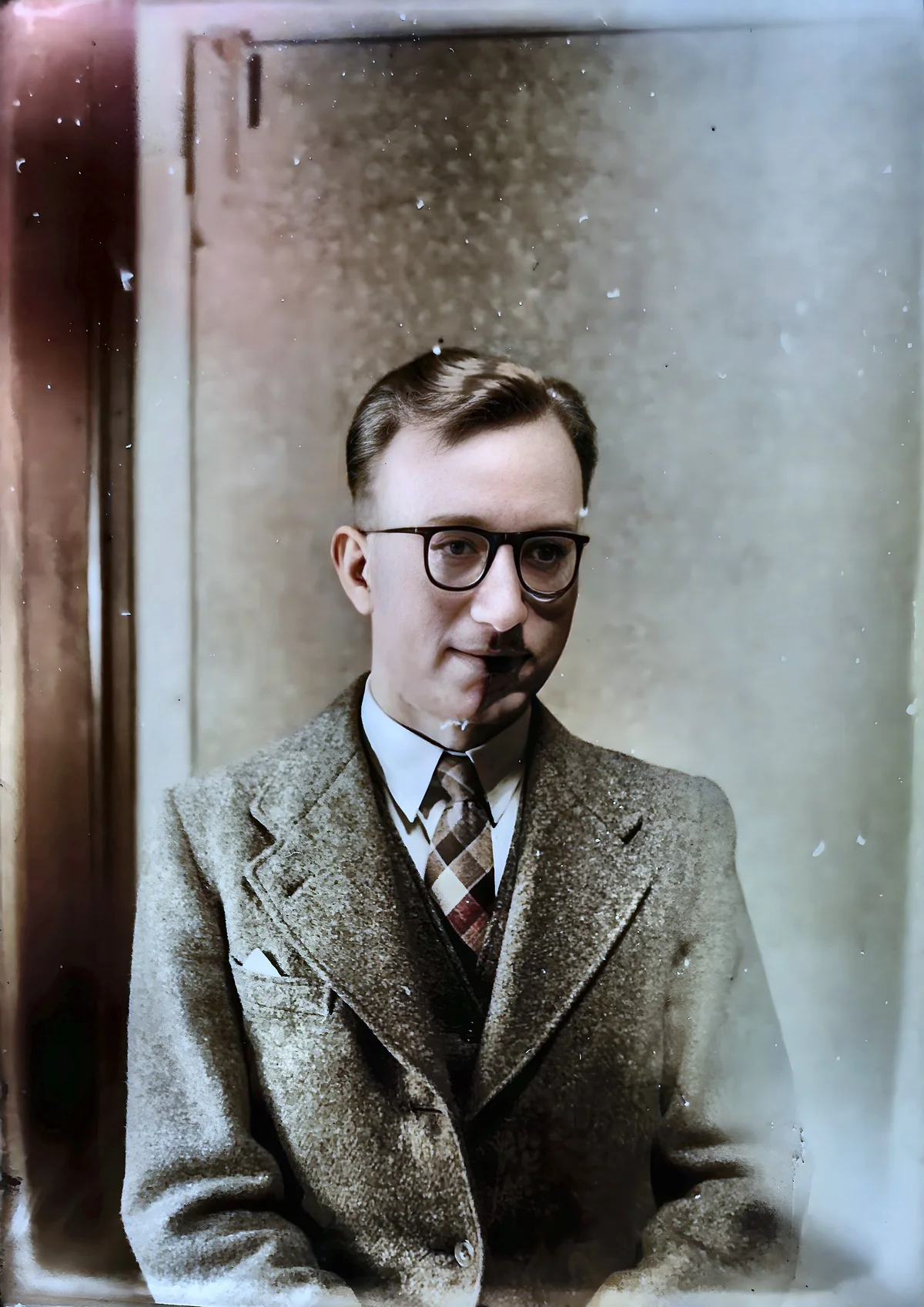
EnhanceCraft as an Upscale.media alternative →Before

After

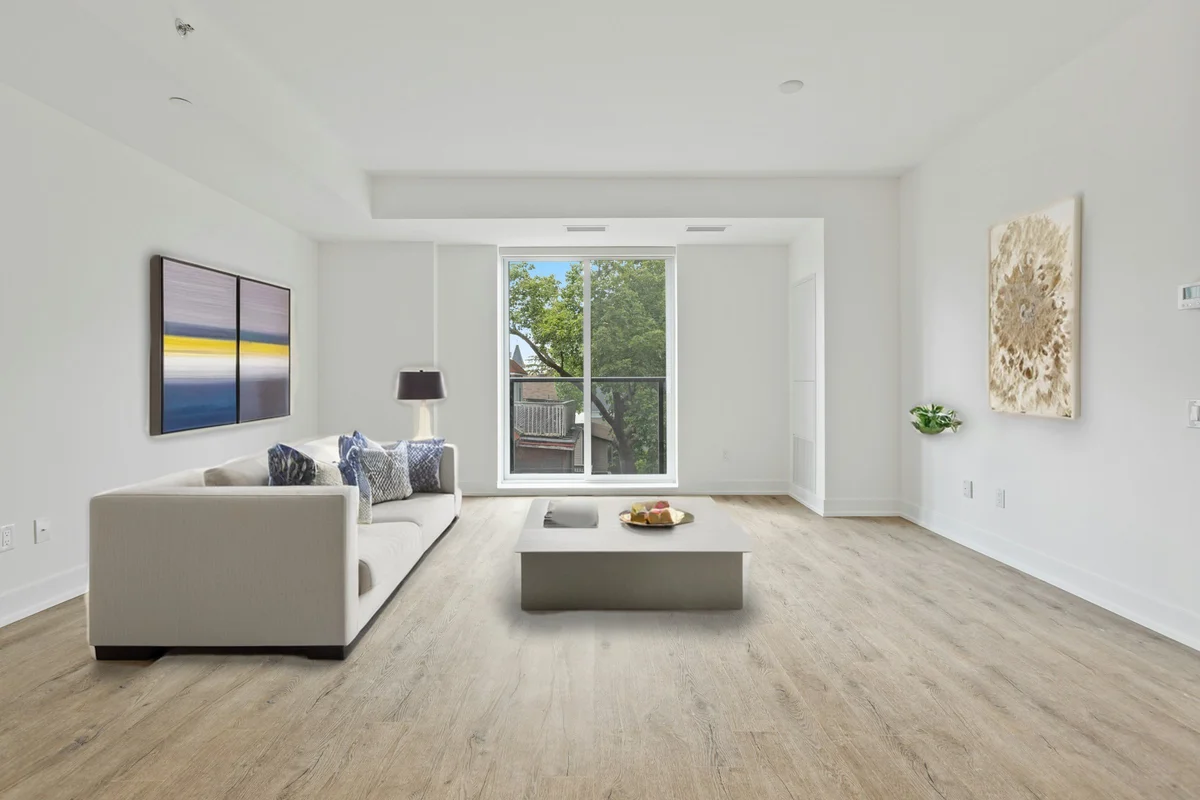
More examples like this: browse before & after results across every tool.
Upscale.media is one of the most widely used free AI image upscalers available. It's fast, requires no account for basic use, and does one thing reliably: it makes images larger. EnhanceCraft takes a different approach — it's a full AI image toolkit that includes upscaling alongside a complete suite of enhancement tools.
If all you need is a quick upscale without signing up for anything, Upscale.media handles that well. But if your workflow includes anything beyond a single upscale — or if you process more than a handful of images at a time — EnhanceCraft is a significantly more capable platform.
Bottom line: Upscale.media is the lowest-friction starting point for a single-image upscale. EnhanceCraft is the right choice for anyone who needs a full image enhancement workflow.
Feature Comparison at a Glance
| Feature | EnhanceCraft | Upscale.media |
|---|---|---|
| Image Upscaling | ✅ 2x / 4x / 8x | ✅ 2x / 4x / 8x |
| Face Restoration | ✅ | ❌ |
| Background Removal | ✅ | ⚠️ Via Erase.bg (sister tool) |
| Background Replacement | ✅ | ❌ |
| Object Removal (Inpainting) | ✅ | ❌ |
| Text Removal | ✅ | ❌ |
| AI Denoising | ✅ | ❌ |
| AI Deblurring | ✅ | ❌ |
| Anime Upscaling | ✅ | ❌ |
| Old Photo Restoration | ✅ | ❌ |
| Batch Processing | ✅ | ✅ |
| API Access | ✅ | ✅ |
| Ghost Mannequin & Product Pipeline | ✅ | ❌ |
| Reflection & Shadow Generator | ✅ | ❌ |
| Real-Estate Workflow (virtual staging, sky replacement, day-to-dusk, window pull) | ✅ | ❌ |
| Credit Rollover | ⚠️ Up to 3x monthly (subscription) | N/A |
| No Sign-Up Required | ❌ | ✅ (basic) |
| Free Tier | ✅ 25 credits to start, 10/month after | ✅ (watermarked) |
What Is Upscale.media?
Upscale.media is a web-based AI image upscaler that increases image resolution without losing quality. It supports upscaling up to 8x and is accessible without creating an account for basic use. It is purpose-built for upscaling only and does not offer face restoration, background removal, or any other enhancement tools. The platform includes an API and a clean, minimal interface designed for users who need a quick resolution increase.
What Is EnhanceCraft?
EnhanceCraft is an AI image toolkit with complete photo workflows for e-commerce sellers, real estate agents, and photographers — covering upscaling (2x, 4x, 8x), face restoration, background removal and replacement, AI inpainting for object and text removal, denoising, deblurring, anime upscaling, old photo restoration, smart crop, batch processing, and format conversion. It also bundles ready-made e-commerce workflows — a one-click product photo pipeline, the ghost mannequin effect, product shadows and reflections, relighting, and color grading — plus real-estate tools (edit pack, window pull, perspective correction, and dehazing) — all via a web interface with API access for developers.
Upscaling: Similar Output, Very Different Context
Both tools support upscaling up to 8x with comparable output quality — AI upscaling can increase effective resolution by 4x while maintaining perceived sharpness on both platforms. The real difference is that EnhanceCraft's upscaling sits inside a complete workflow, while Upscale.media's upscaling is the entire product.
Both tools support upscaling up to 8x, so on this specific feature the comparison is close. Upscale.media is straightforward: upload, choose your scale factor, download. EnhanceCraft's upscaling is part of a broader platform where you can immediately chain it with additional operations.
If upscaling is just one step in a longer workflow — for example, upscale a product image, remove the background, then convert to WebP — EnhanceCraft handles the entire sequence. Upscale.media only covers the upscaling step.
Winner: Tie on upscaling output — Both reach 8x. EnhanceCraft wins on workflow completeness.
Feature Breadth: A Significant Gap
The feature gap between Upscale.media and EnhanceCraft is substantial — Upscale.media provides upscaling only, while EnhanceCraft covers the complete image workflow from upscaling to face restoration, background removal, and object cleanup. Since 75% of online shoppers rely on product photos when deciding to buy (Etsy seller research), having the full toolkit to optimize those images in one platform is a meaningful advantage for e-commerce teams.
Outside of upscaling, Upscale.media offers very little additional functionality within the platform itself. There is no face restoration, no object removal, no denoising. Background removal is available via Erase.bg — a sister tool from the same company — but it operates as a completely separate platform, not an integrated workflow.
EnhanceCraft covers the complete image workflow. Every enhancement operation you need to produce a finished, professional image is available without switching platforms.
Winner: EnhanceCraft — The feature difference is substantial.
Vertical Workflows: E-commerce, Real Estate, and Photography
For sellers, EnhanceCraft does more than enlarge an image — it packages the full job into one click. The product photo pipeline removes the background, upscales 4x, enhances, and exports in Amazon or Shopify format in a single run; the ghost mannequin effect produces model-free apparel shots; and the shadow and reflection generator grounds cut-outs for a studio look. Real estate agents get the complete listing workflow — virtual staging (with a "Virtually Staged" compliance label), sky replacement, day-to-dusk, window pull, perspective correction, and a one-click edit pack. Photographers can batch a whole gallery through denoising, deblurring, upscaling, and face restoration for print-ready deliveries.
Upscale.media handles the upscaling step only and does not offer these packaged workflows.
Winner: EnhanceCraft — Packaged vertical workflows are exclusive to EnhanceCraft.
Ease of First Use
Upscale.media's no-sign-up basic access is genuinely frictionless. If you've never used the tool and want to upscale a single image right now, there is no barrier — no account, no email, no credit card.
EnhanceCraft requires a free account to access the tools. The sign-up process is quick and new users receive 25 free credits — but creating an account is a step Upscale.media doesn't require for basic use.
Winner: Upscale.media — No-signup access removes friction for one-time or first-time users.
Batch Processing
Both platforms support batch processing. Upscale.media includes batch upscaling on its paid plans, which is useful for processing multiple images in a single session.
EnhanceCraft supports batch processing across all paid plans for all available tools — not just upscaling — so you can process multiple images through a full enhancement pipeline simultaneously.
Winner: EnhanceCraft — Batch processing available across the full toolkit, not upscaling only.
Pricing Comparison
Both tools have comparable entry-level pricing. Upscale.media offers a free tier with watermarked output, pay-as-you-go credit packs, and annual subscriptions starting from around $9/month.
EnhanceCraft gives new users 25 free credits to start, then 10 every month — watermark-free. It also offers pay-as-you-go credits and monthly or annual subscriptions with a 22% annual discount. The difference is in what you receive per credit: Upscale.media's plans cover upscaling only, while EnhanceCraft's credits cover all tools — face restoration, background removal, object removal, and batch processing — within the same system.
Visit EnhanceCraft pricing for current rates.
Winner: EnhanceCraft — More tools included per dollar at equivalent pricing.
Upscale.media: Pros and Cons
Pros: - No account required for basic use — absolute minimum friction - Simple, clean interface — easy to use without any learning curve - Fast processing for individual images - API access for developer upscaling integrations
Cons: - Upscaling only — no face restoration, object removal, denoising, or any other enhancement tools - No background removal natively — requires switching to Erase.bg (separate tool, same company) - Watermarks on free-tier output - No workflow chaining — cannot combine operations
EnhanceCraft: Pros and Cons
Pros: - Full feature set — upscaling, face restoration, background removal, object removal, denoising, and more - 8x upscaling included as part of the complete toolkit - Packaged e-commerce and real-estate workflows — product pipeline, ghost mannequin, shadow/reflection, window pull, and perspective correction as one-click jobs - Batch processing for high-volume workflows - PAYG credits never expire — bought credits stay in your account indefinitely - Zero-credit editing tools — crop, resize, compress, and convert are always free - Flexible pricing — 25 free credits to start, then 10 every month, PAYG, and monthly or annual subscription
Cons: - Sign-up required — no anonymous access - More features than some users will need if upscaling is their only requirement
Who Should Use Upscale.media?
- ●Users who need to upscale a single image quickly without creating an account
- ●Developers who want a minimal API specifically for upscaling
- ●Users who are certain their workflow will never require background removal, face restoration, or any other enhancement beyond upscaling
Who Should Use EnhanceCraft?
- ●Anyone with a recurring image workflow that includes more than upscaling alone
- ●E-commerce sellers who need background removal and upscaling in one platform
- ●Users who process multiple images at a time and need batch processing
- ●Photographers who want face restoration as part of the same workflow
- ●Anyone who wants a complete solution rather than a collection of single-purpose tools
Frequently Asked Questions
Is Upscale.media free? Upscale.media has a free tier with limited upscaling and watermarked output. A paid plan is required for watermark-free downloads.
Is EnhanceCraft an Upscale.media alternative? Yes. EnhanceCraft covers upscaling at the same scale factors (2x, 4x, 8x) and adds face restoration, background removal, object removal, batch processing, and more — all on comparable pricing with 25 free credits to start, then 10 every month and a pay-as-you-go option.
Does Upscale.media remove backgrounds? Upscale.media does not offer background removal directly, but its parent company operates Erase.bg — a separate tool for background removal. The two tools are not integrated, so you would need to use them in sequence manually. EnhanceCraft handles both upscaling and background removal in the same platform without switching tools.
Which tool is better for e-commerce product photography? For e-commerce, EnhanceCraft is the stronger choice. Product image workflows typically require background removal and upscaling together — and often object cleanup as well. EnhanceCraft handles all three in one platform with batch processing, and packages the whole job into one-click workflows — a product photo pipeline, a ghost mannequin effect for apparel, and a shadow/reflection generator. Upscale.media covers the upscaling step only.
Verdict
If you need to upscale a single image right now without signing up for anything, Upscale.media is the fastest path to a result. For that specific, narrow use case, it delivers.
For any workflow more complex than a single one-off upscale, EnhanceCraft is the better choice by a wide margin. You get the same 8x upscaling plus face restoration, background removal, object removal, batch processing, and API access — and packaged e-commerce workflows (product pipeline, ghost mannequin, shadow/reflection) and a real-estate workflow (virtual staging, sky replacement, day-to-dusk, window pull) that Upscale.media doesn't offer at all. It's all in one platform, with flexible pricing that includes 25 free credits to start, then 10 every month and a pay-as-you-go option. The positioning difference says it plainly: Upscale.media sells one operation; EnhanceCraft ships the finished job — marketplace-ready listings for sellers, MLS-ready shoots for agents, print-ready galleries for photographers. Choose Upscale.media for a quick anonymous upscale; choose EnhanceCraft the moment your workflow needs a second step.
Start enhancing your images for free today. Explore free AI image upscaling, AI background removal, and AI face restoration.
Found this helpful?
Share it with your network
Ready to try it yourself?
25 free credits to start, then 10 every month. No credit card. Process your first image in under 15 seconds.
Try EnhanceCraft freeMunib Ali Laghari
Founder & Lead Developer · EnhanceCraft
Munib Ali Laghari is the founder and lead developer of EnhanceCraft, an AI image toolkit. He writes about AI upscaling, photo restoration, and background removal. Connect on LinkedIn