EnhanceCraft vs Topaz Labs: Which Is Better Without a Desktop App? (2026)
Topaz Labs vs EnhanceCraft: the same AI enhancement quality in your browser — more tools, no install, and a free monthly tier. An honest 2026 comparison.
Munib Ali Laghari
Founder & Lead Developer
Quick answer
Is EnhanceCraft a good Topaz Labs alternative?
Yes. EnhanceCraft matches Topaz Labs on core enhancement — upscaling, denoising, sharpening, background and object removal, and face restoration — entirely in the browser, while adding 25 free credits to start, then 10 every month, pay-as-you-go pricing, an API, and e-commerce and real-estate workflows. Topaz keeps an edge in maximum desktop output quality.
Prefer the quick side-by-side? See the at-a-glance feature table and verdict.
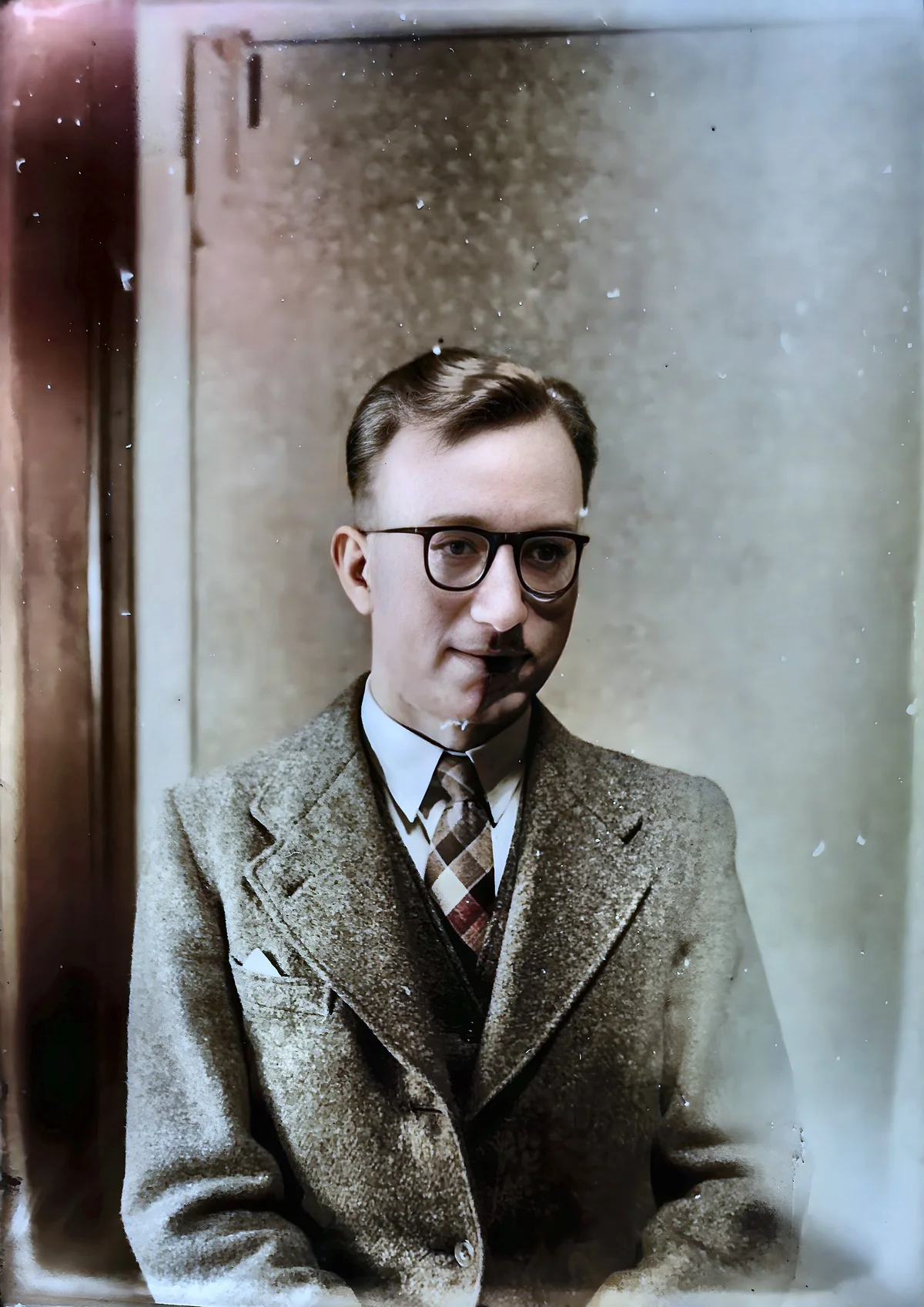
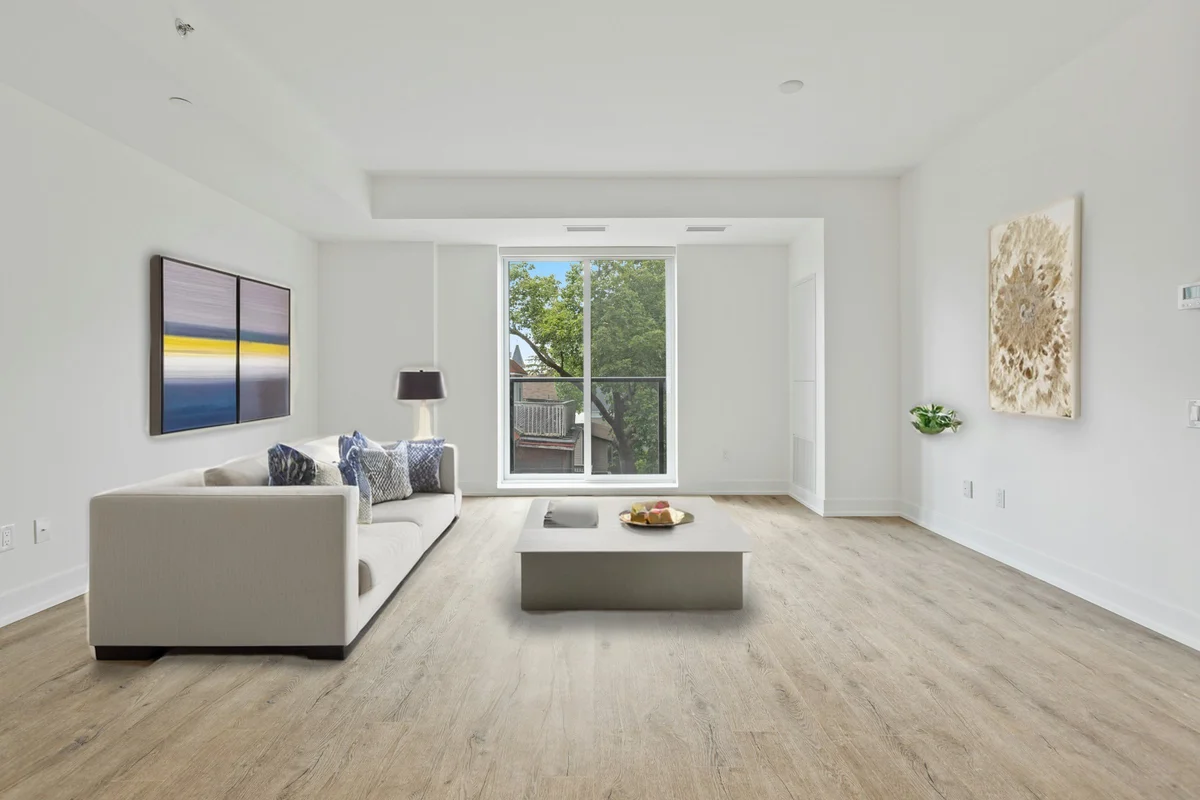
EnhanceCraft vs Topaz Labs →Before

After

More examples like this: browse before & after results across every tool.
Topaz Labs has built a well-earned reputation as the go-to desktop application for serious photographers who need the absolute best image quality from their AI enhancement workflow. Topaz Photo AI — combining Gigapixel, DeNoise AI, and Sharpen AI into a single desktop application — is genuinely excellent software. If you're a professional photographer who processes images in Lightroom and Photoshop and needs the highest possible quality ceiling, Topaz has historically been the benchmark.
But the landscape has changed. Web-based AI tools have closed the quality gap significantly, and the workflow and pricing advantages of a cloud-based platform have become increasingly hard to ignore. This comparison covers what Topaz does well, where EnhanceCraft wins, and how to decide which tool is right for your specific situation.
Bottom line: Topaz wins on maximum output quality for professional print and desktop-first photography workflows. EnhanceCraft wins on everyday value and accessibility — a real monthly free tier, pay-as-you-go pricing with no forced subscription, an API, and ready-made e-commerce and real-estate workflows, all in the browser.
Feature Comparison at a Glance
| Feature | EnhanceCraft | Topaz Photo AI |
|---|---|---|
| Image Upscaling | ✅ 2x / 4x / 8x | ✅ Up to 6x |
| AI Denoising | ✅ | ✅ |
| AI Sharpening / Deblur | ✅ | ✅ |
| Face & Photo Restoration | ✅ | ✅ |
| Background Removal | ✅ | ✅ |
| Object Removal | ✅ | ✅ |
| Background Replacement | ✅ | ⚠️ |
| Text Removal | ✅ | ⚠️ |
| Anime Upscaling | ✅ | ⚠️ |
| Packaged E-commerce Workflows (ghost mannequin, product pipeline) | ✅ | ❌ |
| Real-Estate Workflow (virtual staging, sky replacement, day-to-dusk, window pull) | ✅ | ❌ |
| Batch Processing | ✅ | ✅ |
| Public API | ✅ | ❌ |
| Runs in Browser | ✅ No install | ⚠️ Web + desktop app |
| GPU Required | ❌ Cloud-based | ✅ For desktop app |
| Free Tier | ✅ 25 credits to start, 10/month after | ❌ Trial only |
| Pay-as-You-Go | ✅ | ❌ |
| Pricing Model | Free tier, PAYG, or subscription | Subscription |
What Is Topaz Labs?
Topaz Labs makes AI-powered image enhancement software, strongest on the desktop. Its Photo AI app combines upscaling, denoising, and sharpening with deep, high-quality models, and the wider Topaz toolset also covers background removal, object removal, and photo restoration, with web-based tools alongside the desktop app.
Topaz Photo AI is a standalone application with deep integration into Lightroom and Photoshop via plugins. It requires installation and performs processing locally using your computer's GPU. It is sold as a subscription, with no ongoing free tier — only a limited free trial.
What Is EnhanceCraft?
EnhanceCraft is a cloud-based AI image toolkit with complete photo workflows for e-commerce sellers, real estate agents, and photographers — covering upscaling (2x, 4x, 8x), AI denoising, AI deblurring, face restoration, background removal and replacement, AI inpainting for object and text removal, anime upscaling, old photo restoration, smart crop, batch processing, and format conversion. It also packages workflow bundles Topaz doesn't offer — e-commerce tools like a product photo pipeline, the ghost mannequin effect, and shadows and reflections, plus a real-estate toolkit with virtual staging, sky replacement, day-to-dusk, window pull, perspective correction, dehazing, and an edit pack. Everything is accessible from any browser without installation, with API access for developers and a pricing model that includes 25 free credits to start, then 10 every month.
Upscaling Quality: Close, But Topaz Still Leads for Print
Topaz maintains a quality edge for large-format print output, but for the vast majority of use cases — e-commerce, web, standard print sizes — the difference is not visible to end users. AI upscaling can increase effective resolution by 4x while maintaining perceived sharpness on both platforms; the gap only becomes meaningful at very large print scales that most photographers and sellers never need.
Topaz Gigapixel AI has set the standard for upscaling quality. It supports up to 6x upscaling and offers specialized modes: Standard, Low Resolution, CGI, Lines & Text, Very Compressed, and Art & CG. The quality at maximum settings, particularly for print-ready outputs, is outstanding. Professionals preparing images for billboard-sized prints or gallery-quality large-format output trust Gigapixel for a reason.
EnhanceCraft upscales up to 8x — a higher scale factor — and the quality is excellent for the vast majority of real-world use cases: e-commerce images, photography for web and social media, preparing images for standard print sizes, and restoring old scans. The difference between Topaz and EnhanceCraft at 4x or 8x is not dramatic for most content, but it exists and is noticeable to trained eyes at very large print sizes.
For upscaling alone, at the level professional photographers require for large-format print: Topaz has a meaningful quality edge. For everything else: EnhanceCraft is more than sufficient and adds tools Topaz doesn't have.
Winner: Topaz Labs for maximum-quality upscaling for large-format print. EnhanceCraft for everything else.
AI Denoising and Sharpening
Both tools offer strong AI denoising and deblurring/sharpening. Topaz DeNoise AI and Sharpen AI (now integrated into Photo AI) are well-regarded by photographers and produce excellent results, particularly on RAW files processed in a Lightroom/Photoshop workflow.
EnhanceCraft's denoising and deblurring handle JPEG, PNG, and WebP files effectively — the formats most users actually work with. For web-sourced images, compressed photos, and typical digital camera files, the results are excellent.
The key difference: Topaz integrates directly with photography software, making it ideal for pixel-level work on RAW files. EnhanceCraft is better for processed photos and web workflows.
Winner: Tie for typical use cases. Topaz for RAW file workflows in Lightroom/Photoshop.
Face Restoration
EnhanceCraft has a dedicated face restoration tool that repairs and enhances faces in old, blurry, or low-resolution photos. It processes every detected face in the image and is particularly effective for restoring old family photos, portrait shots from distance, and compressed images.
Topaz also offers face restoration and a dedicated photo restoration tool. Both platforms handle this well; the practical difference is access and price — EnhanceCraft runs in the browser with a free monthly tier, while Topaz is a paid subscription.
Winner: Tie on capability. EnhanceCraft for browser access and a free tier.
Background Removal, Object Removal, and Inpainting
EnhanceCraft includes one-click background removal (transparent PNG output), background replacement with a color, gradient, or AI-generated scene, AI object removal (inpainting), and AI text removal.
Topaz also offers background removal and generative object removal. EnhanceCraft additionally provides background replacement and text removal, plus ready-made e-commerce workflows — ghost mannequin and product pipelines — that bundle these steps together.
Winner: Tie on core background and object removal. EnhanceCraft for background replacement, text removal, and packaged e-commerce workflows.
Real-Estate and Architecture Photo Tools
Topaz is widely used by real-estate and architecture photographers for denoising and sharpening, but the geometry and atmosphere fixes those shoots need are not part of its toolset. EnhanceCraft adds them directly: perspective correction straightens leaning walls and converging verticals from wide-angle interior shots; window pull recovers the blown-out view through interior windows; dehazing restores contrast in exterior and drone shots; and the real-estate edit pack chains geometry, denoise, white-balance, and lawn enhancement into one batch job. It also covers the listing-marketing edits Topaz has never offered: virtual staging that furnishes empty rooms (with a "Virtually Staged" compliance label), sky replacement for grey exteriors, and day-to-dusk twilight conversion. For a property photographer, that turns a multi-app editing routine into a single pass.
Winner: EnhanceCraft — Dedicated real-estate and architecture corrections that Topaz doesn't bundle.
Pricing: A Major Difference
Topaz Photo AI requires an ongoing subscription as well as a computer with adequate GPU hardware (an NVIDIA GPU with 8GB+ VRAM is recommended for best results). EnhanceCraft requires no hardware investment and no upfront cost, with 25 free credits to get started, then 10 every month, and a pay-as-you-go option for variable-volume users. Since batch processing 50 images with AI takes under 10 minutes on either platform, the practical speed advantage of local GPU processing over cloud processing is minimal for most users.
Topaz Photo AI is sold as a subscription, so ongoing access requires a recurring plan. There is no pay-as-you-go option and no free tier beyond a limited trial.
EnhanceCraft provides 25 free credits to start, then 10 every month — watermark-free, with no credit card required. Pay-as-you-go credits are available for users who process images sporadically. Monthly and annual subscriptions are available with a 22% discount on annual plans. Credits roll over (subscription credits up to 3× monthly allocation; PAYG credits never expire).
For users who enhance images occasionally or need a range of tools, EnhanceCraft is dramatically more affordable. For professional photographers who enhance hundreds of images per month and already have the hardware for local processing, a Topaz subscription may be worth it for the maximum print quality.
Winner: EnhanceCraft on accessibility and flexibility. Topaz if you're a professional processing high volume and prefer a local desktop tool.
Installation, GPU, and Workflow
Topaz Photo AI is a desktop application. It requires download and installation. Processing performance depends on your GPU — Topaz officially recommends an NVIDIA GPU with 8GB+ VRAM for best results. Processing large batches on CPU is slow. This means you need appropriate hardware, and the tool is not available on tablets or Chromebooks.
EnhanceCraft is entirely cloud-based. It runs in your browser on any device — Windows, Mac, Linux, Chromebook, iPad. Processing happens on our servers, so your computer's GPU is irrelevant. No installation required.
For laptop users, creative professionals without dedicated GPU hardware, and anyone who works from multiple devices, EnhanceCraft's cloud model is a significant practical advantage.
Winner: EnhanceCraft for accessibility. Topaz for users already set up with high-end GPU hardware who prefer local processing.
API Access
EnhanceCraft provides a REST API for developers who want to integrate AI image enhancement into their own applications, e-commerce platforms, or automated pipelines. Documentation and code examples in multiple languages are available at enhancecraft.com/docs/api.
Topaz Labs does not offer an API. It is a desktop application only, with no programmatic access.
Winner: EnhanceCraft — API access is exclusive to EnhanceCraft.
Topaz Labs: Pros and Cons
Pros: - Best-in-class upscaling quality — the benchmark for professional print quality - Excellent denoising and sharpening — industry-trusted, especially for RAW files - Deep Lightroom/Photoshop integration via plugin — ideal for professional photography workflows - Specialized upscaling modes — Standard, Low Resolution, CGI, Lines & Text, and more for fine control - Local processing — no internet required after installation; useful for large batches - Established quality reputation — long trusted by professional photographers for print work
Cons: - Desktop-first — the full feature set needs a Windows or Mac install with adequate hardware - No dedicated e-commerce or real-estate workflows (ghost mannequin, product pipelines, real-estate packs) - GPU recommended — slow on CPU-only machines - No API access — cannot integrate programmatically - No free tier — only a limited trial, and ongoing use now requires a subscription - No pay-as-you-go option — billed as a subscription, which is less flexible for occasional use
EnhanceCraft: Pros and Cons
Pros: - Complete toolkit — upscaling, denoising, deblurring, face restoration, background removal, and object removal in one platform - Packaged e-commerce and real-estate workflows — product pipeline, ghost mannequin, shadow/reflection, window pull, perspective correction, and dehazing as one-click jobs - 8x upscaling — higher scale factor than Topaz's 6x - Web-based, no installation — works on any device - 25 free credits to start, then 10 every month — try everything without a credit card - Pay-as-you-go option — pay only for what you use - API access for developers and automated workflows - Batch processing across all tools
Cons: - Quality ceiling slightly below Topaz at very large print scales - No Lightroom/Photoshop plugin (web-based workflow instead) - Requires internet connection
Who Should Use Topaz Labs?
- ●Professional photographers who need the absolute highest quality for large-format print
- ●Users deeply invested in Lightroom or Photoshop workflows who want plugin integration
- ●Users who process very high volumes of RAW images and prefer local GPU processing
- ●Anyone who prefers a desktop-first tool with deep Lightroom and Photoshop integration
Who Should Use EnhanceCraft?
- ●Anyone who needs background removal, object removal, or face restoration alongside upscaling
- ●E-commerce sellers who need a complete image pipeline without installing desktop software
- ●Users who don't have a dedicated GPU or work from multiple devices
- ●Developers who need API access for programmatic image processing
- ●Users who want to start free and pay only for what they use
- ●Anyone who processes images on a web browser rather than dedicated desktop software
Frequently Asked Questions
Is Topaz Labs free? Topaz Photo AI is not free. It offers a limited free trial, but full functionality requires a paid subscription. There is no ongoing free tier or pay-as-you-go option.
Is EnhanceCraft a Topaz Labs alternative? Yes. EnhanceCraft covers Topaz's core upscaling, denoising, and deblurring capabilities via a web interface with no installation required, and adds background removal, face restoration, and object removal that Topaz doesn't offer. Topaz remains ahead on maximum quality for large-format print, but EnhanceCraft is the stronger choice for workflows that require the full image enhancement pipeline.
Does Topaz Photo AI remove backgrounds? Yes. Topaz offers background removal, and so does EnhanceCraft — as a one-click step that outputs a transparent PNG, alongside upscaling, face restoration, and background replacement in the same platform.
Which tool is better for e-commerce product photos? EnhanceCraft is a strong choice for e-commerce. Product workflows typically chain upscaling, background removal, and object cleanup — and EnhanceCraft adds ready-made e-commerce workflows like ghost mannequin and product pipelines that bundle these steps together with one shared credit balance.
Which tool is better for real-estate photos? Both denoise and sharpen well, but EnhanceCraft adds the geometry and atmosphere fixes property shoots need — perspective correction for leaning walls, window pull to recover blown-out window views, dehazing for exteriors, and a real-estate edit pack that batches these into one job — plus the listing-marketing edits Topaz does not offer: virtual staging with a "Virtually Staged" compliance label, sky replacement, and day-to-dusk twilight conversion. Topaz does not bundle these real-estate-specific corrections.
Verdict
Topaz Labs Photo AI has earned its reputation. For professional photographers who need maximum quality upscaling for large-format print — and who are already set up with the hardware and software ecosystem to take advantage of it — Topaz remains the quality benchmark.
For everyone else: EnhanceCraft is the more accessible and cost-effective solution. Web-based access from any device, 25 free credits to get started, then 10 every month, a complete toolkit with packaged e-commerce and real-estate workflows, and API access for developers. The positioning difference is the real divide: Topaz perfects a photo; EnhanceCraft finishes the job it was part of — marketplace-ready listings for sellers, MLS-ready shoots with virtual staging, sky replacement, and day-to-dusk for agents, and print-ready galleries for photographers, batched in one browser tab. Topaz leads on maximum print quality at very large scales; EnhanceCraft leads on value, browser access, the free monthly tier, and workflow breadth.
Try EnhanceCraft free today — no credit card required. Start with free AI image upscaling, AI background removal, or the full image enhancement toolkit.
Found this helpful?
Share it with your network
Ready to try it yourself?
25 free credits to start, then 10 every month. No credit card. Process your first image in under 15 seconds.
Try EnhanceCraft freeMunib Ali Laghari
Founder & Lead Developer · EnhanceCraft
Munib Ali Laghari is the founder and lead developer of EnhanceCraft, an AI image toolkit. He writes about AI upscaling, photo restoration, and background removal. Connect on LinkedIn