
Virtual Staging for a Kids' Room — Furnish Empty Rooms with AI
Families shopping for a home want to picture where the children will sleep and play, and an empty room makes that hard to imagine. Virtual staging furnishes an empty room as a kids' room — a bed, storage, a rug, and playful finishing touches — so family buyers can immediately see it working for a child or a nursery. The walls, windows, and closets stay exactly as photographed; you pick the style, and the AI scales the furniture to the room's real size so even a smaller room reads as a comfortable child's space.
Quick answer
How do you virtually stage a kids' room?
Upload a photo of the empty room, choose the 'kids' room' room type and a style, and the AI adds a bed, storage, a rug, and playful décor scaled to the space while keeping walls, windows, and closets intact. EnhanceCraft labels every result 'Virtually Staged,' so family buyers can picture a child's room and your listing stays compliant.
1-click
Furnish an empty room
25
Free credits to start
Labeled
"Virtually Staged" on every image
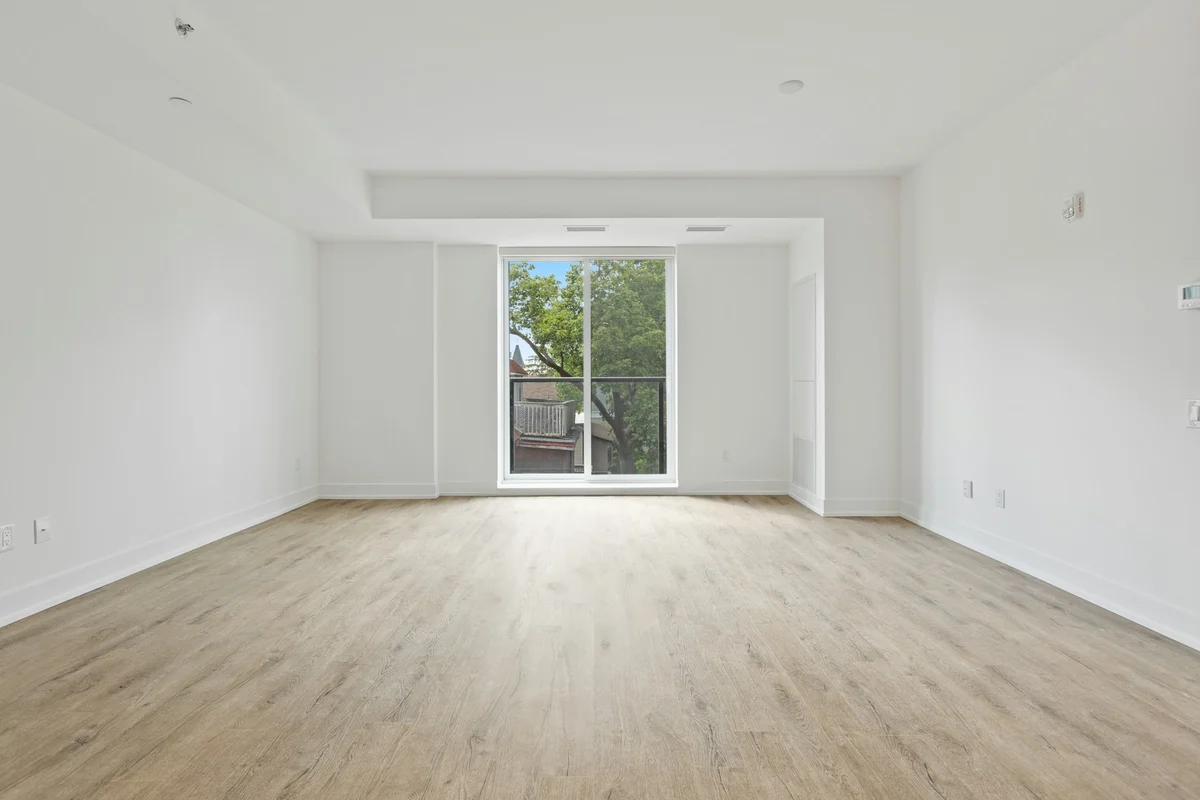
Before (empty room)
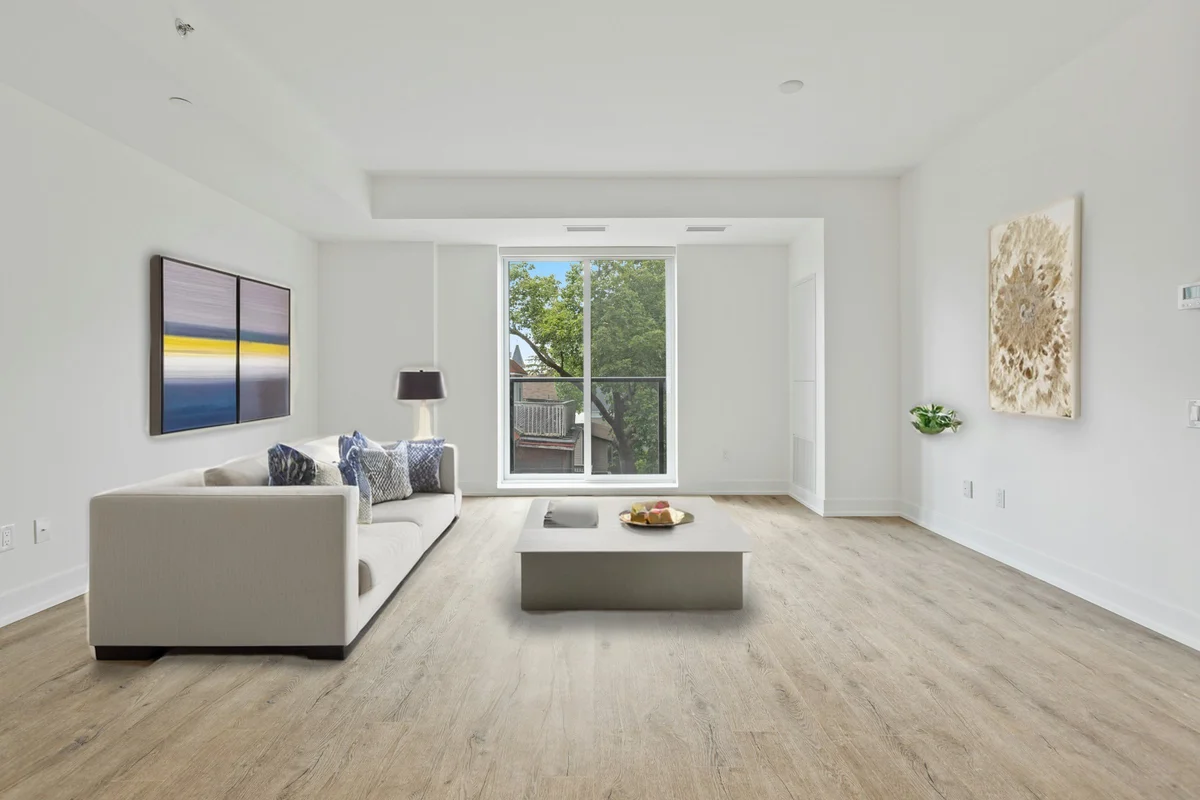
After (virtually staged)
25 free credits to start, then 10 every month. No credit card. Full resolution output.
Virtually Stage a Kids' Room FreeHow to virtually stage the room
- 1Upload a photo of the empty room — JPEG, PNG, or WebP, well-lit and clutter-free.
- 2Pick the room type and a design style so the furniture matches the space.
- 3The AI adds realistic, perspective-correct furniture while keeping walls, windows, and doors intact.
- 4Download the staged photo — it includes a "Virtually Staged" label — and add it to your listing.
Disclosure: these are virtually staged photos
Every image EnhanceCraft stages carries a discreet "Virtually Staged" label by default. Most MLS systems and realtor boards require you to disclose that listing photos are virtually staged — the label helps you stay compliant, but always follow the disclosure rules in your local market. Virtual staging shows how a space could be furnished; it never hides or alters the room's real structure, because the walls, windows, and doors are kept intact.
Frequently Asked Questions
What does virtual staging add to a kids' room?
The AI furnishes the room with a child-appropriate bed, storage or a dresser, an area rug, and playful touches like wall art, arranged to fit the room's real dimensions. You choose the style, and the windows, doors, and closets in your photo stay exactly as shot.
Can I stage a small room as a kids’ room or nursery?
Yes. A smaller room often reads better staged as a child's room or nursery than left empty, because scaled furniture shows it comfortably serves that purpose. It's a practical way to give an awkward or compact room a clear, appealing role in the listing.
Will staging a kids’ room appeal to family buyers?
It can. Family buyers frequently look for a room they can dedicate to a child, so showing an empty room set up as a kids’ space helps them connect with the home and see it fitting their needs — something a blank room leaves entirely to guesswork.
Is a virtually staged kids' room allowed in listings?
Virtual staging is widely accepted because it furnishes the room without changing its structure. Most MLS and realtor boards require disclosure, though — EnhanceCraft adds a 'Virtually Staged' label to every image by default, and you should follow your local market's disclosure rules.