
Virtual Staging for a Dining Room — Furnish Empty Rooms with AI
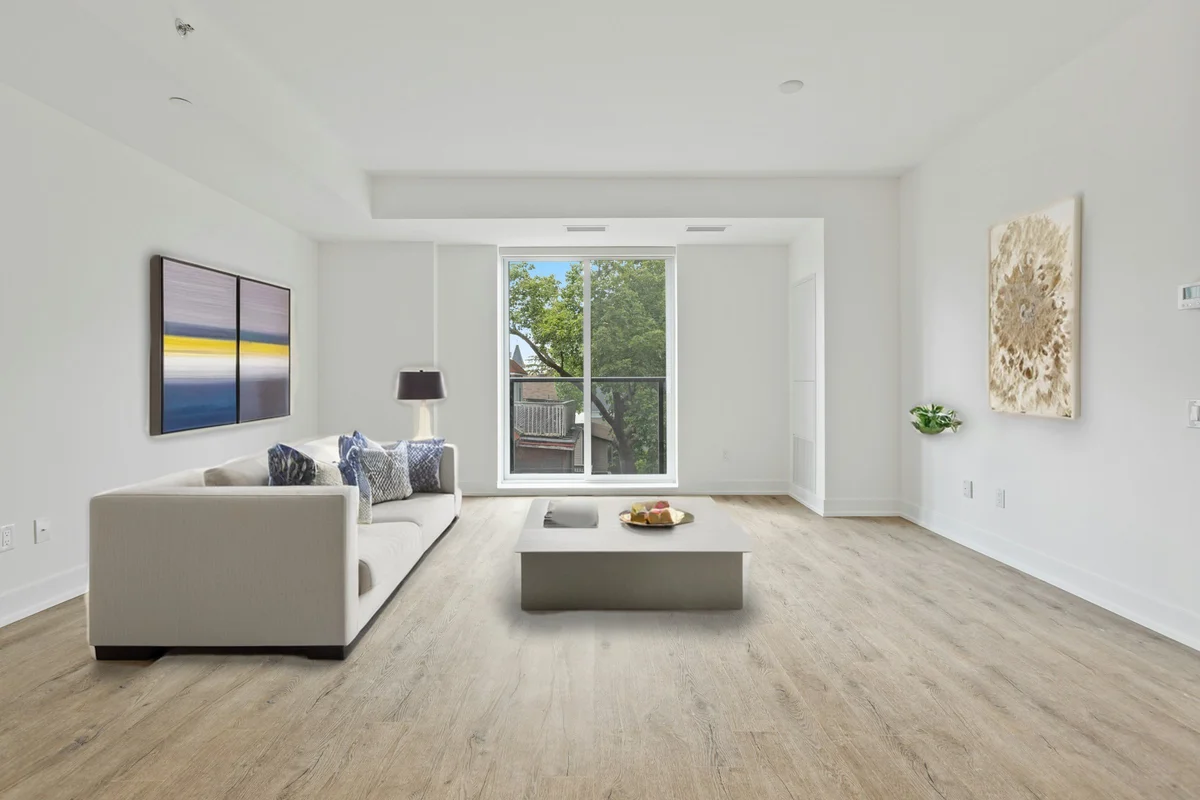
An empty dining room is one of the hardest spaces for buyers to read — without a table it's just a box, and people can't tell how many it seats or how it flows from the kitchen. Virtual staging adds a properly scaled dining table, chairs, a rug, and finishing touches so buyers can picture hosting there. The room's walls, windows, and light fixtures stay exactly as shot; only the furniture is placed, in the style you choose.
Quick answer
How do you virtually stage a dining room?
Upload a photo of the empty dining room, choose the 'dining' room type and a style, and the AI adds a scaled dining table, chairs, a rug, and décor while keeping walls, windows, and fixtures intact. EnhanceCraft labels every result 'Virtually Staged,' so buyers can picture hosting and your listing stays compliant.
1-click
Furnish an empty room
25
Free credits to start
Labeled
"Virtually Staged" on every image
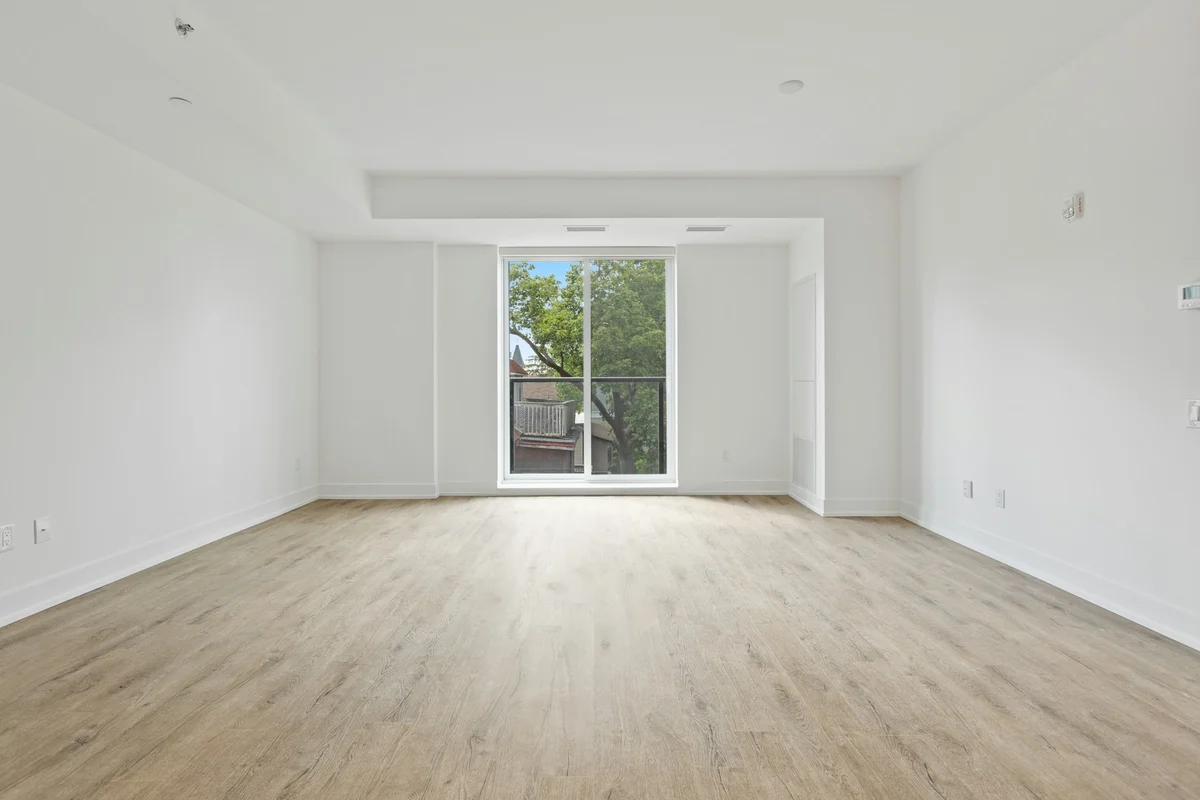
Before (empty room)
After (virtually staged)
25 free credits to start, then 10 every month. No credit card. Full resolution output.
Virtually Stage a Dining Room FreeHow to virtually stage the room
- 1Upload a photo of the empty room — JPEG, PNG, or WebP, well-lit and clutter-free.
- 2Pick the room type and a design style so the furniture matches the space.
- 3The AI adds realistic, perspective-correct furniture while keeping walls, windows, and doors intact.
- 4Download the staged photo — it includes a "Virtually Staged" label — and add it to your listing.
Disclosure: these are virtually staged photos
Every image EnhanceCraft stages carries a discreet "Virtually Staged" label by default. Most MLS systems and realtor boards require you to disclose that listing photos are virtually staged — the label helps you stay compliant, but always follow the disclosure rules in your local market. Virtual staging shows how a space could be furnished; it never hides or alters the room's real structure, because the walls, windows, and doors are kept intact.
Frequently Asked Questions
What does virtual staging add to a dining room?
The AI furnishes the room with a dining table, chairs, an area rug, and finishing touches like a centerpiece or wall art, all scaled to the space and placed in correct perspective. Your walls, windows, and any existing light fixture are kept exactly as photographed.
Can staging show how many people the dining room seats?
Yes. Because the table and chairs are sized realistically to the room, a staged dining room gives buyers a concrete sense of how many it seats and how the space flows to the kitchen or living area — something an empty room leaves entirely to guesswork.
What if the dining area is open-plan or combined with the living room?
Stage it as the space actually functions. For an open-plan layout, a dining set defines the eating zone and shows the room's dual purpose. You can try the dining layout and review the result before applying it across the rest of your listing photos.
Do virtually staged dining room photos need a disclaimer?
Most MLS systems and realtor boards require disclosure that a photo is virtually staged. EnhanceCraft adds a discreet 'Virtually Staged' label to every result by default, so you're covered — but always check and follow the disclosure rules that apply in your market.