
Remove Background from Product Photos for Walmart — AI Background Remover
Walmart Marketplace recommends a clean white or clear background for every primary product image, and listings that follow it look more professional and pass image checks more reliably. AI background removal strips the original background from any product photo and returns a white or transparent result in under 10 seconds — no studio reshoot, no manual masking. Pair it with upscaling to reach Walmart's recommended 1,000-pixel-plus resolution for image zoom.
Quick answer
How do you remove a product photo background for Walmart Marketplace?
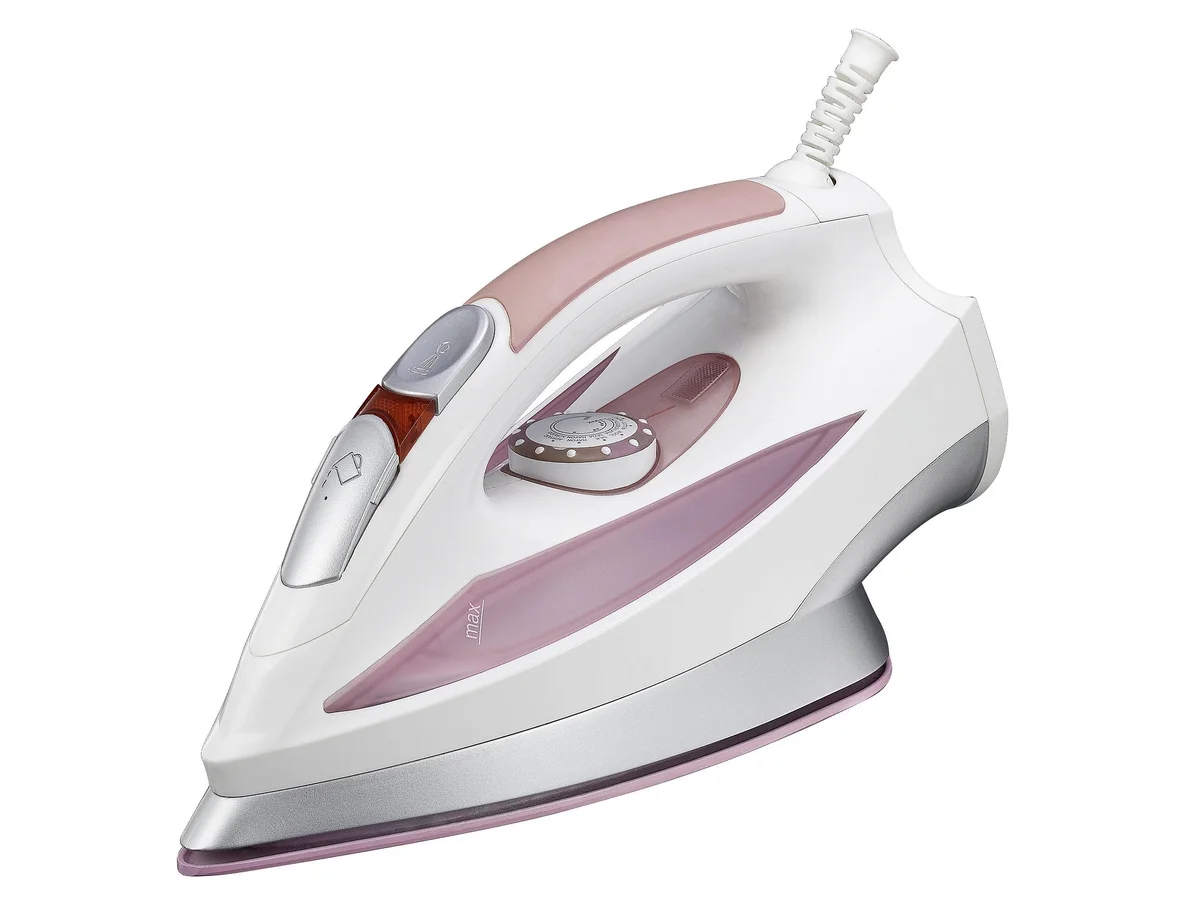
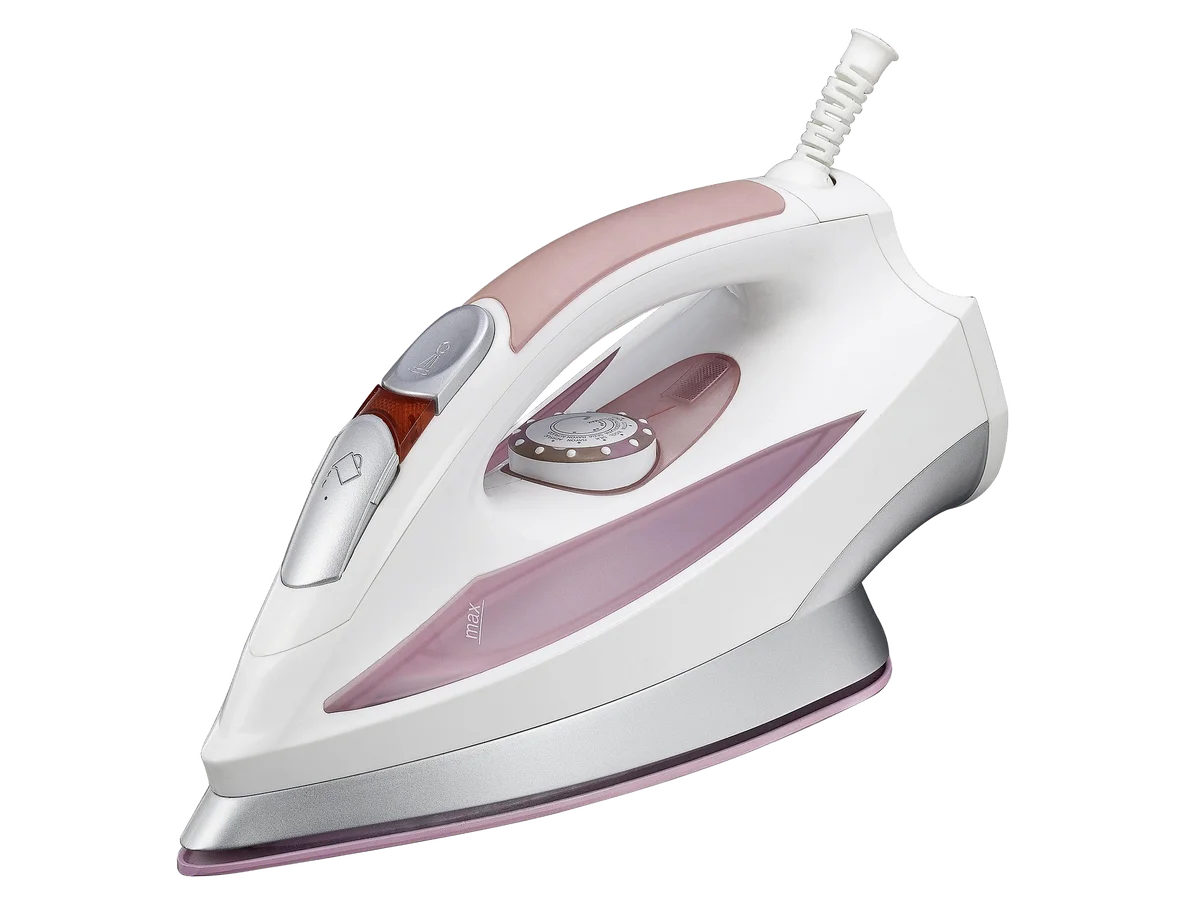
Walmart Marketplace recommends a clean white or clear background for the main product image. AI background removal erases the original background and returns a white or transparent result in under 10 seconds — no manual masking or studio reshoot. EnhanceCraft keeps edges sharp, so listings look professional and meet Walmart's image guidelines.
< 10s
Per image
25
Free credits to start
100%
Watermark-free
Before
After (background removed)
25 free credits to start, then 10 every month. No credit card. Full resolution output.
Remove Background for Walmart FreeHow to remove the background
- 1Upload your product photo — JPEG, PNG, or WebP, up to 50 MB.
- 2AI automatically detects and segments the subject from the background.
- 3Preview the result. Download as transparent PNG or set a custom background color.
- 4Use directly in your listing or replace the background with a studio-white or AI-generated scene.
Frequently Asked Questions
Does Walmart require a white background for product photos?
Walmart recommends a white or clear background for the main (primary) product image rather than strictly mandating it, and following that guideline helps listings look professional and pass image checks. EnhanceCraft removes the original background and outputs a clean white background or a transparent PNG you can set to white.
What resolution should Walmart Marketplace images be?
Walmart requires images of at least 500 pixels on the longest side and recommends 1,000 pixels or more so buyers can use zoom. If your product photos are smaller, upscale them with AI after background removal to reach the recommended size. Both tools are on EnhanceCraft.
Can I process my whole Walmart catalog at once?
Yes. Batch processing on paid plans removes backgrounds from many product images at once, and the API supports automated processing for large Walmart catalogs integrated with your inventory system.
Will background removal keep fine product detail sharp?
Yes. The AI produces clean edges around products, including fine detail like straps, wires, and translucent materials. For the best result, start with a well-lit photo of the product on a contrasting background.