
Remove Background from Etsy Product Photos — Within Etsy's Photo Rules
Etsy lets you change the background of your listing photos, with two conditions. Every listing still needs one unedited photo of the item against a real background, and an edit can't make the item look different from what the buyer receives. There's also a technical catch: Etsy shows transparent areas as black, so a cut-out needs a solid or photographed background behind it before you upload.
Quick answer
Can you remove the background from Etsy listing photos?
Yes, in any photo except the one unedited photo Etsy requires on every listing. That photo must show the actual item against a real background, changed only by cropping, resizing, a watermark, or a new file format. For your edited photos, put the product on a solid color or a real backdrop and upload a JPG, because Etsy turns transparent areas black. Then note in the listing description that the images were edited with AI.
JPG
Flattened, Etsy-safe output
2 credits
Per photo on a new background
1 a day
Free without an account
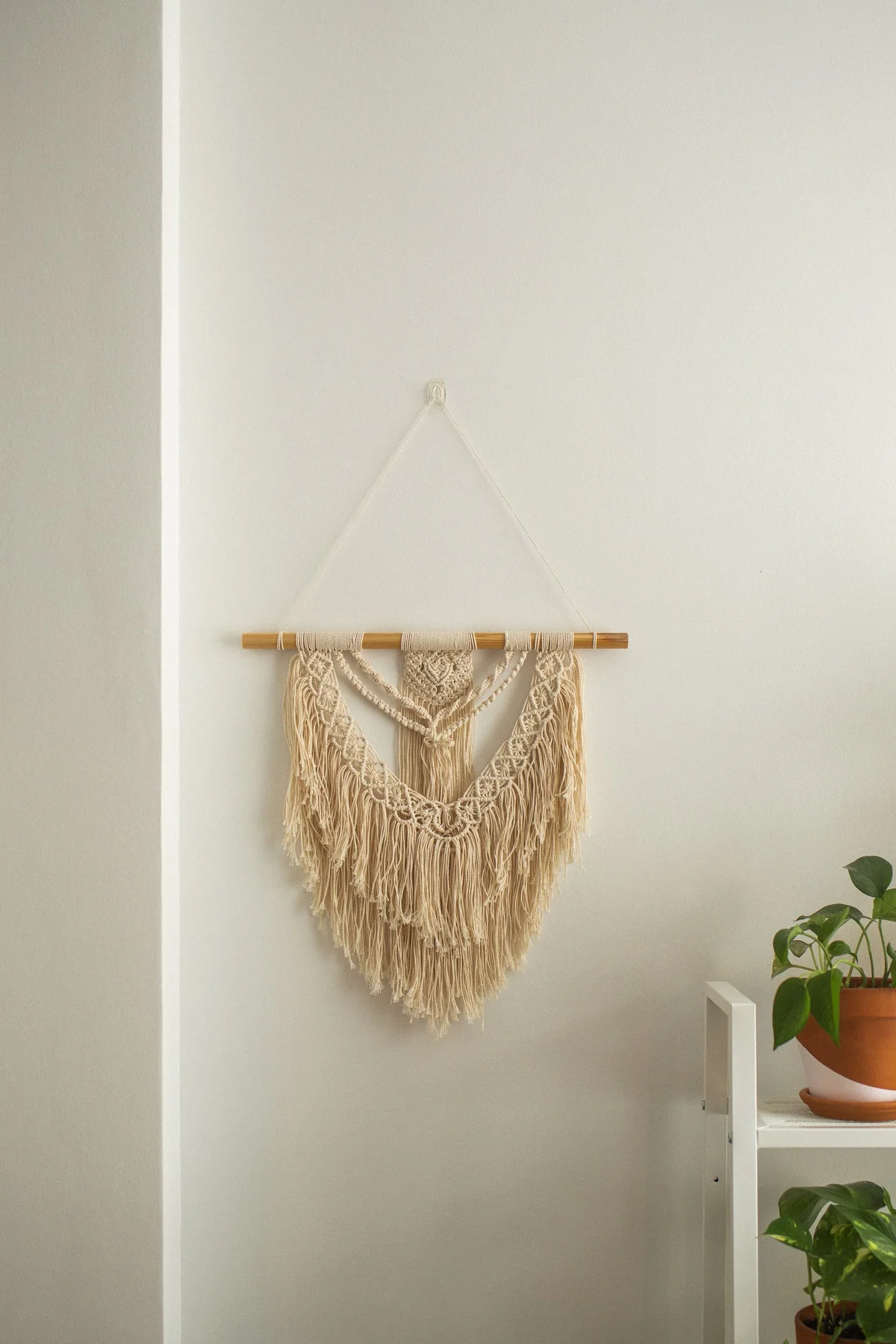
Before
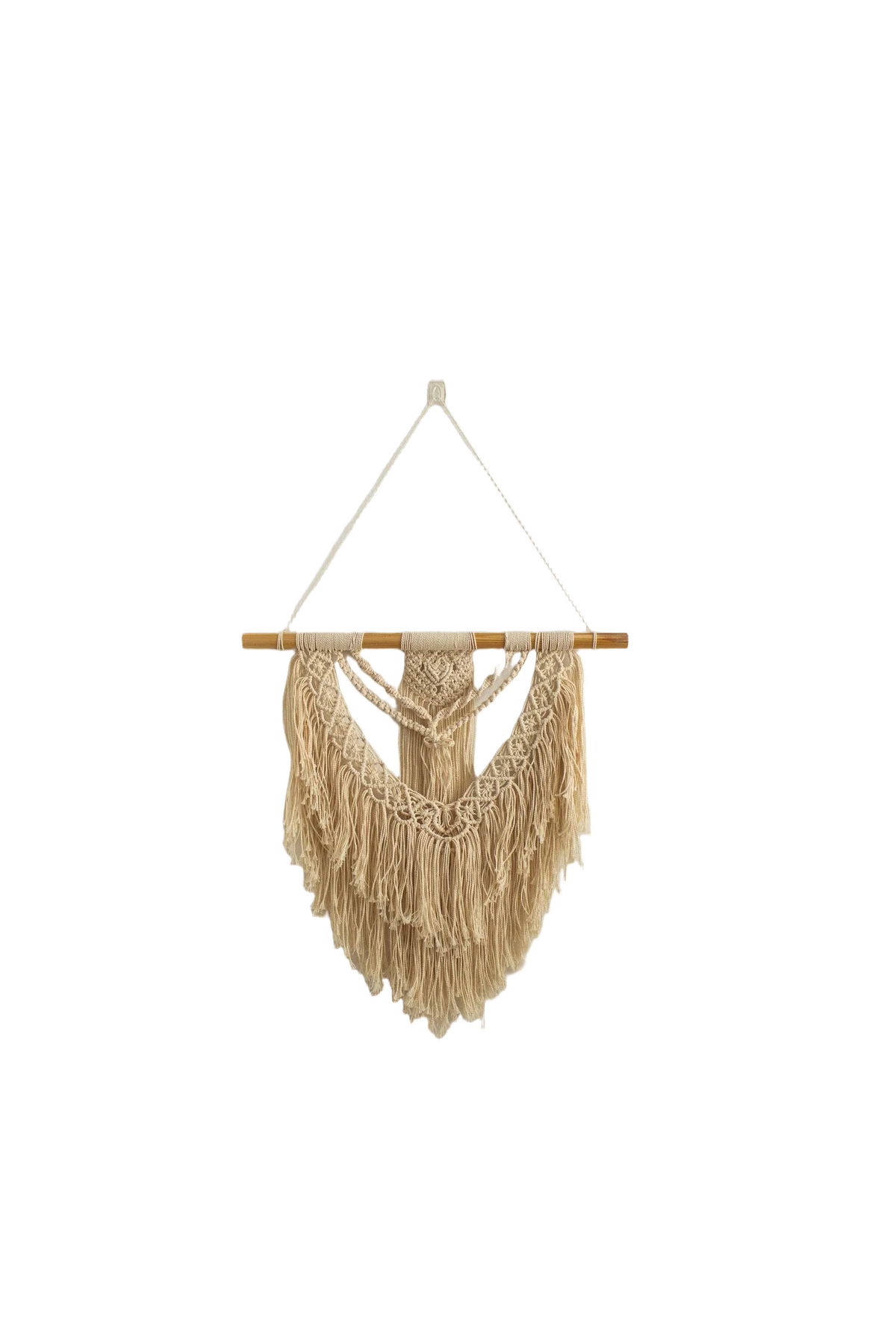
After (background removed)
What Etsy's photo rules allow
Etsy's image requirements set the limits for edited listing photos:
- One unedited photo is required. Each listing must include at least one photo of the actual item against a real background that hasn't been edited or changed. You can still crop or resize it, add a watermark, or change its file format. Etsy notes that some exceptions apply depending on the type of item.
- Your other photos can be edited, including with AI. Etsy allows adjusting lighting or color, cropping or resizing, and changing backgrounds.
- An edit can't change the item. Editing can't hide flaws, conceal damage, or make the item look different from what the buyer will receive.
- Your first photo doesn't have to be the unedited one, but Etsy asks that it be the clearest, most realistic view of the item.
- Say when you used AI. If you use AI to edit any listing photo, Etsy asks you to note it in the listing description. Background removal and replacement here are done by AI, so add a line such as "Some photos have AI-edited backgrounds."
Why a cut-out turns black on Etsy
Etsy accepts .jpg, .gif, .png, .svg, and .heic files, and its help page is direct about transparency: "the transparent parts of the image will appear black on Etsy." WebP isn't on the list either.
That's why removing the background isn't the last step for Etsy. Our Background Remover outputs a transparent PNG, which suits Shopify themes and design tools but needs a background behind it before it goes to Etsy. If you already have a transparent PNG, our image converter fills the transparent area with white when you convert it to JPG. For any other color, or a real backdrop, use the Background Replacer.
Two ways to get an Etsy-ready photo
Etsy's image guide asks for enough border around the product that it can be cropped to square, portrait, and landscape thumbnails without losing any of it. Our Etsy listing photo size guide shows how much of the frame each crop keeps.
- Background Replacer. It removes the background and puts the product on white, any color you pick, or a photo of your own backdrop, such as a wood table or a piece of linen you shot. The result downloads as a JPG. It costs 2 credits a photo, and you can do 1 photo a day free without an account (using your own backdrop photo needs a free account). It can also generate a background scene from a text prompt (3 credits); that counts as an AI edit too.
- Product Photo Editor, Etsy preset. One job upscales the photo 4x, cleans up noise, crops it square with extra margin around the product, and places it on pure white as a JPG. It costs 5 credits and needs a free account.
Size limits on free downloads
Etsy recommends listing photos at least 2,000 pixels wide and tall, and at least 635 pixels for the first photo. Free downloads here are capped at 1,200 pixels on the long edge and carry a small watermark. That clears Etsy's 635-pixel minimum but not its 2,000-pixel recommendation. Any paid plan or credit pack unlocks full-resolution, watermark-free downloads.
25 free credits to start, then 10 every month. No credit card.
Put Your Etsy Photo on a New BackgroundHow to remove the background
- 1Keep one photo unedited. Etsy requires at least one photo of the actual item against a real background, so upload that one as shot (cropping, resizing, and a format change are fine).
- 2Upload the photo you want to clean up to the Background Replacer: JPEG, PNG, or WebP, up to 25 MB (50 MB on paid plans).
- 3Pick the new background: white, a light gray, any color, or a photo of your own backdrop (with a free account). The result downloads as a flattened JPG, which Etsy displays correctly.
- 4Add it to your listing as another photo, or as the first photo if it's the clearest, most realistic view of the item. Then note in the listing description that the images were edited with AI.
Frequently Asked Questions
Is it allowed to remove the background from Etsy product photos?
Yes, in any photo except the one unedited photo Etsy requires on every listing, which must show the actual item against a real background. Etsy allows changing backgrounds in your other photos, including with AI, as long as the edit doesn't hide flaws or make the item look different from what the buyer receives. Note in the listing description that the images were edited with AI.
Why did my Etsy photo background turn black?
Because the file had transparency. Etsy shows the transparent parts of an image as black, so a cut-out saved as a transparent PNG uploads on a black background. Put a background behind the product before uploading: the Background Replacer saves it on the color or backdrop you choose as a JPG, and our image converter fills transparency with white when it converts a PNG to JPG.
Does the first Etsy photo have to be the unedited one?
No. Etsy says your first listing image doesn't need to be the unedited photo, but it should be the clearest, most realistic representation of the item buyers will receive. The unedited photo can go anywhere in the listing.
Do I have to tell buyers I used AI on my photos?
Etsy asks sellers who use AI to edit any listing photo to note in the listing description whether images were edited. Background removal and replacement here are done by AI, so a short line in the description covers it.
How many Etsy photos can I edit for free?
You get 25 free credits to start, then 10 every month. Putting a photo on a new background costs 2 credits, so that covers 12 photos in your first month and 5 a month after that. You can also do 1 photo a day without an account. Free downloads are capped at 1,200 pixels on the long edge and carry a small watermark; any paid plan or credit pack unlocks full-resolution, watermark-free downloads.