AI Background Blur: Create Professional Portrait Effects Instantly in 2026
Create portrait-style bokeh without expensive lenses. See how AI subject detection and selective blur mimic professional DSLR depth-of-field.
Munib Ali Laghari
Founder & Lead Developer
Quick answer
How do you add background blur to a portrait?
AI background blur detects the subject, separates it from the background, and applies an adjustable blur behind it for a DSLR-style depth-of-field look. EnhanceCraft creates this bokeh effect on any smartphone or flat studio photo, with control over blur strength from subtle to heavy.
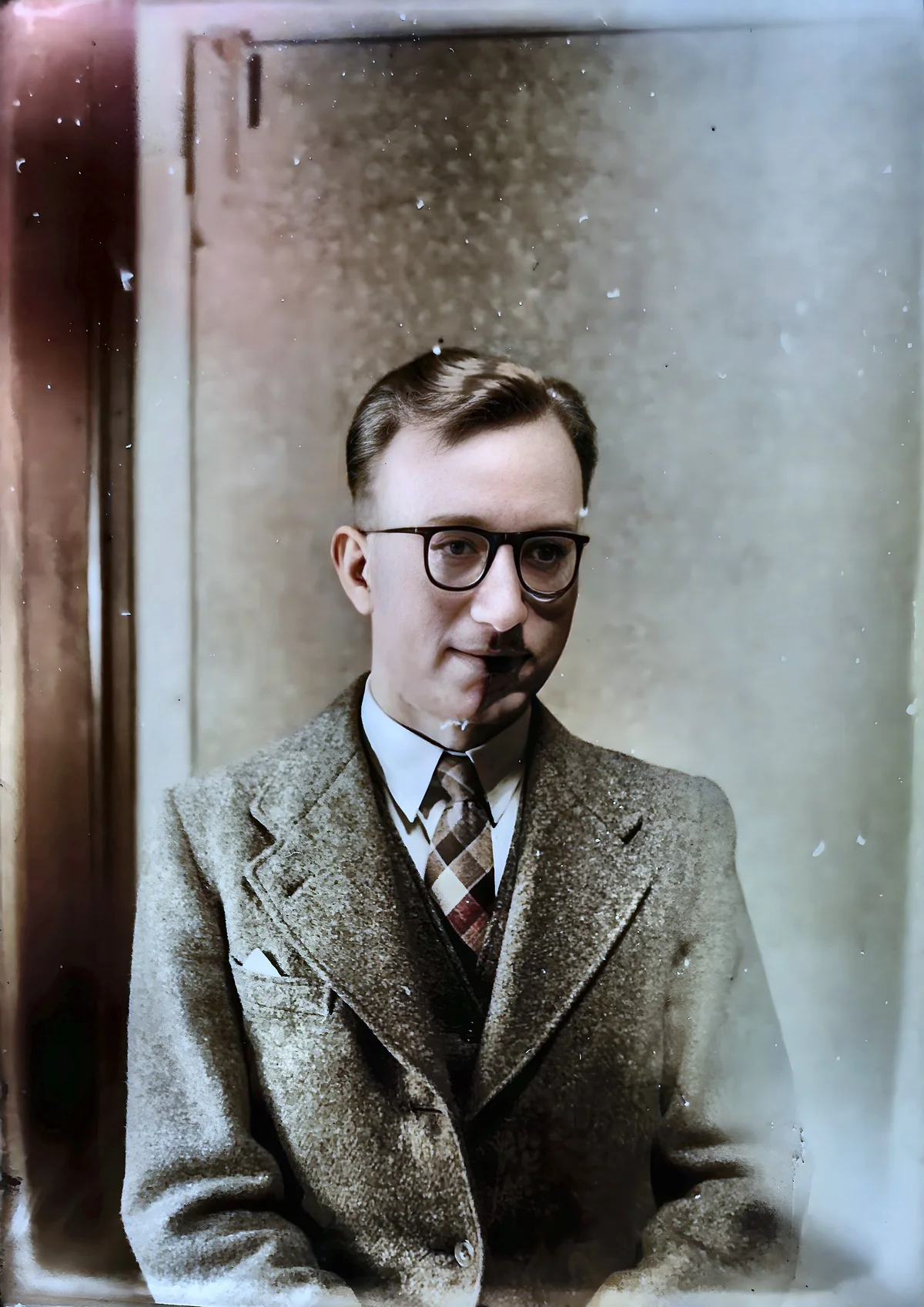
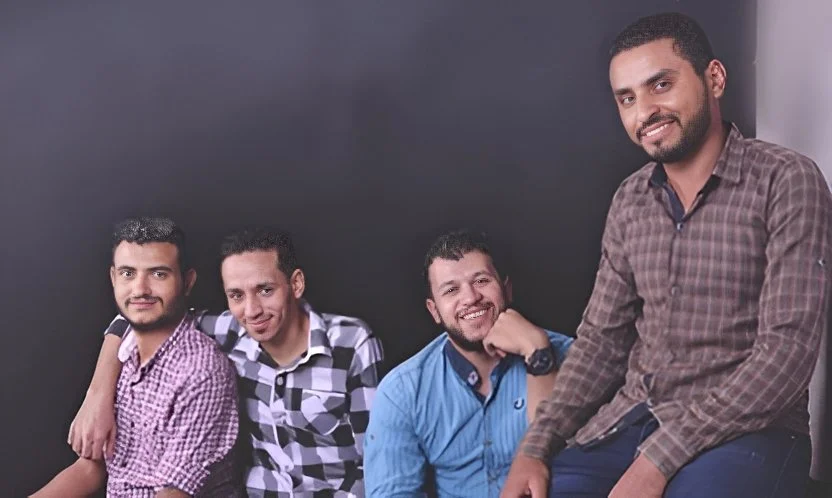
Before

After

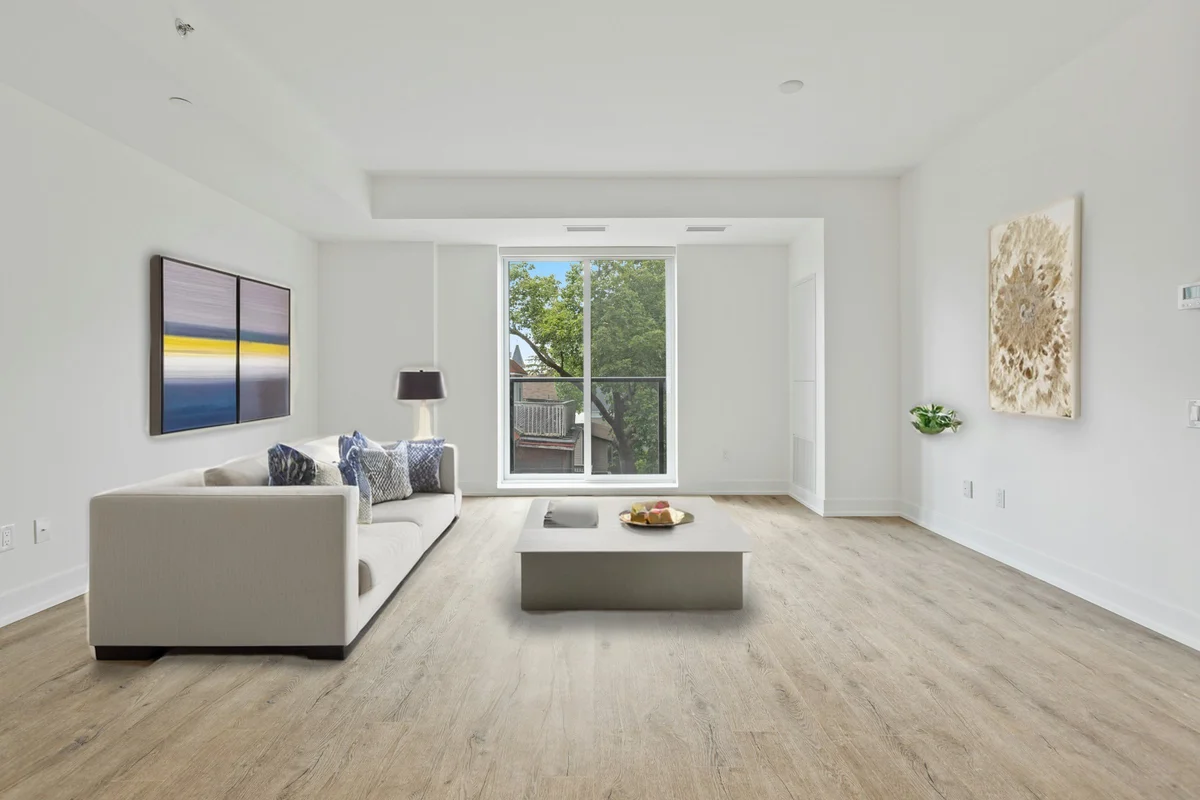
More examples like this: browse before & after results across every tool.
You look at professional portrait photography and marvel at that beautiful blurred background—the creamy bokeh that makes subjects pop and creates that magazine-quality depth-of-field effect. But achieving this look traditionally requires expensive DSLR cameras, fast prime lenses costing hundreds or thousands of dollars, and technical expertise to nail the settings. Your smartphone or entry-level camera takes perfectly fine photos, but everything stays equally sharp, making subjects blend into busy backgrounds rather than standing out dramatically.
Portrait mode on smartphones tries to fake this effect, but the results are inconsistent. Edges get mangled, hair becomes a blurry mess, glasses disappear, and the blur itself often looks artificial and unnatural. You're left with photos that scream "fake blur" rather than "professional photography." For product photography, pet portraits, or any situation where you want that professional separation between subject and background, your options seem limited to expensive gear or disappointing software workarounds.
AI background blur changes this entirely. Advanced subject detection AI identifies your subject with precision, then applies natural-looking blur to everything else—creating authentic depth-of-field effects that rival expensive lens bokeh, all from any image regardless of how it was captured.
The Depth-of-Field Dilemma
The shallow depth-of-field effect traditionally requires large-aperture lenses (f/1.4–f/1.8) on cameras with large sensors — equipment that puts a significant cost barrier between casual photographers and professional-looking portraits. Smartphone cameras use sensors 10–25x smaller than full-frame DSLRs, making genuine optical bokeh physically impossible without additional optics.
In professional photography, the blurred background effect comes from physics—specifically, the shallow depth-of-field created by large apertures (small f-numbers like f/1.8 or f/1.4) on quality lenses. Light rays from out-of-focus areas spread into beautiful circular or hexagonal shapes called bokeh. The subject stays razor-sharp while the background melts into smooth, creamy blur. This optical effect is instantly recognizable and highly valued because it requires expensive equipment and skill to achieve.
Consumer cameras and especially smartphones can't easily create this effect. Their tiny sensors require small apertures for proper exposure, which keeps everything in focus. Wide-angle lenses (necessary for small camera bodies) extend depth-of-field rather than limiting it. The physical laws of optics work against achieving shallow depth-of-field, no matter how good the camera otherwise is.
Software solutions have tried to bridge this gap with mixed results. Simple Gaussian blur applied to backgrounds looks artificial because real optical blur isn't uniform. Edge detection algorithms struggle with complex boundaries like hair or transparent objects. Portrait modes on phones use depth sensors or dual cameras to estimate distance, but these estimates are often wrong, leading to blurred foregrounds or sharp backgrounds. The transitions between sharp and blurred areas look unnatural, and the overall effect rarely fools anyone.
The result is a frustrating gap between professional portrait photography and accessible consumer photography. You can capture great moments with excellent composition and lighting, but they lack that polished, professional quality that background blur provides.
How AI Creates Natural Bokeh
AI background blur creates natural-looking bokeh by combining precise subject detection with blur algorithms modeled on real optical behavior — the result looks like actual shallow depth-of-field rather than a software filter, because the blur degrades realistically with distance and highlights in the background form natural-looking circles rather than uniform halos.
AI background blur solves these problems through intelligent subject detection combined with sophisticated blur algorithms that mimic real optical behavior.
The first breakthrough is subject identification. Advanced AI models trained on millions of images understand what constitutes a subject versus background. The algorithm identifies people, pets, products, or other focal subjects with remarkable accuracy. Unlike simple depth estimation, this semantic understanding means the AI knows that a person's hair should stay with the person even when it's translucent or wispy, that glasses are part of the face even though they're see-through, and that a held object belongs with the subject rather than the background.
Edge handling is where AI truly excels. Traditional algorithms struggle with complex boundaries, but AI models learn realistic edge behavior from training data. Hair gets appropriate treatment—individual strands near the face stay sharp while distant background shows through appropriately. Glasses remain clear. Fuzzy objects like fur on pets are handled intelligently. The transitions from sharp to blurred areas are gradual and natural rather than hard-edged and obvious.
The blur itself mimics optical bokeh rather than simple Gaussian blur. Out-of-focus points spread realistically based on distance and the specified blur strength. Highlights in the background create natural-looking bokeh circles or shapes rather than glowing halos. The blur quality degrades realistically with distance—immediate background receives moderate blur while distant background becomes completely smooth.
Adjustable blur strength (1-100) gives you complete control. Subtle blur (1-15) creates gentle depth separation for a natural look. Medium blur (20-35) produces classic portrait-style effects. Strong blur (40-100) creates dramatic bokeh approaching what ultra-fast prime lenses deliver. You can dial in exactly the look you want rather than accepting whatever the algorithm decides.
Real Transformations: Professional Polish for Everyone
Portrait photography accounts for approximately 35% of all photos taken globally, yet most portrait photographers don't have access to the expensive prime lenses needed for genuine optical bokeh. AI background blur closes that quality gap for everyone from casual photographers to professional studios.
A headshot photographer needed to deliver consistent, professional-looking corporate portraits for a large company directory. Shooting 200+ employees with varied backgrounds in office settings, maintaining that shallow depth-of-field look with traditional photography would have required complex lighting setups and time she didn't have. Instead, she shot efficiently with good lighting against various backgrounds, then applied AI background blur in post-production. Every portrait received perfectly blurred backgrounds at exactly the same strength, creating visual consistency across the entire directory. What would have taken days in-camera took hours in post, and the quality was impeccable.
A product photographer for an online boutique faced a common problem: products photographed on tables or in rooms had distracting backgrounds—visible walls, furniture, other products. Traditional background removal meant creating composite images with solid colors or new backgrounds, which looked artificial. AI background blur provided a better solution. The products stayed in their original context but with backgrounds beautifully blurred, creating depth and focus without looking composited. Product detail remained crisp while surroundings faded naturally. Customer engagement with product photos increased 25% after implementing blurred-background product shots.
A pet photographer captured amazing expressions and moments but struggled with outdoor backgrounds that were often cluttered or distracting. Grass, trees, fences, parking lots—all competed for attention with the animals. AI background blur solved this elegantly. The dogs and cats popped from their surroundings with professional polish. Complex fur edges that would be nightmares for manual selection were handled flawlessly. What used to require expensive fast lenses and perfect shooting conditions could now be achieved from any well-composed shot.
A social media influencer needed high-quality profile pictures for various platforms. Professional photography wasn't in the budget, and smartphone portrait mode consistently mangled hair edges or blurred parts of the face. Using AI background blur on normally-shot photos delivered DSLR-quality results. Followers commented on the "professional photography" without realizing it was AI enhancement applied to regular photos.
Getting Perfect Results: Blur Strength and Subjects
The beauty of AI background blur lies in its flexibility. You choose the blur strength that matches your aesthetic and use case.
Subtle blur (1-15 radius) creates gentle separation without the obvious "portrait mode" look. Perfect for situations where you want professionalism without artificiality. Headshots that need to look natural rather than heavily processed. Product photography where context still matters but the subject should be emphasized. Social media photos that should look polished but not overly edited.
Medium blur (20-35 radius) delivers that classic portrait photography aesthetic. This is the sweet spot for most portrait uses. Subjects clearly separate from backgrounds while the blur itself looks natural and optical rather than artificial. Professional headshots, dating profile photos, Instagram portraits—all benefit from this balanced approach.
Strong blur (40-60 radius) creates dramatic impact with heavily blurred backgrounds. When you want maximum subject emphasis and minimal distraction. Fashion photography where the model should dominate completely. Product hero shots where background should nearly disappear. Creative portraits where the effect itself is part of the artistic statement.
Maximum blur (70-100 radius) approaches the bokeh quality of ultra-fast prime lenses like f/1.2 or f/1.4. Backgrounds become smooth, creamy blur with minimal recognizable detail. Highlights turn into beautiful bokeh circles. This extreme look is perfect for portfolio pieces, artistic shots, or situations where you want absolute maximum separation.
Experiment with different strengths for your specific image. Start at medium (25-30) and adjust based on how much background context you want to preserve versus how much emphasis you want on the subject.
Where AI Background Blur Excels
Portrait Photography
This is the obvious application, and where the effect shines brightest. Professional headshots gain that polished studio look. Casual portraits become magazine-quality. Environmental portraits keep context while emphasizing the person. Couples photography creates romantic, focused imagery. Even group photos benefit from blurred backgrounds that keep attention on the people.
Product Photography
E-commerce and marketing photography transforms with background blur. Products shot in real environments look professional rather than amateur. Lifestyle product shots emphasize the product while maintaining context. Food photography creates appetizing focus on the dish. Jewelry and small products gain luxury appeal with creamy blurred backgrounds.
Pet Photography
Animals photographed outdoors or in homes benefit enormously. Pets pop from their surroundings with professional quality. Complex fur edges—the nightmare of manual editing—are handled flawlessly. Action shots of playing animals maintain focus on the subject while blur conveys motion and depth.
Social Media and Personal Branding
Profile pictures across platforms deserve professional quality. Instagram posts stand out in busy feeds when subjects are beautifully separated from backgrounds. YouTube thumbnails grab attention with faces that pop. Personal branding photography looks consistent and polished across all uses.
Event Photography
Weddings, parties, corporate events—situations where backgrounds are often cluttered or distracting. Apply background blur to hero shots and key moments. Transform venue backgrounds from busy to beautifully defocused. Create keepsake images with professional polish.
Technical Considerations
AI background blur works on any image but shines brightest on certain types of content. Subjects with clear foreground-background separation—portraits, products on tables, pets in yards—are ideal. The AI excels at human and animal subjects where training data is abundant. Good lighting on the subject helps—the effect enhances good photos rather than rescuing bad ones.
Some scenarios are more challenging. Subjects very close to backgrounds with minimal separation might look less convincing with extreme blur. Highly complex scenes with multiple depth planes can sometimes confuse subject detection. Images that are already artistically blurred might not benefit from additional processing.
The output format matters for maximum quality. Save blurred images as JPEG for most uses—the blur compresses well and file sizes stay reasonable. PNG works if you need lossless quality or plan further editing. Avoid re-compressing heavily—do your blur work once and save the final result at high quality.
Combining with Other Enhancements
Background blur works beautifully in conjunction with other tools. The workflow sequence matters for best results.
Enhance quality first if your source image has issues. Denoise noisy images before blurring—noise in backgrounds becomes more visible when blurred. Deblur soft images to sharpen subjects before applying background blur. Upscale low-resolution images before blur processing for better edge handling.
Apply face restoration to portraits after background blur. The blur makes faces the undeniable focal point, so ensuring faces look their absolute best matters even more. Sharp, beautiful faces against blurred backgrounds create maximum impact.
Combine with background replacement for creative flexibility. Blur the existing background subtly, or replace it entirely with a different background and then blur that. Layer these tools to create exactly the look you want.
Use with smart crop to optimize composition before blurring. Ensure your subject is framed perfectly, then apply background blur to emphasize that perfect framing.
The Professional Difference
Background blur isn't just a technical effect — it's a professional quality marker that directly impacts business results. Product pages with multiple high-quality images see up to 58% higher conversion than single-image pages (Shopify merchant data), and images with professional depth-of-field effects are consistently perceived as higher quality than flat, equally-sharp alternatives. Images with beautiful depth-of-field are instantly recognizable as higher quality. They look intentional, polished, and expensive. Whether you're building a personal brand, marketing products, or simply want photos you're proud to share, that professional quality makes a measurable difference.
For business uses, professional-looking images directly impact perception and performance. Portrait photographers can deliver consistent quality regardless of shooting conditions. Product sellers see higher engagement and conversion. Social media creators get more followers and interactions. The visual quality improvement translates to real-world results.
To push portraits and product shots further, relight the subject after blurring the background — the tool adds a directional studio key light, soft fill, or dramatic backlight without a reshoot, so a flatly-lit phone photo gains the modeled lighting that usually requires a studio.
Ready to Create Professional Portraits?
Upload any photo—portrait, product, pet, or anything with a subject you want to emphasize—and watch AI background blur create stunning depth-of-field effects. The technology identifies subjects with precision and applies natural-looking blur that mimics expensive camera optics.
No more wishing you had expensive prime lenses. No more fighting with phone portrait modes that mangle edges. No more accepting flat images when you want professional depth. Just beautiful, natural background blur that makes your subjects pop.
Try our AI background blur tool now and give your photos that professional edge.
Found this helpful?
Share it with your network
Ready to try it yourself?
25 free credits to start, then 10 every month. No credit card. Process your first image in under 15 seconds.
Try Background Blur freeMunib Ali Laghari
Founder & Lead Developer · EnhanceCraft
Munib Ali Laghari is the founder and lead developer of EnhanceCraft, an AI image toolkit. He writes about AI upscaling, photo restoration, and background removal. Connect on LinkedIn